2026 BUYING COMPARISON
RTX 5070 Ti vs RTX 5080 in Canada: Which Should You Buy?
Quick answer: choose the RTX 5070 Ti for 1440p value and an easier system build; choose the RTX 5080 for more 4K, ray-tracing or creator-work headroom when the workload fits in 16 GB.
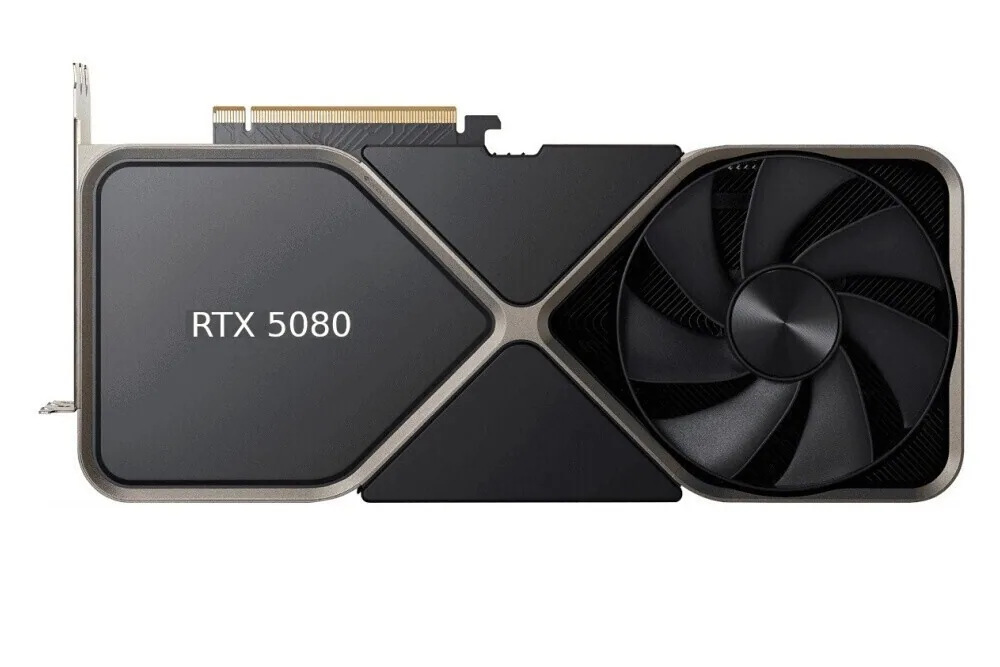 VS
VS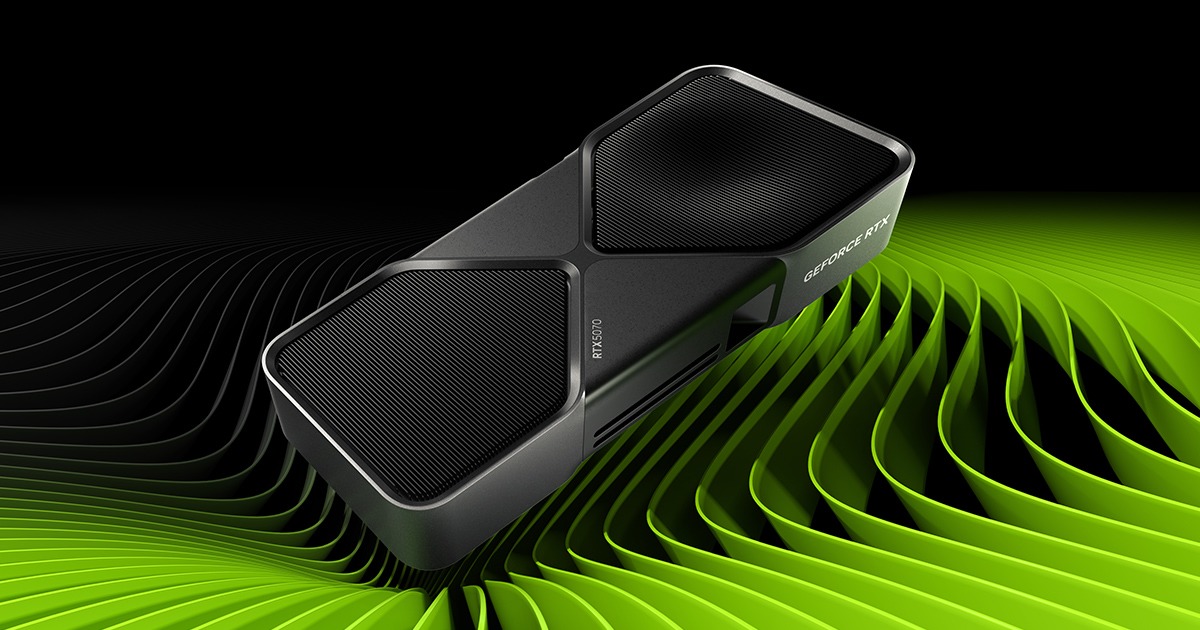
The difference that matters
Both cards use Blackwell architecture, 16 GB of GDDR7 on a 256-bit interface and the same GeForce RTX 50 feature family. The RTX 5080 adds compute, RT throughput and a second NVDEC unit; it does not add VRAM.
For most high-end 1440p systems, the RTX 5070 Ti is the rational buy. The RTX 5080 is easier to justify for high-refresh 4K, heavy ray tracing or professional work where repeated time savings have real value.
5070 Ti for value; 5080 for greater 4K and ray-tracing headroom.
| Your situation | Starting choice | Why |
|---|---|---|
| 1440p value | RTX 5070 Ti | Same 16 GB capacity, lower GPU and platform cost |
| 1440p high refresh | Depends | 5070 Ti is the value start; 5080 adds GPU headroom in heavier games |
| 4K gaming | RTX 5080 | More base GPU capability before upscaling or generated frames |
| Demanding ray tracing | RTX 5080 | Higher official RT throughput and more performance headroom |
| DLSS-heavy gaming | Depends | Both support the RTX 50 DLSS feature set; the 5080 remains the faster base GPU |
| Creator workloads within 16 GB | RTX 5080 | More compute and a second sixth-generation decoder |
| Power and PSU impact | RTX 5070 Ti | 300 W TGP and 750 W reference-system guidance versus 360 W and 850 W |
| Flexible budget | Depends | Compare the live delivered gap and the total system cost |

How much difference is there in games?
In its February 19, 2025 review, TechSpot measured the RTX 5070 Ti averaging 12% behind the 5080 at 1440p and 13% behind at 4K. With the 5070 Ti as the baseline, that means the 5080 was about 14% and 15% faster, respectively. Changing the baseline changes the percentage.
TechSpot · RTX 5070 Ti review · 2025-02-19. Launch rasterization results; our reversed percentages are calculated from the published rounded gaps. These are not GPUStores tests.
Tom’s Hardware provides a second test method: its 16-game suite averaged just over 60 FPS at 4K Ultra on the 5070 Ti. That puts its capabilities in context, but a 60 FPS average does not guarantee that your most demanding game reaches it. Its detailed charts let you check individual titles; keep that suite separate from TechSpot’s average.
Tom’s Hardware · 16-game rasterization suite · 2025-02-19.
Compare that scale of improvement with the actual price premium. As an illustration only, paying 30% more for 15% more performance raises cost per frame by about 13% (1.30 ÷ 1.15). You may accept that premium to reach a specific target, but it does not become better performance per dollar. Check recent tests of your games before deciding.
GPUStores chart redrawn from rounded published differences. These historical averages do not predict individual games or results with frame generation.
Official specifications — and what they do not tell you
Specifications explain why the RTX 5080 is faster, but they cannot provide one universal performance percentage. The real gap changes with the game, resolution, settings, ray tracing, CPU and exact partner card.
| Specification | RTX 5070 Ti | RTX 5080 | Practical impact |
|---|---|---|---|
| Architecture | NVIDIA Blackwell | NVIDIA Blackwell | Same GPU generation and feature family. |
| CUDA cores | 8,960 | 10,752 | 20% more CUDA units on paper. |
| Memory | 16 GB GDDR7 | 16 GB GDDR7 | The 5080 adds speed, not capacity. |
| Memory bus | 256-bit | 256-bit | Same width; the 5080 uses faster memory. |
| Boost clock | 2.45 GHz | 2.62 GHz | Reference clocks; partner cards can vary. |
| AI throughput | 1,406 AI TOPS | 1,801 AI TOPS | A 28% advantage on NVIDIA’s official metric. |
| Ray tracing | 133 TFLOPS | 171 TFLOPS | More headroom under demanding RT. |
| Graphics power | 300 W | 360 W | 60 W higher reference TGP; actual draw depends on workload. |
| Reference system PSU | 750 W | 850 W | Starting guidance, not a universal guarantee. |
| NVENC / NVDEC | 2× 9th gen / 1× 6th gen | 2× 9th gen / 2× 6th gen | The 5080 adds a second modern decoder. |
| Maximum digital output | 4K 480 Hz or 8K 165 Hz with DSC | 4K 480 Hz or 8K 165 Hz with DSC | Display capability is not a gaming-FPS promise. |
NVIDIA reference specifications; clocks, dimensions, connectors and thermal limits vary by partner model.
What the RTX 5080 premium actually buys
The RTX 5080 has about 20% more CUDA cores, higher official AI and ray-tracing throughput and 360 W reference graphics power instead of 300 W. That compute can add 4K headroom and shorten workloads that already fit inside 16 GB.
It adds no memory capacity. If an AI model, 3D scene or video project genuinely requires 20, 24 or 32 GB, the RTX 5080 cannot load it simply because it is faster.
Better value, lower heat and easier total build cost.
More speed and headroom, but the same 16 GB ceiling.
Which GPU fits your display?
1080p
For ordinary 1080p gaming, both cards usually exceed the need. At very high FPS, the CPU or game engine can become the limit and reduce the visible RTX 5080 advantage.
1440p
The RTX 5070 Ti is the logical target for most premium 1440p systems. Choose the 5080 for very high refresh in demanding games, heavy ray tracing or a near-term move to 4K.
3440×1440
Ultrawide loads the GPU more than 2560×1440 without reaching full 4K. The 5070 Ti remains attractive for value; the 5080 becomes more compelling when targeting high refresh in heavy games or with ray tracing.
4K
Both can play at 4K depending on the game and settings. The RTX 5070 Ti fits with appropriate compromises and DLSS where supported. The RTX 5080 offers more headroom for high refresh, ray tracing and demanding settings.
DLSS 4.5: same features, different base performance
Both Blackwell GPUs support the RTX 50 DLSS stack. Super Resolution reconstructs a higher-resolution output; Ray Reconstruction replaces traditional denoisers in supported ray-traced scenes; Frame Generation and Multi Frame Generation add presented frames between rendered frames. They are not interchangeable features.
DLSS 4.5 does not erase the difference between the cards. Compare base rendered rate, latency and quality mode in the exact game first; the RTX 5080 retains more GPU headroom before generated frames.
DLSS 4.5 Ray Reconstruction is available nowVerify release status, driver, NVIDIA app and activation method.Open →How much extra is worth paying? A Canadian-dollar example.
Suppose a delivered RTX 5070 Ti costs CAD 1,200 and the 5080 is 15% faster in the games you care about. These prices and this gain only illustrate the calculation; they are neither current offers nor GPUStores measurements.
| 5080 delivered price | Price premium | Cost per frame vs 5070 Ti |
|---|---|---|
| CAD 1,320 | 10% | −4.3% |
| CAD 1,380 | 15% | 0% |
| CAD 1,560 | 30% | +13.0% |
In this example, CAD 1,380 is the equal-cost-per-frame point. Above it, you pay a premium for the extra speed. That may be worthwhile if it reaches your target, but it no longer gives better performance per dollar. Substitute your delivered prices and a benchmark matching your games and settings.
Calculate with your two prices
Enter two comparable offers, treating shipping and tax the same way. The initial 15% gain is an assumption based on the rounded 4K average cited above, not a promise in every game. Replace it with a result that matches your use.
Enter two positive prices and a performance gain of zero or more to see the calculation.
A positive cost-per-frame difference means the 5080 costs more for the performance obtained. Calculation: (5080 price ÷ 5070 Ti price) ÷ (1 + gain ÷ 100) − 1. It does not price features, warranty or PC upgrade costs.
Decide with today’s price gap, not a frozen price
Compare the delivered Canadian price of two exact partner models at the same time. GPUStores does not turn a temporary Amazon price into a permanent product fact.
5080 premium (%) = (delivered 5080 price − delivered 5070 Ti price) ÷ delivered 5070 Ti price × 100
| Question | If yes |
|---|---|
| Does the 5070 Ti already meet your targets in your games and settings? | Keep the gap for the CPU, display, storage or simply your budget. |
| Does the 5080 avoid an important 4K, RT or creator compromise? | Value that headroom for your use without assuming a universal FPS gain. |
| Does the 5080 require a new PSU or case? | Add those costs to the premium before deciding. |
Buying framework: always verify price, seller, variant, delivery and returns at purchase time.
Compare the complete PC, not only the GPU
The RTX 5080 may require a newer PSU, more clearance, stronger airflow and budget that could otherwise improve the monitor, CPU or storage. In an upgrade, the full premium leaves the budget; in a premium new build, it may be a small share of the complete cart.
Calculate both the GPU premium and the total-system premium before deciding.
Premium RTX 5070 Ti or entry-level RTX 5080?
A premium 5070 Ti may be quieter, better cooled and better supported. A basic 5080 may be less luxurious, but it still contains the higher-tier GPU. When delivered prices are close and both cards fit, the RTX 5080 is usually the stronger performance purchase.
The premium 5070 Ti can still make sense when the 5080 requires a new PSU, does not fit, comes from a weaker seller or the system is primarily for 1440p. Do not pay hundreds for a tiny factory overclock.
Power supply, heat and case compatibility
NVIDIA lists 300 W and a 750 W system PSU for the RTX 5070 Ti, versus 360 W and 850 W for the RTX 5080. These are reference recommendations: CPU, PSU age and quality, overclocking, drives and sustained load change the requirement.
- Confirm the exact PSU model and age.
- Use only modular cables approved for that PSU.
- Measure length, thickness and cable clearance.
- Avoid a tight bend at the connector and verify airflow.
Streaming, creation and local AI
Both cards include two ninth-generation NVENC encoders. The RTX 5080 adds a second sixth-generation NVDEC decoder and more compute to shorten some workloads.
Ask two separate questions: does the project fit inside 16 GB, and if so, does saving time have value? If the project exceeds 16 GB, neither card solves the capacity limit.
How much VRAM do you really need? →Frequently asked questions
How GPUStores compares these cards
We separate official specifications from buying guidance. We do not publish one universal FPS percentage: the recommendation considers resolution, ray tracing, VRAM, power, exact model, delivered price, seller, returns, warranty and total system cost.
Complete the decision
Final verdict
The RTX 5080 is the faster card; the RTX 5070 Ti is often the more rational 1440p purchase.
Before ordering, line up three things: a benchmark of your game, both delivered prices and any PC upgrade costs. If the cheaper card already reaches your target, the faster one needs a concrete reason to justify its premium.
Affiliate links. Confirm price, seller, condition, delivery and the exact variant with the retailer.
Official sources
Specifications rechecked August 25 and the Canadian buying path revised September 2, 2026. Recommendations are GPUStores’ editorial interpretation; NVIDIA does not guarantee a universal FPS result.
NVIDIA — GeForce RTX 5070 family ↗NVIDIA — GeForce RTX 5080 ↗NVIDIA — DLSS 4.5 technologies ↗In rendering, 20% faster does not mean 20% less time
Take a 60-minute job and a hypothetical 20% throughput increase. The same job takes 60 ÷ 1.20 = 50 minutes: you save 10 minutes, or 16.7% of the original time. This does not assign a 20% gain to the RTX 5080; use a benchmark of your application and scene to supply the actual gain.
If the scene does not fit either card’s 16GB, this calculation may be irrelevant: first establish what the application does when memory runs out. For gaming, use the cost-per-frame calculator above instead.