8 BRANDS · EXACT MODELS & SIZES

The right monitor for the right graphics card.

Compare resolution, refresh rate and format before buying. Every size has its own Amazon.ca and Newegg buttons so you do not open the wrong variant.

Monitors for work, creation and travel ↓

BUYING DECISION

Match resolution and refresh rate to the games and GPU

ProfilePriorityCheck
24–27 inch 1080pValue and competitive playCheck pixel density at 27 inch
27 inch 1440pBalanced sharpness and speedA strong mainstream target
32 inch 4K or ultrawideImmersion, creation and premium gamingRequires more GPU and desk space

Mistakes to avoid

  • Buying 240 Hz for games that cannot approach it.
  • Treating every HDR badge as the same experience.
  • Ignoring ports, stand adjustment, burn-in policy and warranty.

Continue your research

Best gaming monitors →GPU for 1440p high refresh →
Is OLED always the right upgrade?

No. Contrast and response are excellent, but brightness, static content, policy and price still matter.

Should I target 4K or 240 Hz?

Choose 4K for detail and creation; high refresh for games that can consistently use it.

CHOOSE BY GRAPHICS CARD

Which monitor tier fits your GPU?

Too much resolution can sharply reduce frame rates. These shortcuts point to a realistic tier for your system.

1080p / 1440pRTX 5060 · RTX 5060 Ti24 to 27-inch · best value↓1440p / 4KRTX 5070 · RTX 5070 Ti27 to 32-inch · premium↓1440p rapide / 4KRTX 508027 to 32-inch OLED · 240 Hz↓4K / ultralargeRTX 509032 to 34-inch · ultra premium↓
$

SORTED BY BUYING TIER

Best value

Strong performance without the ultra-premium price premium.
AOC

G2 et Q27G3XMN

An affordable 24-inch 1080p option and a 27-inch Mini-LED upgrade for 1440p HDR.

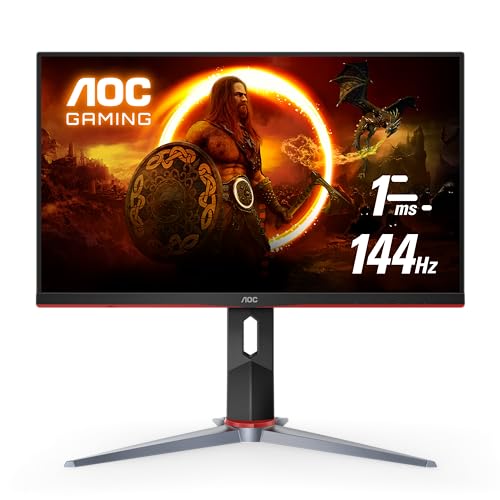
24 po24G2
Resolution
1920 × 1080 IPS
Speed
144 Hz · 1 ms

A strong first gaming display with a fully adjustable stand and FreeSync Premium.

Affiliate links. We may earn a commission from qualifying purchases.

Comparison unavailableThis model does not yet have a complete comparison profile.
27 poQ27G3XMN
Resolution
2560 × 1440 Mini-LED
Speed
180 Hz · 1 ms

336 zones, DisplayHDR 1000 and excellent value.

Affiliate links. We may earn a commission from qualifying purchases.

Comparison unavailableThis model does not yet have a complete comparison profile.
Dell

Gaming QHD

A fast 27-inch IPS display and a curved 34-inch ultrawide for immersion.

27 poG2724D
Resolution
2560 × 1440 Fast IPS
Speed
165 Hz · 1 ms

DisplayHDR 400, FreeSync Premium and G-SYNC compatibility in a versatile size.

Affiliate links. We may earn a commission from qualifying purchases.
Comparison unavailableThis model does not yet have a complete comparison profile.
34 poS3422DWG
Resolution
3440 × 1440 VA · 21:9
Speed
144 Hz · incurvé 1800R

A practical balance for immersion, work and gaming.

Affiliate links. We may earn a commission from qualifying purchases.
Comparison unavailableThis model does not yet have a complete comparison profile.
LG UltraGear

UltraGear IPS 27 et 32 po

Two fast IPS options: an affordable 27-inch 1080p model or a 32-inch 1440p upgrade.

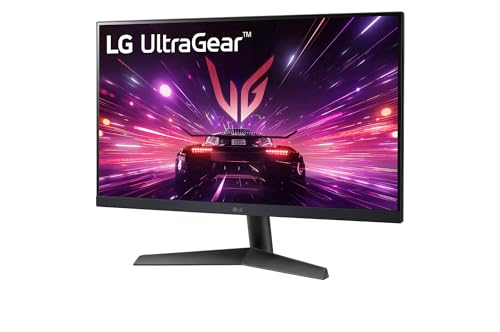
27 poLG UltraGear 27GS60F-B
Resolution
1920 × 1080 IPS
Speed
180 Hz · 1 ms

Affordable fast 1080p gaming for mid-range graphics cards.

Affiliate links. We may earn a commission from qualifying purchases.
Comparison unavailableThis model does not yet have a complete comparison profile.
32 poLG UltraGear 32GS85Q-B
Resolution
2560 × 1440 Nano IPS
Speed
180 Hz · 1 ms

Fast 1440p option without the OLED premium.

Affiliate links. We may earn a commission from qualifying purchases.
Comparison unavailableThis model does not yet have a complete comparison profile.
Gigabyte

M27Q avec KVM

A versatile 27-inch 1440p display that can control two devices with the same keyboard and mouse.

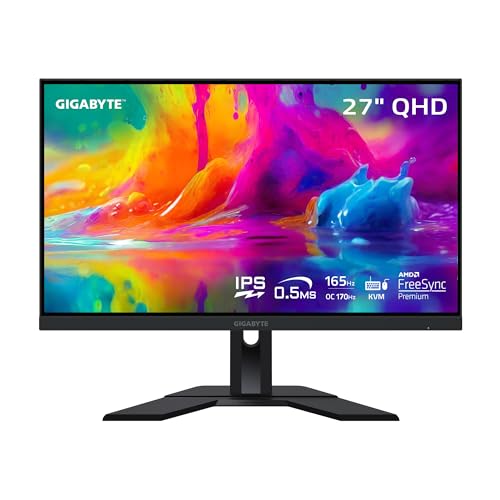
27 poGigabyte M27Q
Resolution
2560 × 1440 SS IPS
Speed
170 Hz · 0,5 ms

A strong balance of gaming, productivity, colour and KVM connectivity.

Affiliate links. We may earn a commission from qualifying purchases.
Comparison unavailableThis model does not yet have a complete comparison profile.
ASUS TUF

VG27AQ1A

A fast 27-inch 1440p option priced below the ROG OLED range.

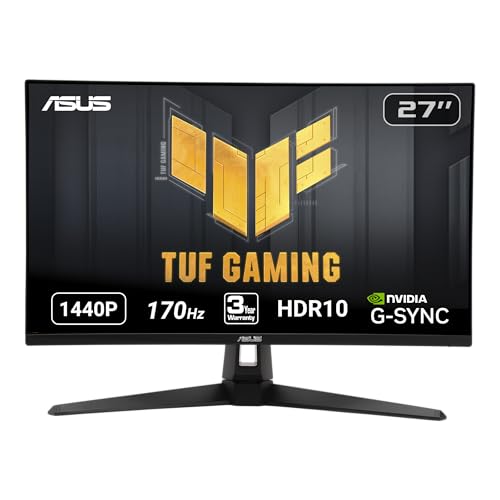
27 poTUF Gaming VG27AQ1A
Resolution
2560 × 1440 IPS
Speed
170 Hz · 1 ms

G-SYNC Compatible, ELMB, HDR10 and integrated speakers.

Affiliate links. We may earn a commission from qualifying purchases.
Comparison unavailableThis model does not yet have a complete comparison profile.
Samsung

Odyssey G5 incurvé

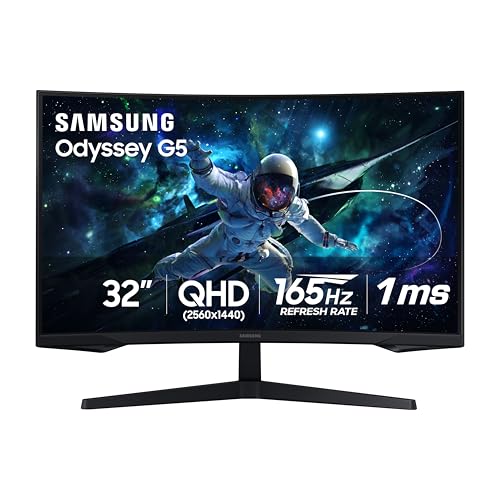
Two curved 1440p formats: a standard 32-inch model or a 34-inch ultrawide.

32 poOdyssey G55C
Resolution
2560 × 1440 VA
Speed
165 Hz · 1 ms

1000R curve, HDR10 and FreeSync for a mid-range gaming system.

Affiliate links. We may earn a commission from qualifying purchases.
Comparison unavailableThis model does not yet have a complete comparison profile.
34 poOdyssey G5 LC34G55T
Resolution
3440 × 1440 VA · 21:9
Speed
165 Hz · 1 ms

A 1000R ultrawide for more immersion without moving to OLED.

Affiliate links. We may earn a commission from qualifying purchases.
Comparison unavailableThis model does not yet have a complete comparison profile.
$$

SORTED BY BUYING TIER

Premium

Fast, well-equipped OLED displays for powerful gaming systems.
LG UltraGear

OLED série GS

Three distinct formats: 27-inch for fast 1440p, 32-inch for 4K and 34-inch for curved ultrawide gaming.

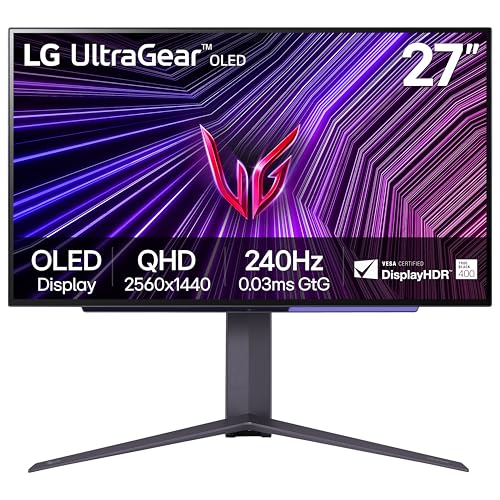
27 po27GS95QE-B
Resolution
2560 × 1440 OLED
Speed
240 Hz · 0,03 ms

Compact and less demanding than a 4K display.

Affiliate links. We may earn a commission from qualifying purchases.
32 po32GS95UE-B
Resolution
3840 × 2160 OLED
Speed
4K 240 Hz · FHD 480 Hz

Dual mode switches between 4K quality and competitive speed.

Affiliate links. We may earn a commission from qualifying purchases.
34 po34GS95QE-B
Resolution
3440 × 1440 OLED · 21:9
Speed
240 Hz · incurvé 800R

Immersive ultrawide; requires more desk space.

Affiliate links. We may earn a commission from qualifying purchases.
Comparison unavailableThis model does not yet have a complete comparison profile.
ASUS ROG

Swift OLED

The 27-inch prioritizes smooth 1440p; the 32-inch moves to 4K with more complete connectivity.

27 poPG27AQDM
Resolution
2560 × 1440 OLED
Speed
240 Hz · 0,03 ms

Excellent for FPS titles and smaller desks.

Affiliate links. We may earn a commission from qualifying purchases.

Comparison unavailableThis model does not yet have a complete comparison profile.
32 poPG32UCDM
Resolution
3840 × 2160 QD-OLED
Speed
240 Hz · 0,03 ms

4K, HDMI 2.1 and USB-C; needs a powerful graphics card.

Affiliate links. We may earn a commission from qualifying purchases.

MSI

MPG QD-OLED

A complete 4K OLED option for gaming and multiple connected devices.

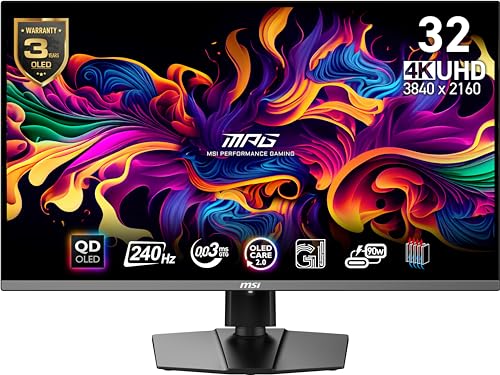
32 poMPG 321URX QD-OLED
Resolution
3840 × 2160 QD-OLED
Speed
240 Hz · 0,03 ms

HDMI 2.1, USB-C, KVM switch and OLED Care.

Affiliate links. We may earn a commission from qualifying purchases.

Comparison unavailableThis model does not yet have a complete comparison profile.
$$$

SORTED BY BUYING TIER

Ultra premium

Current display technology, advanced connectivity and maximum performance.
Alienware

QD-OLED

A 27-inch 1440p QD-OLED focused on competitive speed and contrast.

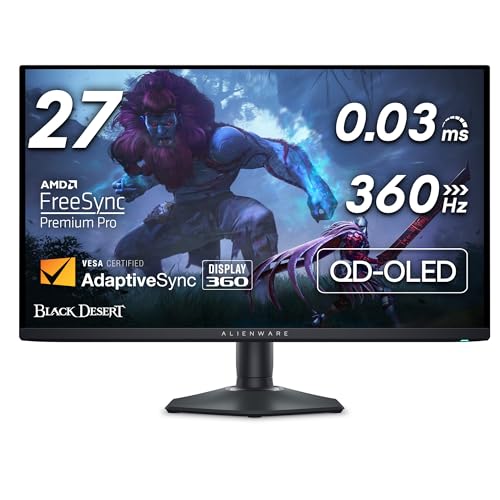
27 poAW2725DF
Resolution
2560 × 1440 QD-OLED
Speed
360 Hz · 0,03 ms

Very high refresh, FreeSync Premium Pro and a compact format.

Affiliate links. We may earn a commission from qualifying purchases.

Samsung

Odyssey OLED G8

A flagship 32-inch 4K QD-OLED with integrated smart features.

32 po OLEDSamsung Odyssey OLED G8 G80SD
Resolution
3840 × 2160 QD-OLED
Speed
240 Hz · 0,03 ms

OLED contrast, smart features and premium 4K gaming.

Affiliate links. We may earn a commission from qualifying purchases.

Comparison unavailableThis model does not yet have a complete comparison profile.
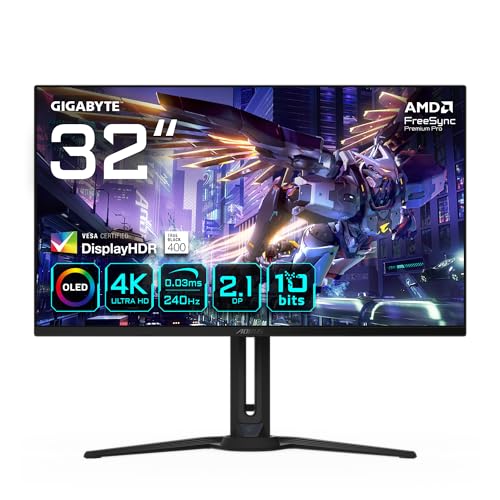
Gigabyte AORUS

FO32U2P

A 4K OLED display built for flagship graphics cards and current connectivity.

32 poAORUS FO32U2P
Resolution
3840 × 2160 OLED
Speed
240 Hz · 0,03 ms

DisplayPort 2.1 UHBR20, HDMI 2.1, USB-C and KVM.

Affiliate links. We may earn a commission from qualifying purchases.

Comparison unavailableThis model does not yet have a complete comparison profile.

CHOOSE BY WORKFLOW

Work, creation and portability

Distinct uses with their connections and limitations.
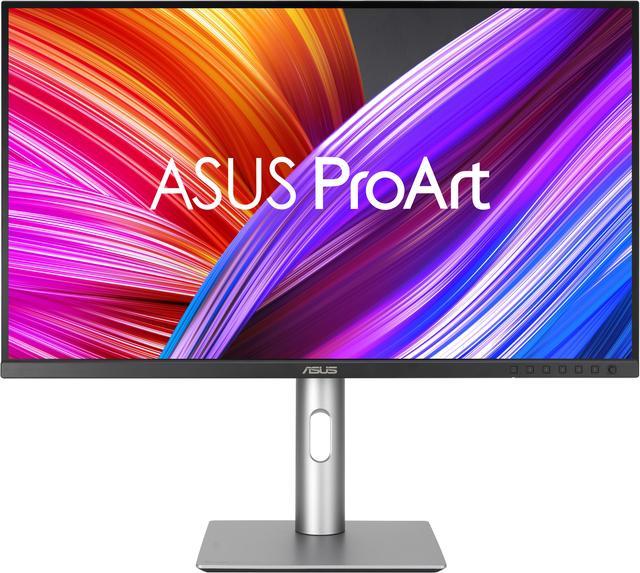
ASUS ProArt PA279CRV
ASUS

ProArt PA279CRV

A work and image-editing alternative to the gaming-heavy monitor selection. Prioritize its workspace, colour workflow and laptop connection when choosing. A high-refresh display serves a different purpose; decide whether fast motion or a detailed desktop is the more important part of your day.

Panel
27-inch IPS; 3840 × 2160
Refresh rate
Up to 60 Hz
USB-C
DisplayPort Alt Mode; up to 96 W power delivery
Published gamut
99% DCI-P3 and 99% Adobe RGB
Mount
100 × 100 mm VESA; adjustable stand

60 Hz ceiling; not a 144 Hz gaming monitor or PA279CV

View full product sheet →

Affiliate links. We may earn a commission from qualifying purchases.

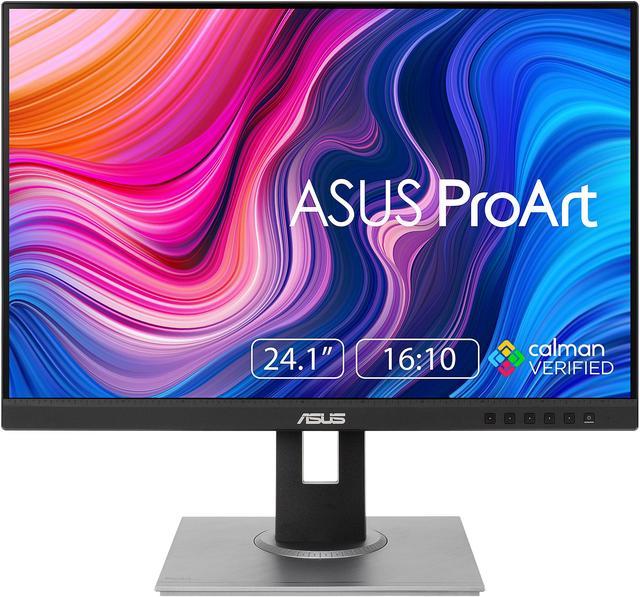
ASUS ProArt PA248QV
ASUS

ProArt PA248QV

A compact office display when document height matters more than a wide gaming format. Its 1200 vertical pixels provide more room than a 1080p screen at the same width. Consider it for spreadsheets, text and a second workstation screen; compare a larger higher-resolution model for dense creative layouts.

Panel
24.1-inch IPS; 1920 × 1200
Aspect ratio
16:10
Refresh rate
Up to 75 Hz
Video inputs
DisplayPort 1.2, HDMI 1.4 and VGA
Mount
100 × 100 mm VESA; height, pivot, swivel and tilt

1920 × 1200, not a 1440p or 4K monitor

View full product sheet →

Affiliate links. We may earn a commission from qualifying purchases.

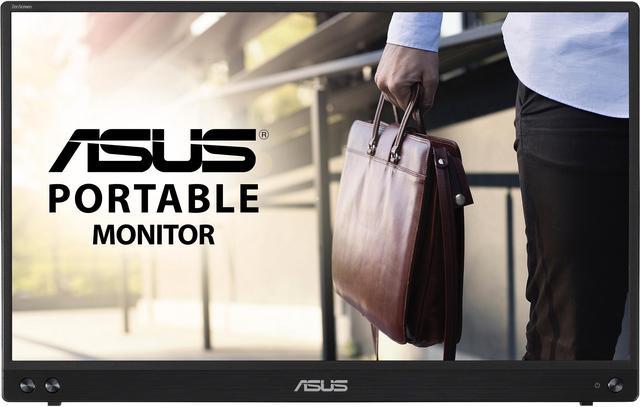
ASUS ZenScreen MB16ACV
ASUS

ZenScreen MB16ACV

Keep reference material or a call on a second screen away from the main desk. It is a travel-oriented choice, not simply a smaller replacement for a full desktop monitor. Confirm the laptop's video path and power budget before relying on a single USB connection.

Panel
15.6-inch IPS; 1920 × 1080
Refresh rate
60 Hz
Connection
USB-C; DP Alt Mode or supported USB display driver
Weight
Approximately 0.9 kg
Speakers
None

No HDMI input or integrated speakers

View full product sheet →

Affiliate links. We may earn a commission from qualifying purchases.

Which size should you choose?

24-inch is affordable and well suited to 1080p. 27-inch works well for 1440p and competitive gaming. 32-inch is ideal for 4K. A 34-inch ultrawide adds immersion, but also GPU load and desk-space requirements.

Read the full guide →
Share