PC COMPONENTS
Build better. Choose right.
Twelve essential families, clearly explained. Start with the need, verify compatibility, compare the exact model and confirm delivered price with the retailer.
4-STEP METHOD
Reduce mistakes before opening a product page
- 1Define the workload and problem to solve.
- 2Set total budget, including dependent parts.
- 3Verify fit, socket, BIOS, power and connectors.
- 4Compare MPN, delivered price, warranty and returns.
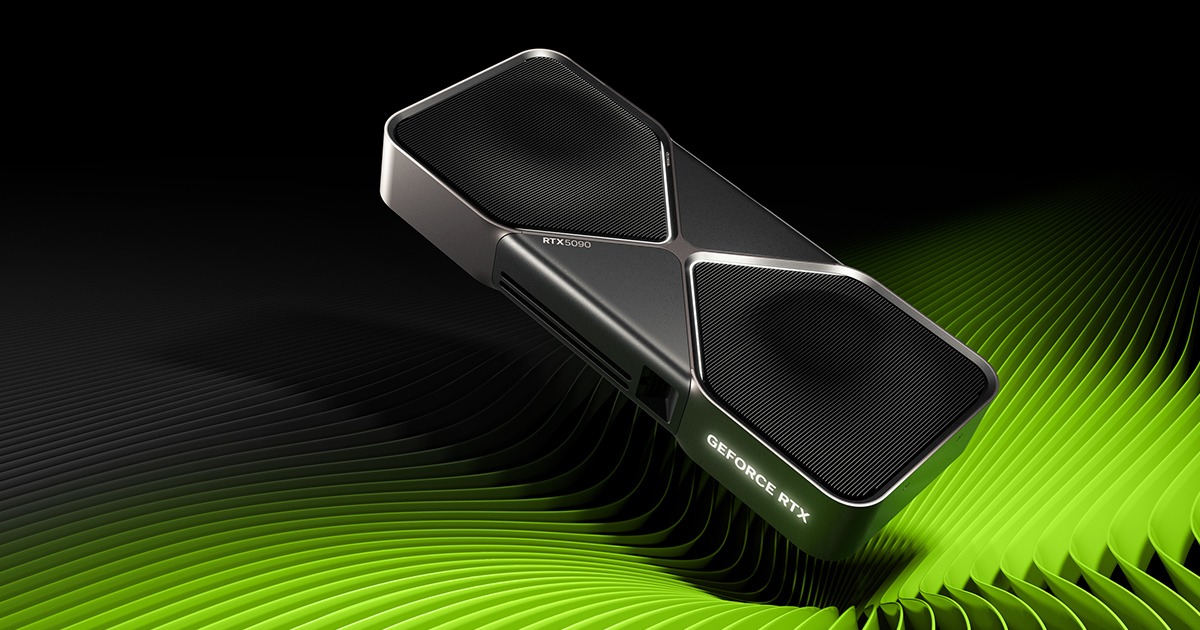 01 · GPU
Graphics card
Choose by resolution, frame-rate target, VRAM and exact model.
Explore category →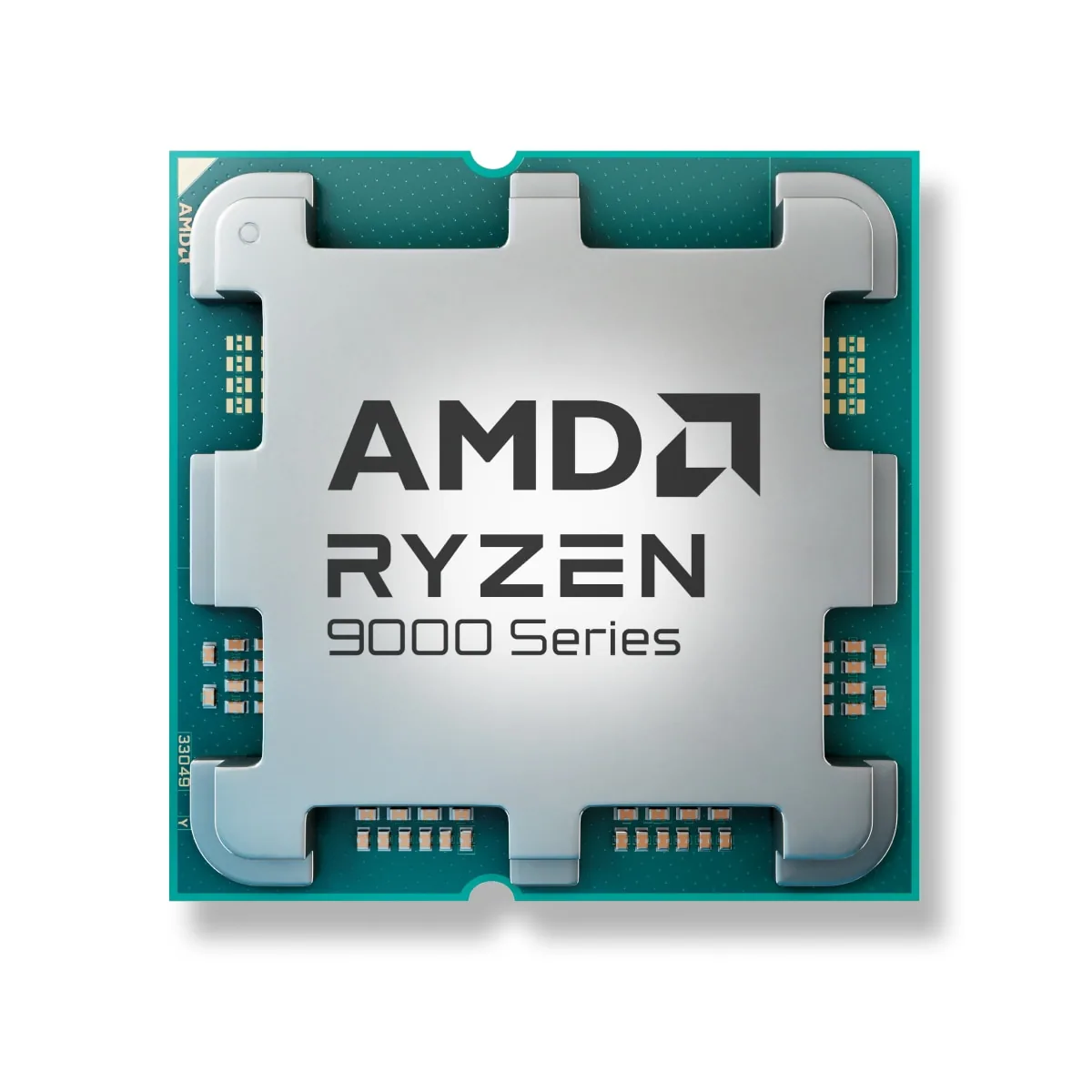 02 · CPU
Processor
Compare workload and total platform cost—not GHz alone.
Explore category →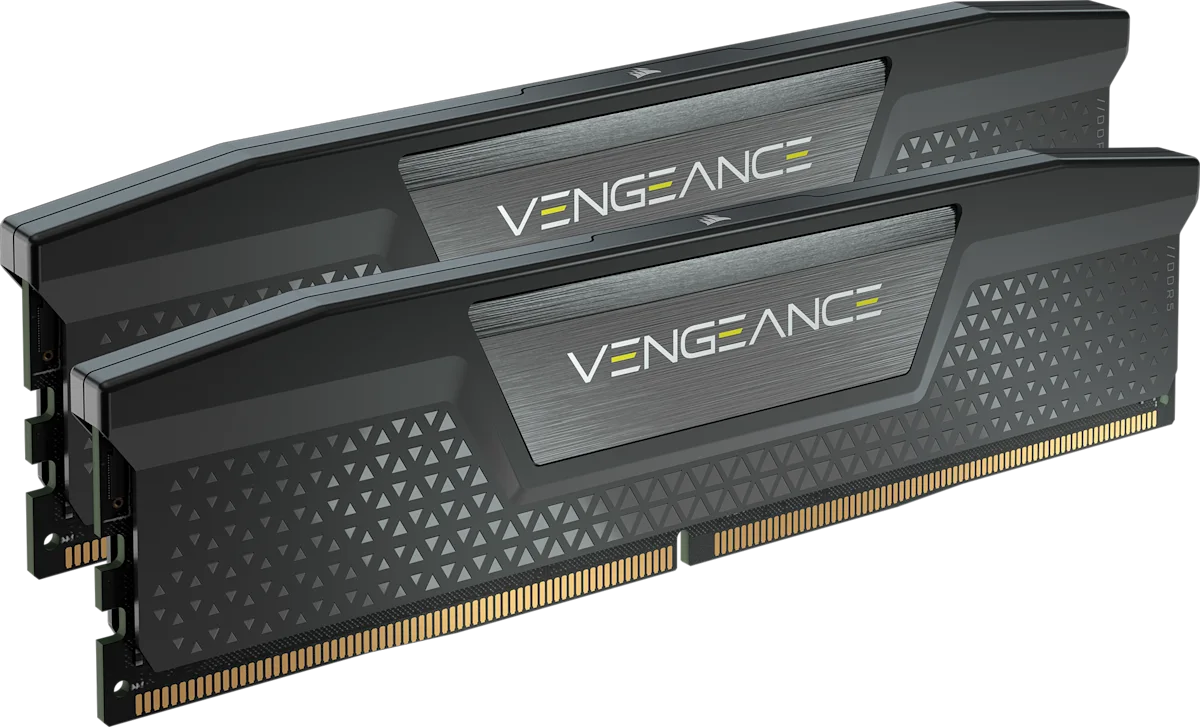 03 · RAM
Memory
Size capacity first, then select one compatible matched kit.
Explore category →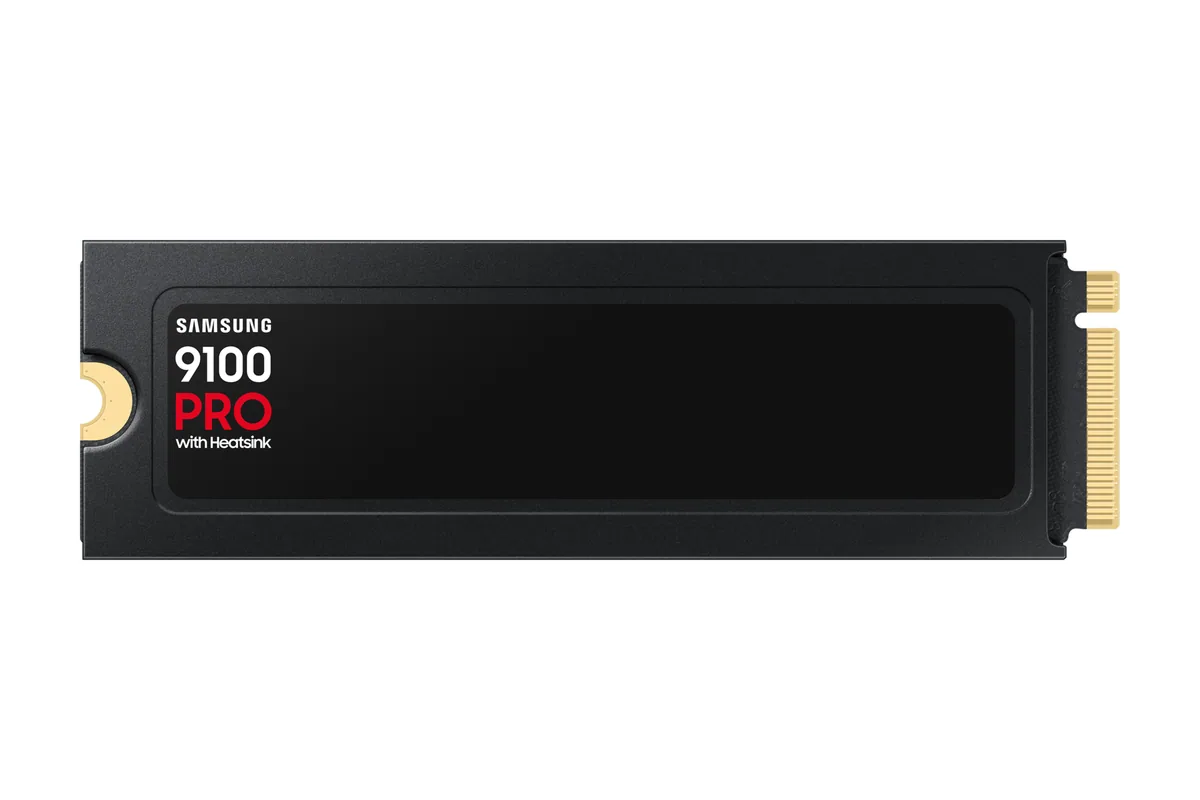 04 · NVME
SSD / NVMe
Choose usable capacity before chasing peak transfer speed.
Explore category →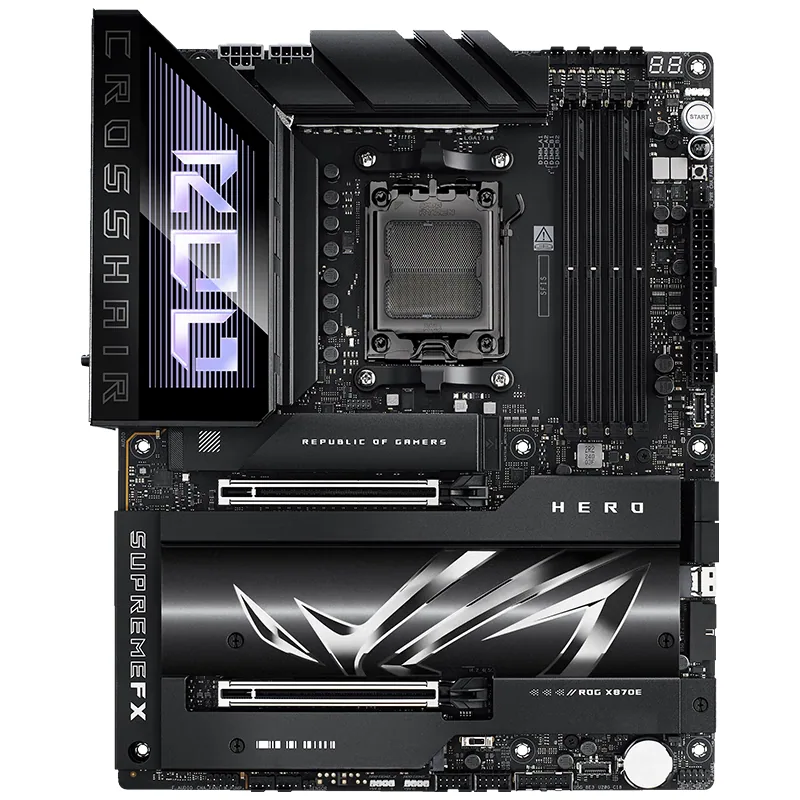 05 · MOTHERBOARD
Motherboard
Verify CPU, BIOS, memory, lanes and the ports you will use.
Explore category →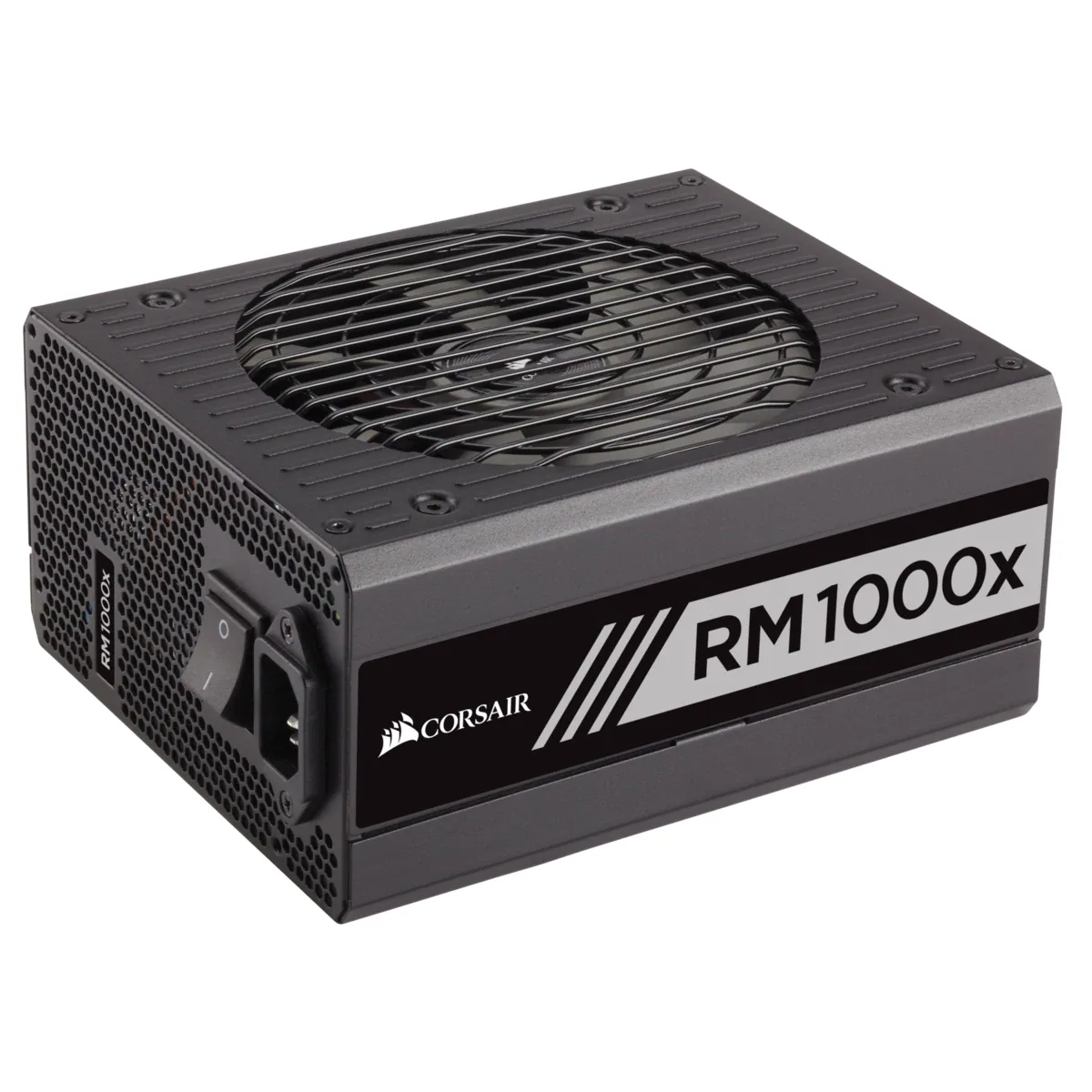 06 · PSU
Power supply
Match the complete build, native cables and sensible headroom.
Explore category →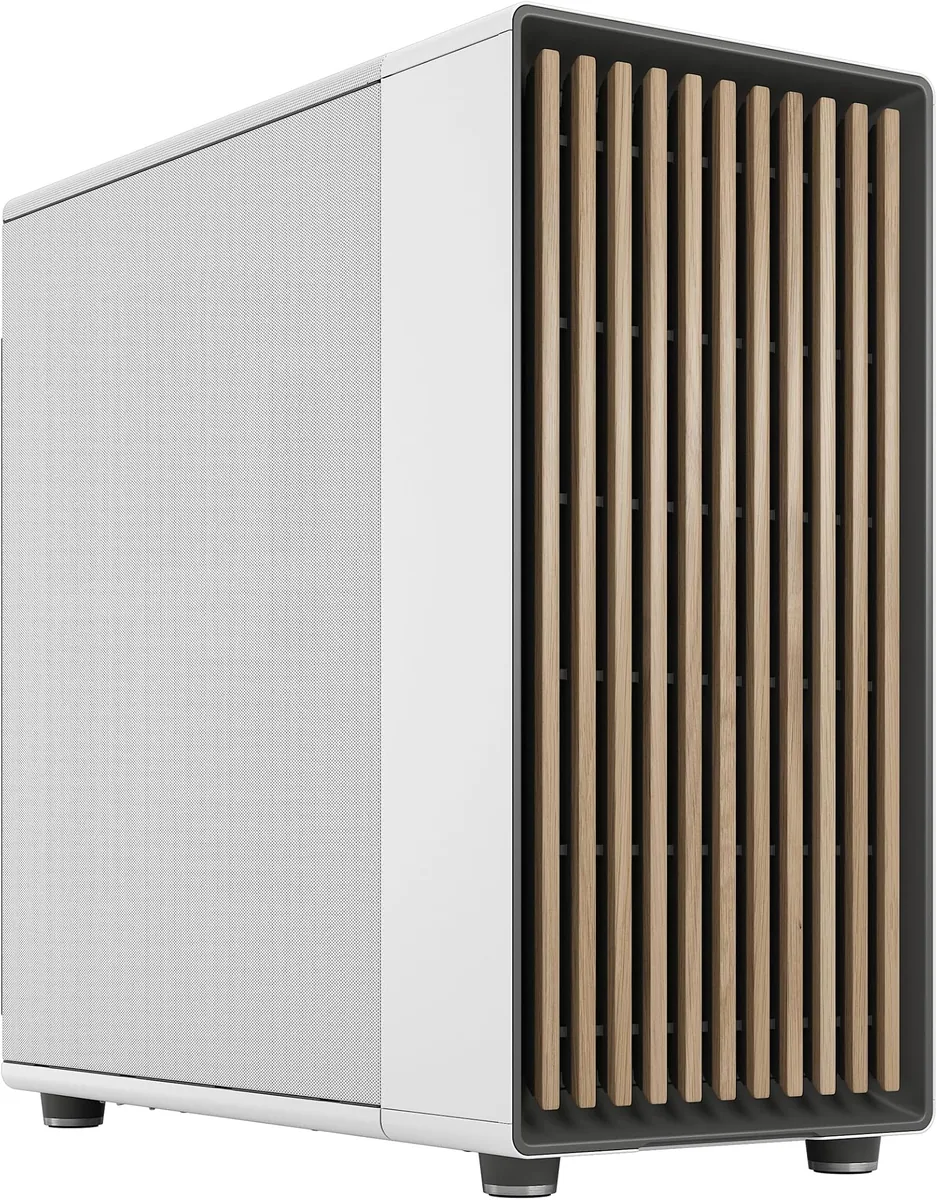 07 · CASE
PC case
Measure installed GPU, cooling, PSU and radiator clearances.
Explore category →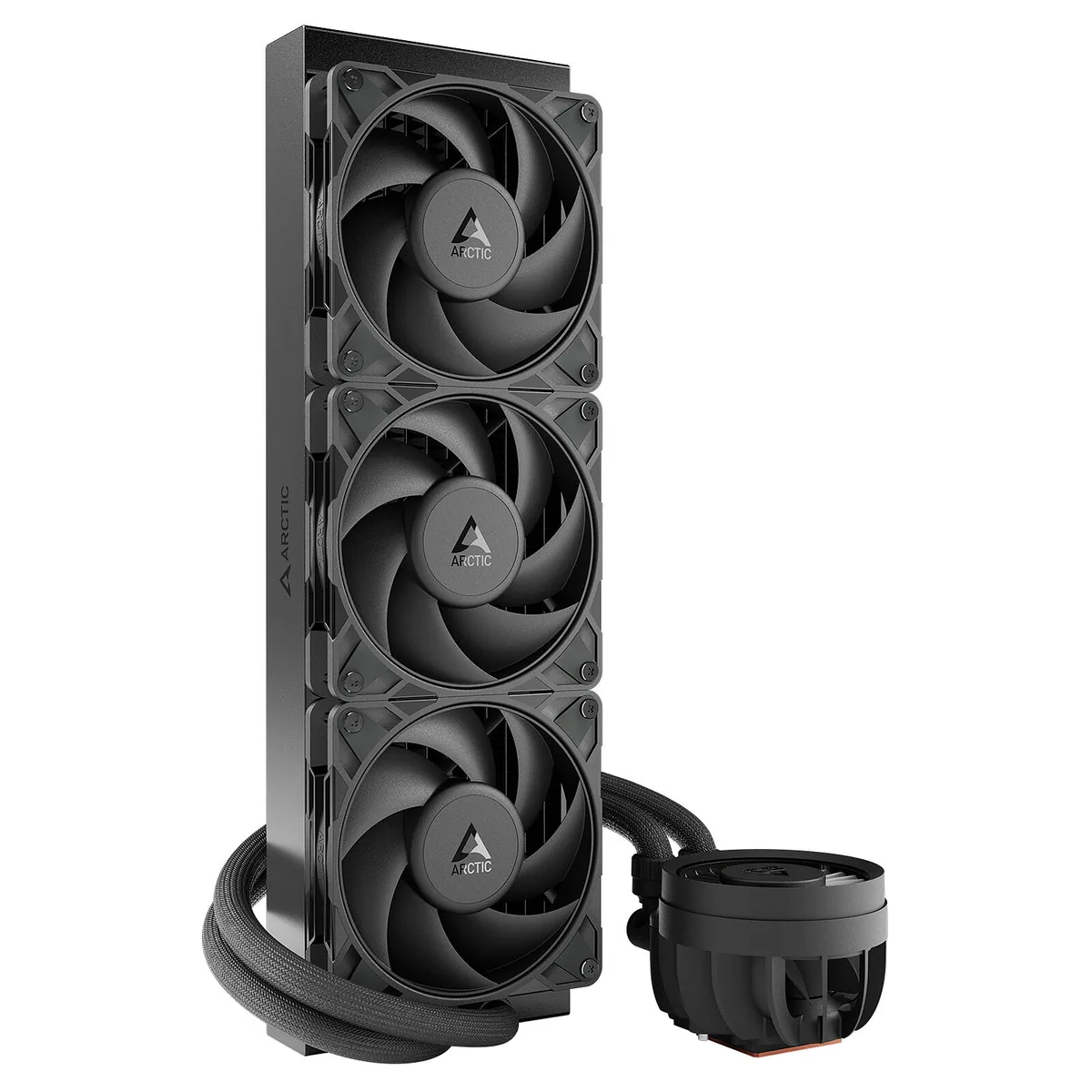 08 · COOLING
CPU cooling
Balance sustained heat, noise, mounting and physical clearance.
Explore category →Gaming monitor
Match resolution, refresh rate, panel and ports to the system.
Explore category →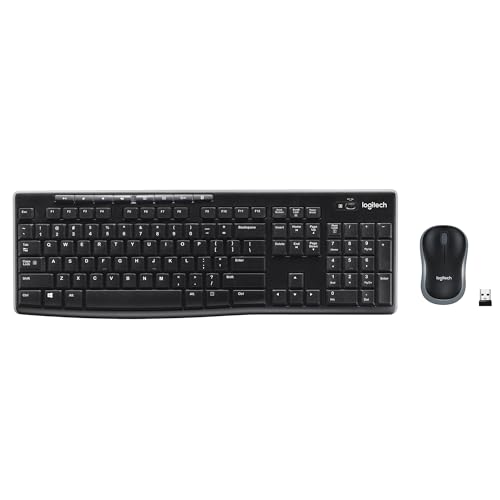 10 · ACCESSORY
PC accessory
Match exact model, connection, ergonomics and included parts.
Explore category →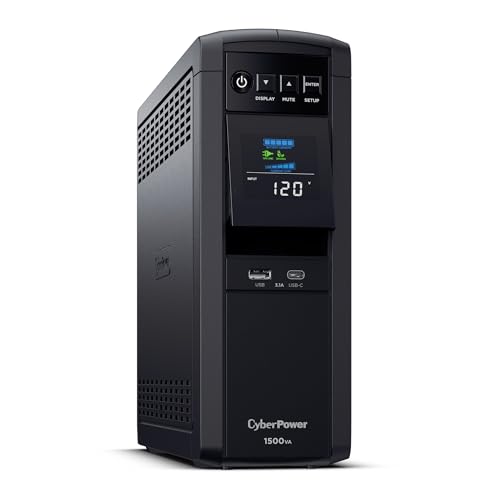 11 · UPS
UPS & power protection
Compare real wattage, waveform, runtime, batteries and exact models.
Explore category →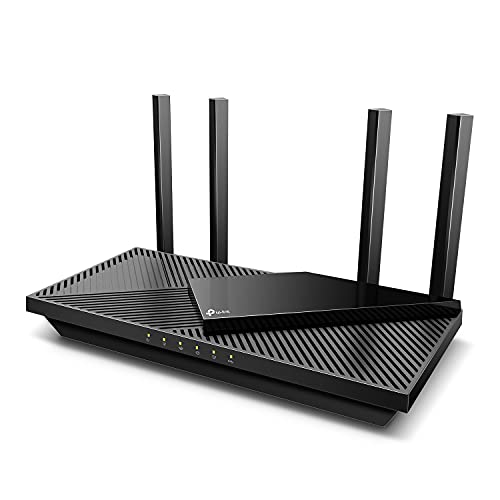 12 · NETWORK
Networking & connectivity
Choose routers, mesh Wi-Fi, network cards or switches by speed, range and ports.
Explore category →