BUYING GUIDE · 1440P GPU
Best 1440p GPU in Canada for 144Hz, 165Hz & 240Hz
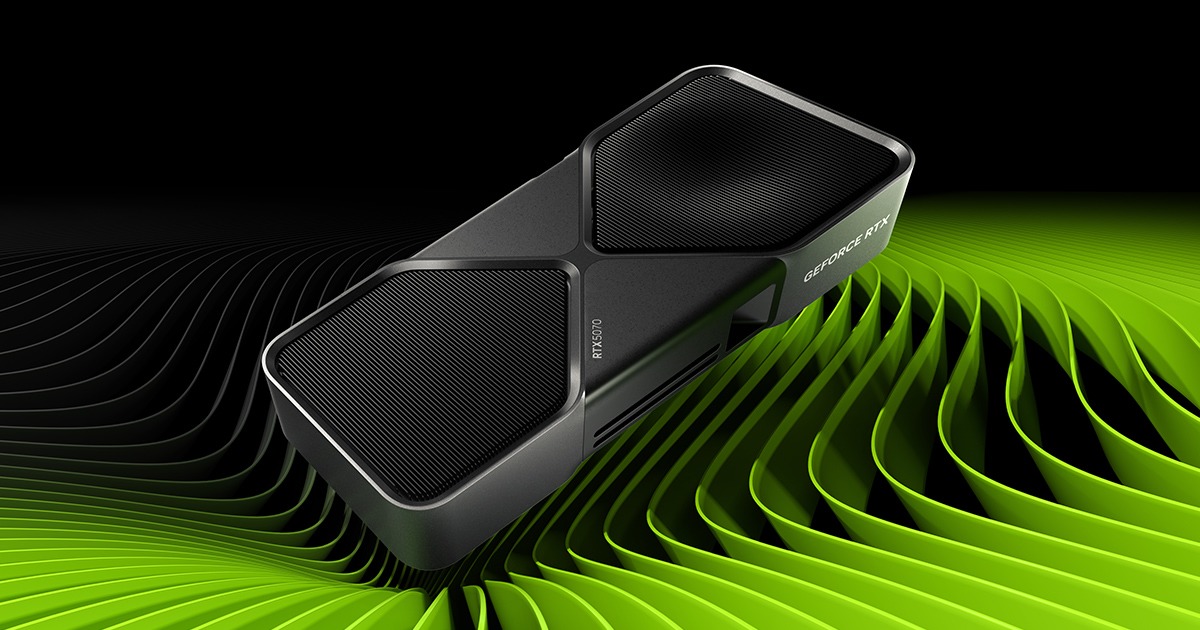
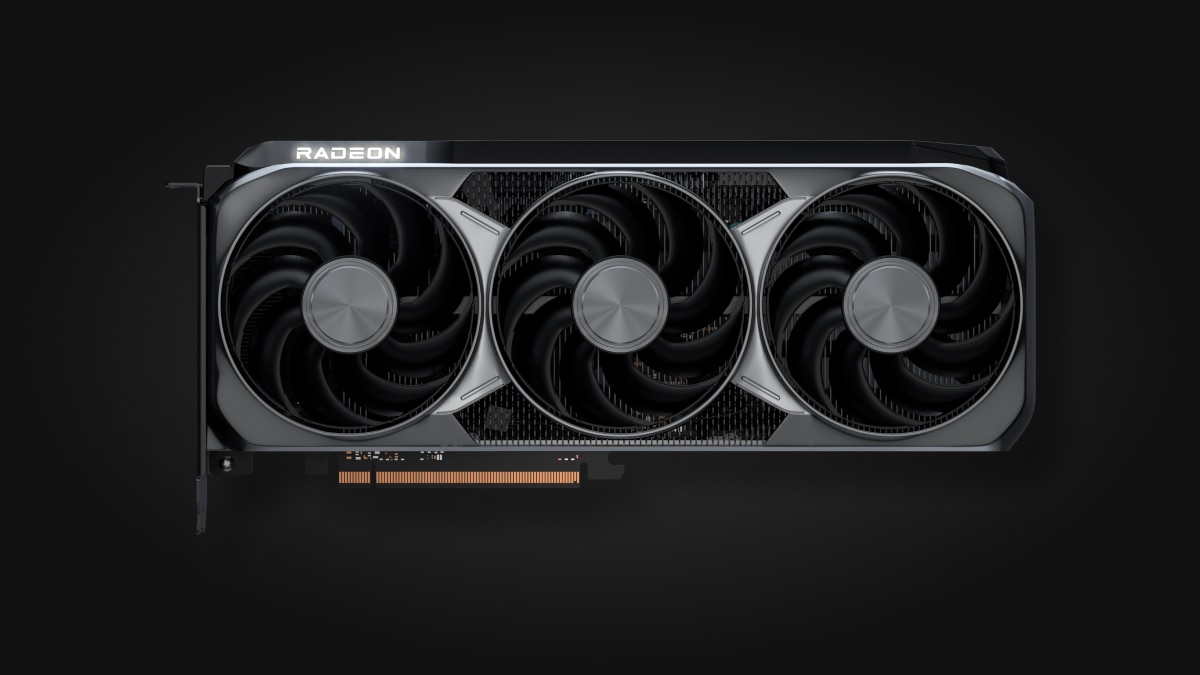
Quick answer: target an RTX 5070 or RX 9070 for balanced 1440p, an RTX 5070 Ti or RX 9070 XT for high settings, and an RTX 5080 to maximize headroom in very demanding AAA games. For 240Hz esports, the CPU and settings matter as much as GPU class.
Monitor refresh rate is a target—not an FPS promise.
144Hz, 165Hz or 240Hz tells you how often the display can refresh. A GPU does not guarantee 144, 165 or 240 FPS in every game: engine, scene, settings, ray tracing, upscaling, frame generation and CPU all change the result.
The same GPU: 57 to 378 FPS across games
Historical TechSpot results, February 19, 2025: RTX 5070 Ti, Ryzen 7 9800X3D, DDR5-6000 CL30, driver 572.42, 2560 × 1440 output. These are their tests, not GPUStores measurements.
| Game | Average FPS | Rendering mode |
|---|---|---|
| War Thunder | 378 | Rasterization |
| Starfield | 85 | Rasterization |
| Black Myth: Wukong | 57 | RT · DLSS Quality |
TechSpot · full charts and test protocol ↗
These averages are neither minimums nor 1% lows. Game settings differ; consult the original charts before comparing your system. A 1440p output using DLSS Quality is not native 1440p rendering.
For a 165Hz display, start with your most demanding game: a strong result in another title does not solve its limit. For competitive responsiveness, check frame times and 1% lows rather than buying from the highest average FPS.
BUYING SHORTCUT · 3 OPTIONS
Three practical 1440p starting points
Choose the workload tier, verify the exact card, then compare the current Amazon.ca result.
ASUS Dual RTX 5070 12GB OC
Balanced 1440p and the 12 GB decision
View exact model sheet → #ADCheck Amazon.ca
 ASUS Prime RTX 5070 Ti 16GB OC
More 1440p, ray-tracing and VRAM headroom
View exact model sheet →#ADCheck Amazon.ca ASUS Prime RTX 5080 16GB OC
Heavier 4K and ray-tracing workloads
View exact model sheet →#ADCheck Amazon.ca Amazon affiliate links · targeted searches, not exact offers. Confirm the MPN, seller, price, stock and delivery on Amazon.ca.
Observed Canadian offers for these exact models
Newegg Canada prices in CAD, before tax and shipping. Price and stock checks expire independently after 24 hours. Reload this page for the latest stored checks.
ASUS Dual GeForce RTX 5070 12GB OC
$1,159.99 CAD- Retailer
- Newegg Canada
- Seller
- Not supplied by the feed; confirm at Newegg
- Availability
- In stock
- Price checked
- Stock checked
 View this exact model at Newegg
ASUS Prime GeForce RTX 5070 Ti 16GB OC
$1,699.99 CAD- Retailer
- Newegg Canada
- Seller
- Not supplied by the feed; confirm at Newegg
- Availability
- In stock
- Price checked
- Stock checked
View this exact model at NeweggASUS Prime GeForce RTX 5080 16GB OC
$2,369.99 CAD- Retailer
- Newegg Canada
- Seller
- Not supplied by the feed; confirm at Newegg
- Availability
- In stock
- Price checked
- Stock checked
View this exact model at NeweggThese are dated offer snapshots, not delivered totals or price guarantees. Confirm the exact MPN, seller, stock and total at the retailer. Affiliate links: GPUStores may earn a commission from qualifying purchases.
Canadian buying checkpoint
Compare exact partner models on the same day by delivered Canadian price. Seller, taxes, shipping, returns, warranty, power supply and case fit can change the best choice more than a small factory overclock.
Choose your scenario first
BALANCED
RTX 5070 · RX 9070
AAA with tuned settings, or competitive play without defaulting to the next tier.HIGH SETTINGS
RTX 5070 Ti · RX 9070 XT
More AAA, texture and effects headroom; verify delivered price.ESPORTS
RTX 5070 · RX 9070
Competitive settings and a fast CPU; test the exact game.DEMANDING AAA
RTX 5080
The most headroom among these groups, without a 240 FPS guarantee.1440p 144Hz, 165Hz and 240Hz GPU matrix
| Target | Use case | GPU group | Why | Main compromise |
|---|---|---|---|---|
| 1440p 144Hz AAA | High, moderate RT | RTX 5070 Ti · RX 9070 XT | Headroom for demanding games | Price and power |
| 1440p 144/165Hz | Balanced | RTX 5070 · RX 9070 | Versatile starting point | Tune some heavy effects |
| 1440p 165Hz | High settings | RTX 5070 Ti · RX 9070 XT | More headroom without the 5080 tier | No universal 165 FPS |
| 1440p 240Hz | Esports | RTX 5070 · RX 9070 | Competitive settings, CPU priority | Highly game-dependent |
| 1440p 240Hz | Demanding AAA | RTX 5080 | Maximum GPU headroom in this selection | High cost; 240 FPS not guaranteed |
| 1440p | Ray tracing | RTX 5070 Ti · RTX 5080 | DLSS stack and Ray Reconstruction | Depends on game support |
| 1440p | Value | RTX 5060 Ti · RX 9060 XT | Current catalogue entry point | Tune settings/upscaling |
Editorial buying groups, not universal benchmark results. Compare delivered price, your heaviest game and the exact model.
AAA, esports and ray tracing need different choices
AAA and high settings
Start with the heaviest game, your acceptable minimum FPS and the settings you refuse to reduce. RTX 5070 Ti and RX 9070 XT are the practical groups for added 1440p headroom; RTX 5080 is for the buyer paying more for the heaviest scenes or ray tracing, not a guaranteed refresh target.
Esports and 240Hz
Competitive settings often reduce GPU load, so the CPU, memory and engine can limit first. A more expensive card does not automatically fix a CPU limit. Measure frame times and 1% lows in a repeatable scene.
DLSS, FSR, Ray Reconstruction and frame generation
DLSS Super Resolution and AMD FSR Upscaling reconstruct a higher-resolution output from a lower internal render. Quality and gain vary by game and mode.
Adds presented frames between rendered frames. It can improve displayed smoothness, but does not replace a good base rendered rate or low latency.
A distinct DLSS technology that replaces hand-tuned denoisers in supported ray-traced scenes. It is neither FSR nor Frame Generation.
Do not assume feature parity: verify which features the GPU supports and the exact game integrates. Always compare base rendered performance before evaluating generated frames.
CPU, VRAM and monitor complete the decision
Why 240Hz can become CPU-limited
The CPU prepares simulation and rendering instructions. If the GPU finishes faster than the CPU supplies the next work, buying a higher GPU may barely change frame rate. The limit varies by engine and even by scene: use CPU/GPU utilization and frame times, never a fixed percentage.
VRAM at 1440p
Resolution alone does not impose one capacity. Textures, high-resolution packs, mods, ray tracing and the engine change use. More capacity adds headroom when a game genuinely uses it, but guarantees neither FPS nor future compatibility; see how much VRAM 1440p needs before choosing.
1080p, 1440p, 4K or ultrawide display
A competitive 1080p display can shift the limit toward the CPU; 4K and ultrawide generally add pixel load. Choose format, resolution and refresh first, then match GPU and CPU to the real game.
Move from target to the exact model
Compare families first, then verify delivered price, power supply, dimensions, cooling and return policy for the exact partner model.
1440p GPU buying checklist
- 01Set your three heaviest games and the settings you genuinely want.
- 02Choose minimum, average or competitive FPS—do not mix those targets.
- 03Decide whether ray tracing is required or optional.
- 04Compare base rendered performance before upscaling and frame generation.
- 05Check whether the CPU already limits your high-FPS scenes.
- 06Validate VRAM against real textures, mods and games.
- 07Verify power supply, connectors, length, thickness and cooling.
- 08Compare delivered price and the exact partner model before the retailer.
Frequently asked questions
What GPU do I need for 1440p 144Hz?
For a balanced purchase, start with the RTX 5070 or RX 9070; move to the RTX 5070 Ti or RX 9070 XT for more AAA and high-settings headroom. Always verify the game and settings you target.
What GPU do I need for 1440p 165Hz?
The RTX 5070 Ti and RX 9070 XT are the most practical starting group for high settings. An RTX 5070 or RX 9070 can fit with adjusted settings; 165Hz does not guarantee 165 FPS.
What GPU do I need for 1440p 240Hz?
For esports at competitive settings, an RTX 5070 or RX 9070 can be relevant with a fast CPU. For demanding AAA games, the RTX 5080 offers more headroom without guaranteeing 240 FPS in every title.
Is 1440p 240Hz worth it?
Yes when your competitive games regularly exceed 165 FPS and latency matters. For cinematic AAA games, a 144Hz or 165Hz display can offer a better balance of cost, image quality and hardware demand.
Does 240Hz require a stronger CPU?
A high-FPS target often raises CPU importance, but the limit changes by game, scene and settings. Measure CPU and GPU frame times instead of using a universal bottleneck percentage.
How much VRAM do I need for 1440p?
There is no universal threshold. Textures, ray tracing, mods and the engine determine use. Check your heaviest game and measured symptoms before choosing capacity.
Is DLSS or FSR useful at 1440p?
Yes in a well-supported game when you accept the rendering tradeoff. Upscaling and frame generation are separate; also compare native rendered performance and latency.
Do I need 240 FPS for a 240Hz monitor?
No. The monitor remains usable below 240 FPS, especially with a variable-refresh range. You simply do not feed it a completely new frame on every refresh cycle when the GPU produces fewer frames.
Official sources
Specifications and technologies rechecked August 25, 2026. Buying groups are GPUStores’ editorial interpretation to verify in your games; manufacturers do not guarantee universal FPS.
From 144 to 240Hz: each frame gets 2.78ms less
| Target | Frame interval |
|---|---|
| 144 Hz | 6.94 ms |
| 165 Hz | 6.06 ms |
| 240 Hz | 4.17 ms |
Calculation: 1,000 divided by refresh rate. A run taking 8ms per frame corresponds to about 125 FPS, even on a 240Hz monitor. A high average is not enough if slow frames repeatedly exceed the budget; inspect frame times during combat or in the busiest area.
This table is a mathematical conversion, not a GPU result. Use it to set a testable target before paying for a faster card.