Start from Capcom's recommended 8 GB row
RTX 5060 · RX 9060 XT 8 GB · Arc B580A conservative modern class mapped from RTX 2060 Super and RX 6600, with the official Frame Generation condition preserved.
Monster Hunter Wilds
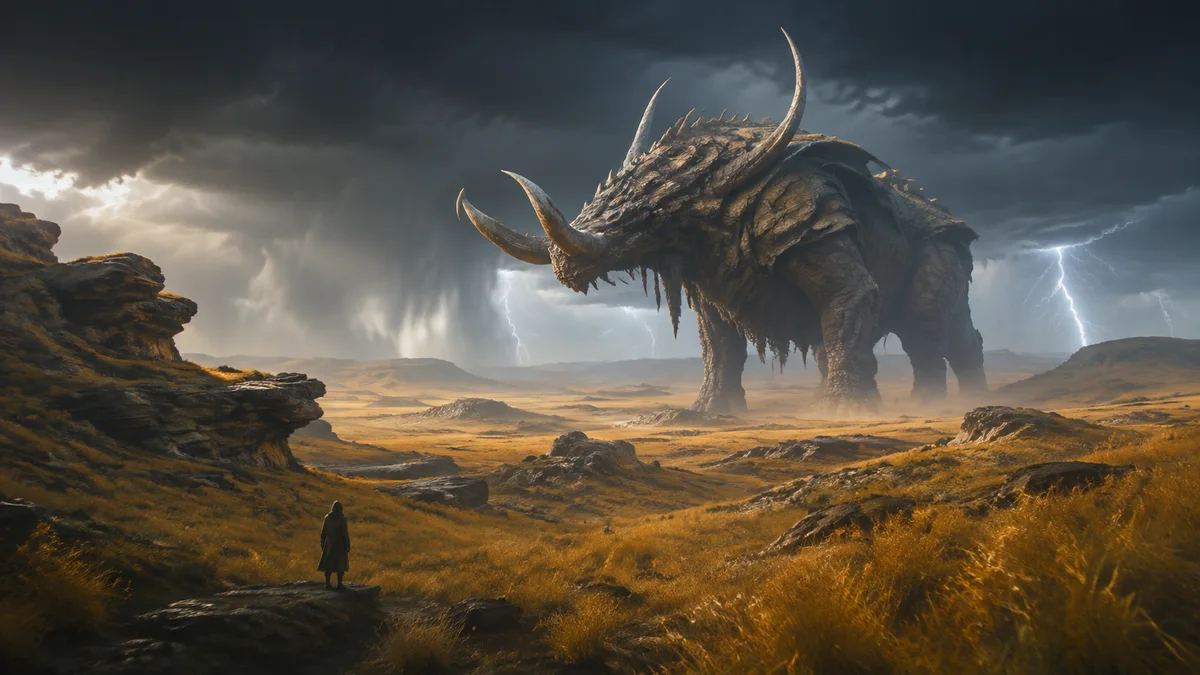
Monster Hunter Wilds is demanding enough that the conditions beside Capcom's FPS labels cannot be hidden. The minimum target starts from 720p before upscaling to 1080p, while the recommended 1080p 60 FPS target uses Frame Generation. Those are displayed-output conditions, not equivalent native-rendering measurements.
BUYING INTERPRETATION
A conservative modern class mapped from RTX 2060 Super and RX 6600, with the official Frame Generation condition preserved.
More memory can add resilience for higher textures and future workloads, but capacity alone does not create a fixed FPS result.
A stronger class for higher resolution or the broader library. Capcom's published table does not provide a matching 1440p FPS guarantee.
PRIMARY SOURCE
| Profile | Official target | Official GPU | CPU · RAM | VRAM · storage |
|---|---|---|---|---|
| Minimum | 1080p output from 720p native · Lowest · 30 FPSCapcom explicitly states the 1080p output is upscaled from 720p native. | GTX 1660 6 GB · RX 5500 XT 8 GB | Core i5-10400 · Core i3-12100 · Ryzen 5 360016 GB | 6–8 GB / 6–8 Go75 GB · SSD required |
| Recommended | 1080p · Medium · 60 FPS with Frame GenerationThe official 60 FPS target includes Frame Generation; it is not a native 60 FPS claim. | RTX 2060 Super 8 GB · RX 6600 8 GB | Core i5-10400 · Core i3-12100 · Ryzen 5 360016 GB | 8 GB75 GB · SSD required |
Capcom's recommended target says 1080p, Medium and 60 FPS with Frame Generation enabled. Generated frames can improve displayed smoothness, but they do not make input response or the base render rate identical to native 60 FPS. Preserve the condition when comparing hardware or user reports.
The minimum row has a similar qualifier: the 1080p output begins at 720p native resolution under the Lowest preset. These official rows are useful compatibility anchors, but neither should be silently presented as a native image-quality benchmark.
Monster Hunter's combat, radial menus and weapon actions are commonly played with a controller. If you prefer mouse and keyboard, extra thumb controls can reduce keyboard reaches, but a heavier command-focused mouse is not automatically better for every weapon or hand.
The mouse picks below are optional input fits based on verified button layout, weight and shape. They are not a claim that a mouse beats a controller, nor that GPUStores tested every weapon. Confirm your control scheme before buying.
WHOLE SYSTEM
Both official rows name Core i5-10400, Core i3-12100 or Ryzen 5 3600; busy scenes can vary.
Capcom states 16 GB for both minimum and recommended profiles.
Minimum names 6–8 GB; recommended names 8 GB. Capacity is not a substitute for GPU performance.
A 75 GB SSD is required. Keep 720p-to-1080p upscaling and Frame Generation visible beside official targets.
These PCs contain a GPU family listed above. This identifies matching hardware, not measured FPS: also verify CPU, RAM and settings against the official profile.
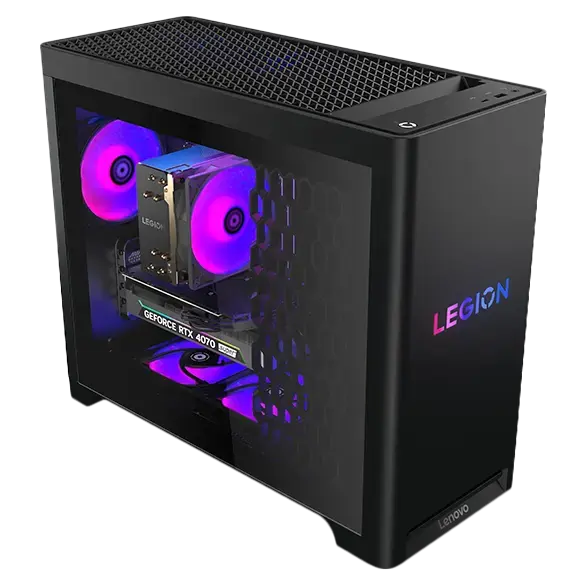
Catalog reference to compare; not ranked by price or measured performance in this game.
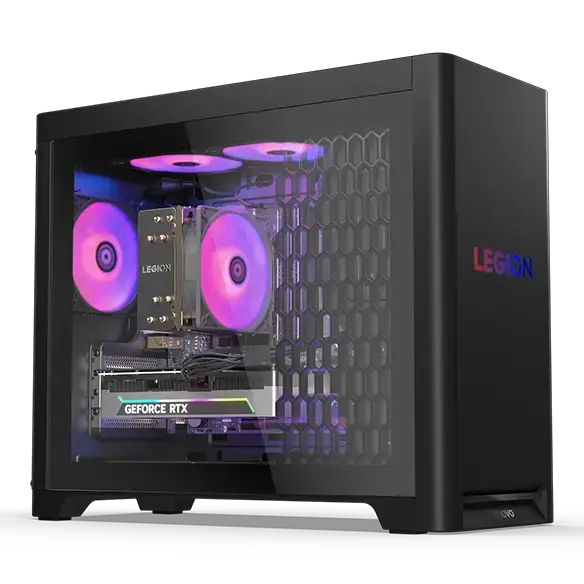
Catalog reference to compare; not ranked by price or measured performance in this game.
METHOD
These buying suggestions are based on published requirements, not GPUStores benchmarks. Game updates and the rest of your PC can change the result.
An unspecified value remains unknown. Confirm delivered price and stock with the retailer before buying.
Our comparison method →Open the official source ↗FAQ
It is GPUStores' practical current baseline mapped from Capcom's recommended RTX 2060 Super row. The official 60 FPS target uses Frame Generation.
Yes. Capcom lists a 75 GB SSD for both official profiles and notes DirectStorage support.
Use the control method that fits your weapon and comfort. Extra-button mice can help keyboard users, but a controller is a valid and often preferred path.
RELATED GAMES
Guides selected by genre, graphics load or GPU class.
View all 50 game guides →