Black Myth: Wukong

Which GPU for Black Myth: Wukong—and in which rendering mode?

The rendering mode changes the answer more than a generic ‘1440p’ label. The official PC requirements explicitly assume upscaling, so native resolution, Quality upscaling and frame generation must be treated as different workloads. Decide which image compromise you accept before comparing hardware.

Guide revised: Official source checked 2026-08-18
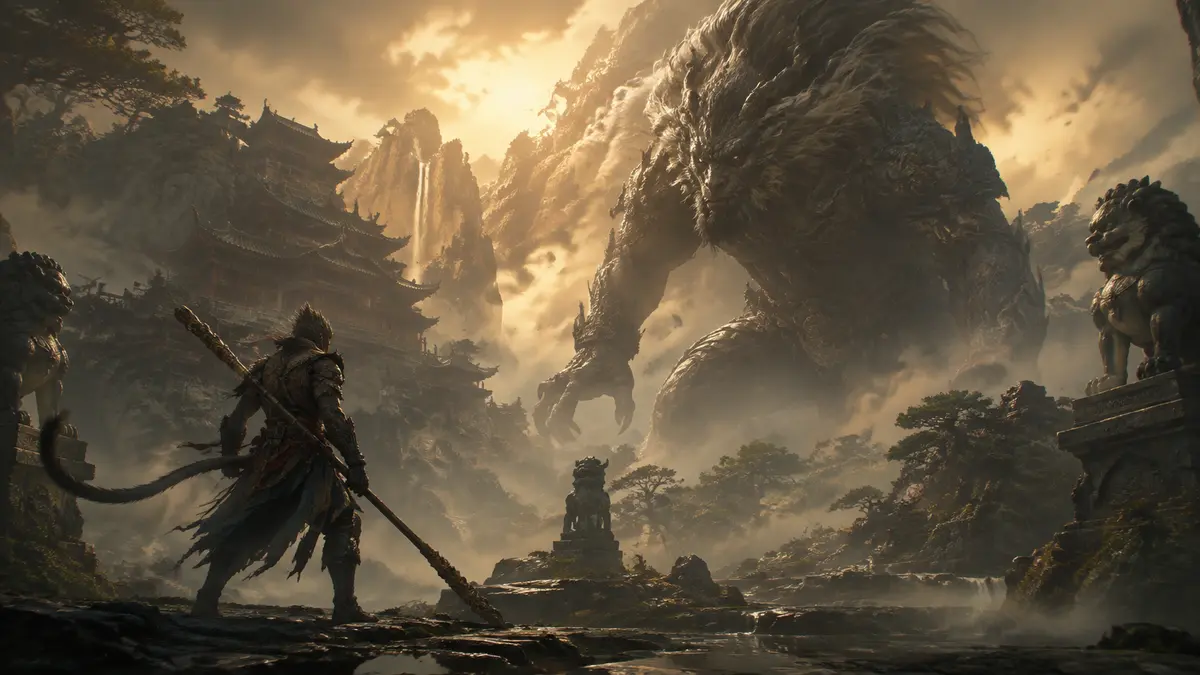
Original mythic mountain battle artwork for the Black Myth Wukong GPU guide

BUYING INTERPRETATION

Choose the GPU class by the profile you will actually use

01 · ADJUSTED RENDERING

Start here when upscaling and tuned settings are acceptable

GeForce RTX 5060 · Radeon RX 9060 XT 8GB · Arc B580

Compare the exact card in the benchmark with your chosen upscaling mode. The official recommended row already assumes DLSS, FSR or XeSS, so it cannot establish native-resolution performance.
GeForce RTX 5060 →Radeon RX 9060 XT 8GB →Arc B580 →
02 · BALANCED HEAVY-GAME BUY

More rendering room without assuming maximum settings

GeForce RTX 5060 Ti 16GB · Radeon RX 9060 XT 16GB

Use this group when the first tier needs too much scaling or too many reductions. Compare base frames first, then judge frame generation separately for visual smoothness and control response.

GeForce RTX 5060 Ti 16GB →Radeon RX 9060 XT 16GB →
03 · NATIVE OR RT RESEARCH

Optional tier for a verified demanding mode

GeForce RTX 5070 · Radeon RX 9070

Move here only with a benchmark matching the native or ray-traced mode you want. Include the exact GPU variant, power supply and delivered Canadian price; more VRAM alone does not prove the needed throughput.

GeForce RTX 5070 →Radeon RX 9070 →
DLSS ✓

DLSS compatibility status

Supported — confirmed in NVIDIA's catalog
  • Multi Frame Generation
  • Frame Generation
  • Super Resolution
NVIDIA catalog checked 2026-08-21. Absence from the catalog does not prove permanent incompatibility.Check NVIDIA's official catalog ↗

How to read the recommendations

The recommendations rise by rendering ambition, not by an invented FPS ladder. The first group is a cautious modern entry, the second is a balanced comparison for a heavier target, and the third is optional headroom. The benchmark must decide whether the step is useful for your settings.

PRIMARY SOURCE

Official PC requirements

ProfileOfficial targetOfficial GPUCPU · RAMVRAM · storage
MinimumMinimum · target not statedOfficial note: upscaling enabled in official notes.GTX 1060 6GB · RX 580 8GBCore i5-8400 / Ryzen 5 160016 GB6 GB130 GB SSD recommended
RecommendedRecommended · target not statedOfficial note: DLSS/FSR/XeSS enabled.RTX 2060 · RX 5700 XT · Arc A750Core i7-9700 / Ryzen 5 550016 GBNot stated130 GB SSD

Wukong: price the step beyond a 60 FPS average

GamersNexus, April 2025 · 1440p · High. Ryzen 7 9800X3D at 5.4 GHz, DDR5-6000, four passes. Read from the original chart.

GPUAverage FPS1% low FPS
RTX 5060 Ti 16GB56.749.5
RTX 5070 FE72.163.1

The 5060 Ti falls below a 60 FPS average in this test. The 5070 clears that average and the 1% low, which makes the premium relevant to this particular target. Compare like-for-like settings before considering a generated-frame counter; these results do not establish the performance of Cinematic settings or full ray tracing.

Historical external evidence, not a GPUStores test or a forecast for your PC. Driver and game versions are not specified in this chart; a 1% low is not a guaranteed minimum.

Original chart and conditions · Full review and rendering modes

Use the benchmark as a controlled filter

The standalone benchmark is useful because it lets you repeat the same scene before buying the game or a new card. Save the output resolution, internal scaling, preset, ray tracing and frame-generation state with every result. A number without those settings is not reusable purchasing evidence.

Treat it as a filter, not a guarantee for every boss or effect-heavy scene. If the result is borderline, look for a full-game test of the exact card and settings before spending more.

Steam — free Black Myth: Wukong Benchmark Tool ↗

Read the official row literally

The official recommended row names RTX 2060, RX 5700 XT and Arc A750-class hardware with 16 GB of system RAM and a 130 GB SSD. Its note says DLSS, FSR or XeSS is enabled. It does not state the internal resolution, FPS or ray-tracing level, so those missing values must not be invented.

Game Science — official PC system requirements ↗

WHOLE SYSTEM

The limits that can change the answer

CPU

Core i5-8400 / Ryzen 5 1600; Core i7-9700 / Ryzen 5 5500

RAM

Official profiles span 16 GB.

VRAM

Official profiles state 6 GB where specified.

Storage

Official profiles state up to 130 GB; keep extra room for patches.

COMPLETE PC + ACCESSORIESWhich complete PC for Black Myth: Wukong?2 matching references

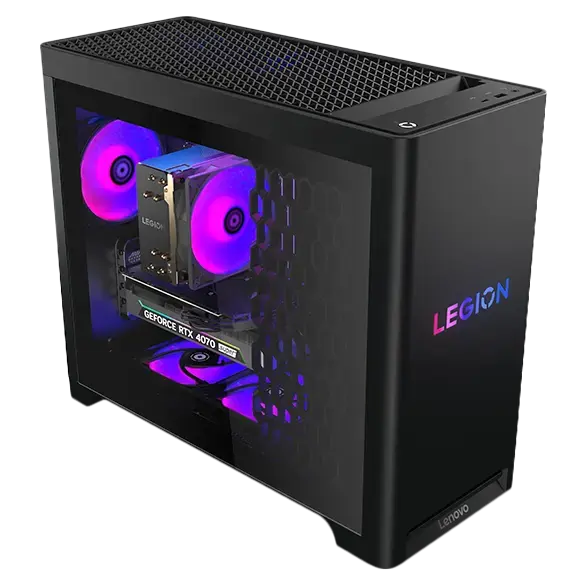
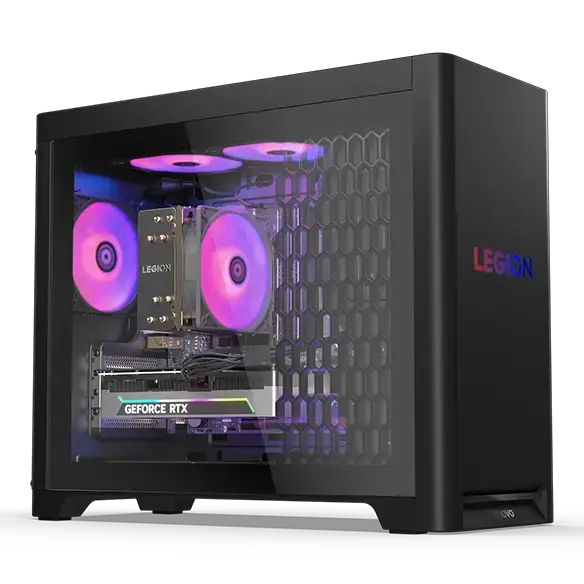
These PCs contain a GPU family listed above. This identifies matching hardware, not measured FPS: also verify CPU, RAM and settings against the official profile.

Matching GPU family

Lenovo Legion Tower 5i Gen 10 RTX 5070

GeForce RTX 5070

Catalog reference to compare; not ranked by price or measured performance in this game.

Matching GPU family

Lenovo Legion Tower 5 Gen 10 30L AMD RTX 5070

GeForce RTX 5070

Catalog reference to compare; not ranked by price or measured performance in this game.

GPU COMPARATOR

Compare GPU families before choosing an exact model

Open GPU comparator →

METHOD

Evidence, method and limitations

GPUStores compares publisher requirements with the technical sources linked in this guide. We have not tested these GPUs ourselves. Any third-party result belongs to the dated test and settings identified beside it. Buying advice and calculations are our analysis; they are not publisher requirements or a promise of performance on your PC.

An unspecified value remains unknown. Confirm delivered price and stock with the retailer before buying.

Our comparison method →Open the official source ↗

FAQ

Frequently asked questions

Should I compare native and upscaled results directly?

No. They render different internal workloads. Keep output resolution, scaling mode, preset and ray tracing equal when comparing GPUs.

Does frame generation replace a stronger base frame rate?

No. It can improve displayed smoothness, but generated frames do not provide the same control response as an equally high base rendering rate. Check both values.

Is the benchmark tool a full-game guarantee?

No. It is a repeatable reference. Confirm borderline results with current full-game tests, particularly in demanding combat scenes.

RELATED GAMES

More game guides

Guides selected by genre, graphics load or GPU class.

View all 50 game guides →
Share