Diablo IV

Which GPU for Diablo IV: 1080p or 4K?

Choose the screen target before the GPU tier. Blizzard's four published launch profiles combine graphics settings, processor and memory; they are dated reference points, not measurements of today's patches. The 4K buying decision includes the rest of the PC.

Guide revised: Official source checked 2026-09-09
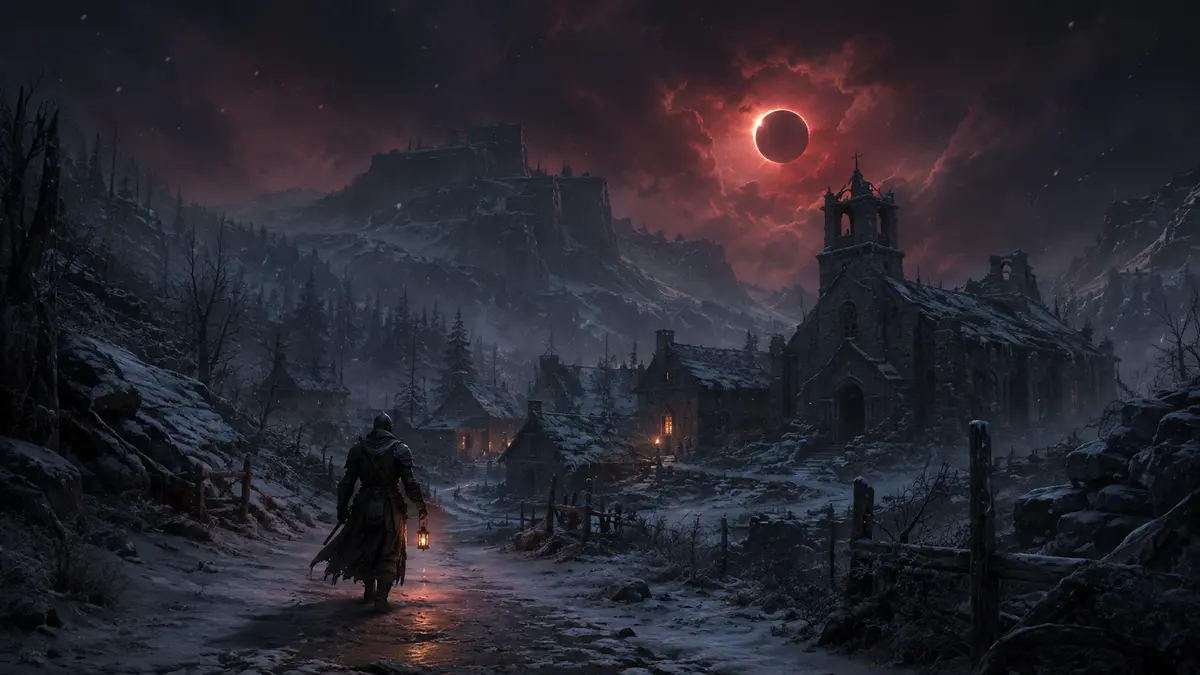
Original gothic winter village beneath a crimson eclipse for the Diablo IV GPU guide

BUYING INTERPRETATION

Choose the GPU class by the profile you will actually use

01 · 1080P BUDGET

Compare an entry upgrade with keeping your PC

GeForce RTX 5060 · Radeon RX 9060 XT 8GB · Arc B580

A new entry GPU is not automatically necessary because the game appears in a buying guide. Test your present system at the settings you want, then compare the least expensive upgrade that solves the measured limitation.
GeForce RTX 5060 →Radeon RX 9060 XT 8GB →Arc B580 →
02 · BROADER GAME LIBRARY

Make the midrange purchase serve your actual games

GeForce RTX 5060 Ti 16GB · Radeon RX 9060 XT 16GB

These 16GB cards are candidates when building a PC for Diablo IV and other games. The memory capacity is a product characteristic, not a Blizzard requirement. Use a recent Diablo IV test to decide whether the higher price improves your chosen settings.

GeForce RTX 5060 Ti 16GB →Radeon RX 9060 XT 16GB →
03 · 4K UPGRADE CHECK

Budget for the system, not just the card

GeForce RTX 5070 · Radeon RX 9070

Check the GPU, system memory and power supply together. The cards shown are candidates for a higher target; this page contains no current benchmark proving their 4K frame rate. Do not transfer a result measured at 1080p to 4K.

GeForce RTX 5070 →Radeon RX 9070 →
DLSS ✓

DLSS compatibility status

Supported — confirmed in NVIDIA's catalog
  • Multi Frame Generation
  • Frame Generation
  • Super Resolution
  • DLAA
NVIDIA catalog checked 2026-08-21. Absence from the catalog does not prove permanent incompatibility.Check NVIDIA's official catalog ↗

How to read the recommendations

The official table below is Blizzard's launch guidance, published April 24, 2023. The current cards are upgrade candidates. A launch specification cannot substitute for a recent performance test of the game version and settings you use.

PRIMARY SOURCE

Official PC requirements

ProfileOfficial targetOfficial GPUCPU · RAMVRAM · storage
High1080p · High · 60 FPSOfficial note: native.RTX 2060 · RX 5700 XT · Arc A770Core i7-8700K / Ryzen 7 2700X16 GBNot stated90 GB SSD
Medium1080p · Medium · 60 FPSOfficial note: native.GTX 970 · RX 470Core i5-4670K / Ryzen 3 1300X16 GBNot stated90 GB SSD
Minimum1080p · Low · 30 FPSOfficial note: 1080p output / 720p render.GTX 660 · R9 280 · Arc A380Core i5-2500K / FX-83508 GBNot stated90 GB SSD
Ultra2160p · Ultra · 60 FPSOfficial note: native.RTX 3080 · RX 6800 XTCore i7-8700K / Ryzen 7 2700X32 GBNot stated90 GB SSD

Read the minimum rendering target carefully

The minimum launch target uses a 720p internal image displayed at 1080p, at Low settings and 30 FPS. The Medium and High targets are 1080p at 60 FPS; Ultra targets 4K at 60 FPS. These are publisher launch targets attached to complete PC profiles, not results measured by GPUStores.

Blizzard — the four launch profiles, April 24, 2023 ↗

System RAM is a separate line in the upgrade budget

Blizzard lists 16GB of system RAM for High and 32GB for Ultra 4K. Those amounts do not describe graphics-card memory. Check the installed RAM before spending the entire budget on the GPU.

A useful Canadian upgrade total is: graphics card delivered + compatible RAM if needed + any required power supply. Compare that total with keeping your current resolution. This is a budgeting method; it does not imply that every PC needs all three replacements.

What must be checked in a recent test

Check game version, area tested, resolution, texture settings, ray tracing and frame generation. A quiet early-game scene and a crowded encounter need not behave alike. Keep the launch table as context and let matching current measurements decide a costly purchase.

WHOLE SYSTEM

The limits that can change the answer

CPU

Core i7-8700K / Ryzen 7 2700X; Core i5-4670K / Ryzen 3 1300X; Core i5-2500K / FX-8350

RAM

Official profiles span 8–32 GB.

VRAM

Not stated by the source.

Storage

Official profiles state up to 90 GB; keep extra room for patches.

COMPLETE PC + ACCESSORIESWhich complete PC for Diablo IV?2 matching references

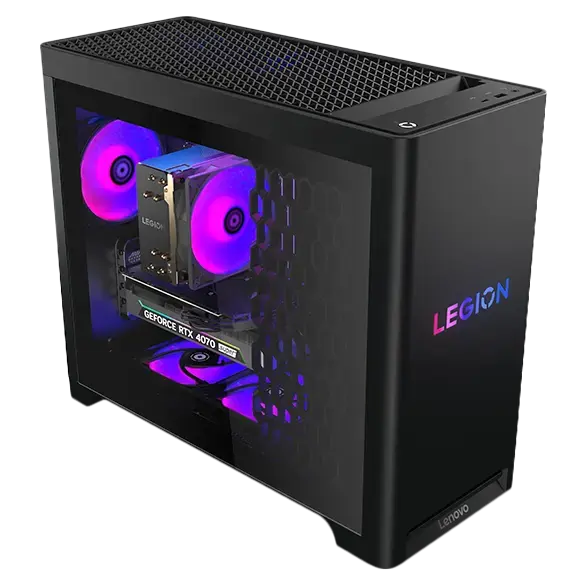
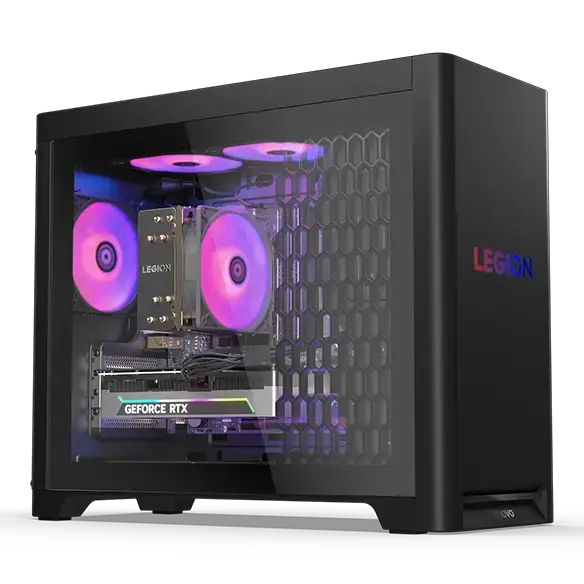
These PCs contain a GPU family listed above. This identifies matching hardware, not measured FPS: also verify CPU, RAM and settings against the official profile.

Matching GPU family

Lenovo Legion Tower 5i Gen 10 RTX 5070

GeForce RTX 5070

Catalog reference to compare; not ranked by price or measured performance in this game.

Matching GPU family

Lenovo Legion Tower 5 Gen 10 30L AMD RTX 5070

GeForce RTX 5070

Catalog reference to compare; not ranked by price or measured performance in this game.

GPU COMPARATOR

Compare GPU families before choosing an exact model

Open GPU comparator →

METHOD

Evidence, method and limitations

GPUStores compares publisher requirements with the technical sources linked in this guide. We have not tested these GPUs ourselves. Any third-party result belongs to the dated test and settings identified beside it. Buying advice and calculations are our analysis; they are not publisher requirements or a promise of performance on your PC.

An unspecified value remains unknown. Confirm delivered price and stock with the retailer before buying.

Our comparison method →Open the official source ↗

FAQ

Frequently asked questions

Does Blizzard officially require 10GB of VRAM here?

No separate VRAM requirement is stated in the cited launch table. A named card's capacity must not be presented as a general publisher requirement.

Are the launch profiles current benchmarks?

No. They are dated publisher guidance. A purchase for the current game should also use recent tests with matching settings.

Does a 4K upgrade require replacing every component?

No. Inventory your existing components and check compatibility first. Include only changes actually required by the intended card and system target.

RELATED GAMES

More game guides

Guides selected by genre, graphics load or GPU class.

View all 50 game guides →
Share