Which GPU for Path of Exile 2 when the screen gets busy?
A quiet town or early campaign area is a poor test for a build that will stack skills, monsters and effects in the endgame. Path of Exile 2 should be judged in the content you expect to farm, with the CPU and storage checked alongside the graphics card. The game is also still in Early Access as of this review, so patch and test dates matter.
Guide revised: Official source checked 2026-08-18
BUYING INTERPRETATION
Choose the GPU class by the profile you will actually use
01 · CURRENT ENTRY WITH TUNING
Start here for ordinary play with sensible settings
Check this group in a recent version of the game and a representative combat scene. It is not a promise for the most effect-heavy endgame build, and the CPU used in the test matters.
Balanced comparison for a PC expected to reach endgame
GeForce RTX 5060 Ti 16GB · Radeon RX 9060 XT 16GB
Use this group when dips in busy encounters are the problem you want to solve. Compare one-percent lows or frame-time behavior when available, not only a calm-area average.
Optional tier after the CPU and SSD are already suitable
GeForce RTX 5070 · Radeon RX 9070
Consider this for a heavier resolution target or a library of demanding games. Do not use a faster GPU to mask an old CPU, insufficient RAM or a slow, crowded system drive.
NVIDIA catalog checked 2026-08-21. Absence from the catalog does not prove permanent incompatibility.Check NVIDIA's official catalog ↗
How to read the recommendations
The first group is for a current system using adjusted settings, the second adds practical margin for effect-heavy content, and the third is optional headroom for a higher display target or other demanding games. No group promises immunity from CPU-heavy endgame slowdowns.
For campaign play, use a combat with several enemies and layered effects. For an endgame purchase, prefer a dated test of maps or bosses that resembles your build. Record the game patch, resolution, renderer, scaling mode and test CPU; a result from another patch or a much faster processor may not transfer cleanly.
Watch what reaches its limit when the slowdown occurs. High GPU use points toward graphics settings or GPU headroom; a low GPU load with one or more busy CPU threads points elsewhere. That distinction can prevent an expensive graphics upgrade that leaves the same dip intact.
Early Access makes the date part of the result
The current Steam page says the game remains in Early Access and is planned to leave it on December 11, 2026. Performance, content and requirements can still change. Prefer recent tests, keep your evidence dated and re-check after major patches before treating an old comparison as current purchasing advice.
The recommended row raises system RAM from 8 to 16 GB and recommends solid-state storage in addition to the stronger GPU and CPU. If your PC misses several of those points, price the complete upgrade before spending the budget on graphics alone.
Official profiles state up to 100 GB; keep extra room for patches.
COMPLETE PC + ACCESSORIESWhich complete PC for Path of Exile 2?2 matching references
These PCs contain a GPU family listed above. This identifies matching hardware, not measured FPS: also verify CPU, RAM and settings against the official profile.
Matching GPU family
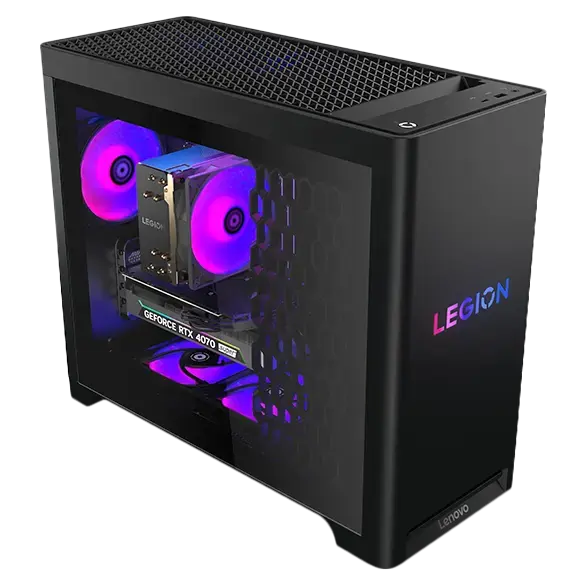
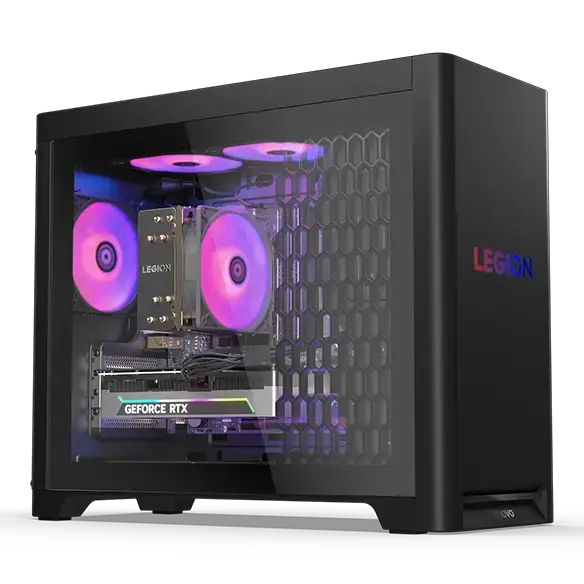
Lenovo Legion Tower 5i Gen 10 RTX 5070
GeForce RTX 5070
Catalog reference to compare; not ranked by price or measured performance in this game.
GPUStores compares publisher requirements with the technical sources linked in this guide. We have not tested these GPUs ourselves. Any third-party result belongs to the dated test and settings identified beside it. Buying advice and calculations are our analysis; they are not publisher requirements or a promise of performance on your PC.
An unspecified value remains unknown. Confirm delivered price and stock with the retailer before buying.
A quiet area does not reproduce the monsters, skills and effects that usually motivate an endgame upgrade. Use a repeatable busy encounter closer to your actual play.
Will a faster GPU fix every endgame slowdown?
No. CPU load, the game patch, storage and the build itself can contribute. Check GPU and CPU utilization during the slowdown before deciding which part to replace.
Does Early Access make current benchmarks useless?
No, but it makes their date and game version essential. Prefer recent tests and re-check the conclusion after a major performance patch.
RELATED GAMES
More game guides
Guides selected by genre, graphics load or GPU class.
With your permission: visitor statistics, retailer clicks and ad measurement, including session recordings. Declining does not block the site.
Services used and privacy
With your permission, GPUStores uses anonymous first-party measurement, Google Analytics, Google Ads, Microsoft Advertising, Microsoft Clarity (heatmaps and session recordings) and the Meta Pixel to measure visits, page reading, retailer clicks and advertising effectiveness. We do not sell personal data.