Apex Legends

Which upgrade does your Apex Legends PC need?

Apex Legends can feel slow because of rendering, a frame-rate limit or the connection. Those problems do not call for the same purchase. Measure what happens in your matches before choosing a graphics card from a minimum-specification list.

Guide revised: Official source checked 2026-09-09
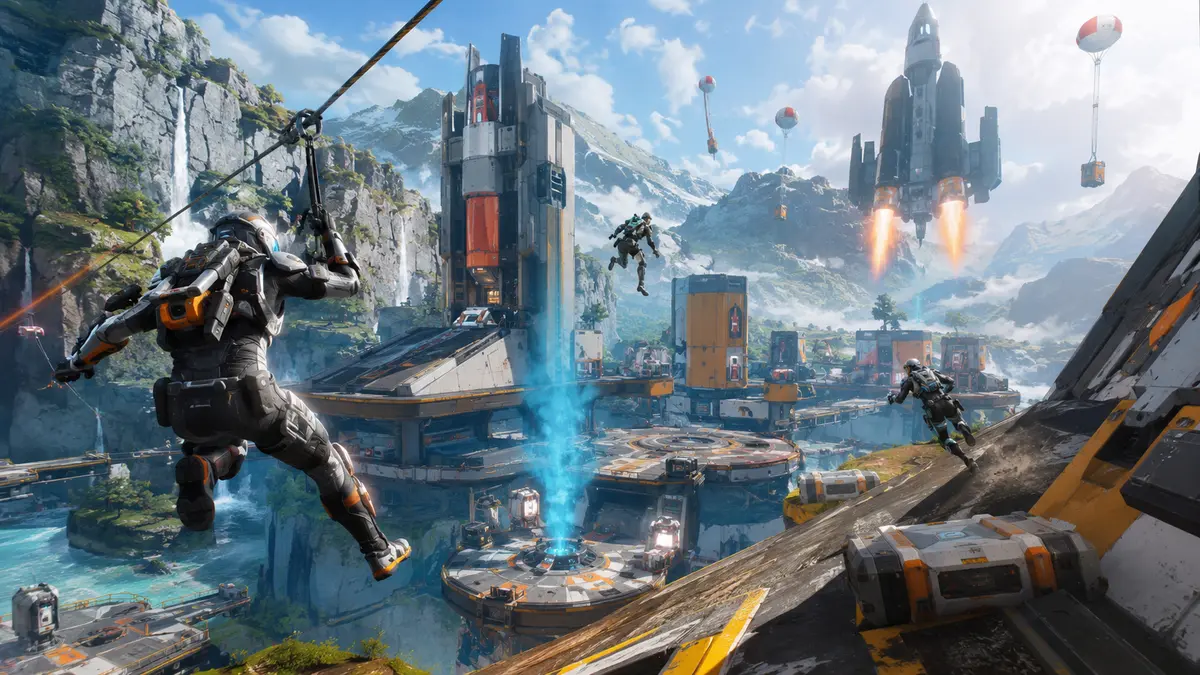
Original futuristic squad arena artwork for the Apex Legends GPU guide

BUYING INTERPRETATION

Choose the GPU class by the profile you will actually use

01 · KEEP OR REPLACE?

Check the existing system before an entry-card purchase

GeForce RTX 5050 · Arc B570

These are new-card options, not proof that your present card is too slow. First check FPS at your chosen settings. The publisher's minimum row establishes a baseline and names no competitive refresh target.

GeForce RTX 5050 →Arc B570 →
02 · MEASURED GRAPHICS LIMIT

Compare a mainstream upgrade with the same CPU

GeForce RTX 5060 · Radeon RX 9060 XT 8GB · Arc B580

Look for a same-game test close to your processor and graphics settings. A result from a faster test CPU should not become a promise for your system. Check the exact Canadian price before choosing between the listed models.

GeForce RTX 5060 →Radeon RX 9060 XT 8GB →Arc B580 →
03 · OTHER GAMES OR HEAVIER SETTINGS

Make the extra spending answer a specific need

GeForce RTX 5060 Ti 16GB · Radeon RX 9060 XT 16GB

Use this shortlist when another demanding game or a higher-resolution target justifies the expense. Extra VRAM is not a treatment for high ping, packet loss or an active FPS cap.

GeForce RTX 5060 Ti 16GB →Radeon RX 9060 XT 16GB →
DLSS ?

DLSS compatibility status

Not officially confirmed yetNVIDIA catalog checked 2026-08-21. Absence from the catalog does not prove permanent incompatibility.Check NVIDIA's official catalog ↗

How to read the recommendations

The shortlist is for a new PC or an identified graphics limitation. It should not replace checking a frame cap, connection problem or another limiting component first.

PRIMARY SOURCE

Official PC requirements

ProfileOfficial targetOfficial GPUCPU · RAMVRAM · storage
MinimumMinimum · target not statedGTX 950 · Radeon HD 7790 2GBCore i3-6300 / FX-4350 equivalent6 GB2 GB75 GB
RecommendedRecommended · target not statedGTX 970 · R9 290Ryzen 5 equivalent8 GBNot stated75 GB

A free check before buying anything

EA documents the Performance Display option under Settings, then Gameplay. Enable it to watch FPS and connection information during play. Compare a quiet moment with an actual fight; do not treat the lobby counter as your match performance.

Repeat a comparable situation after lowering a few graphics settings, without changing the resolution or several other variables at once. A clear improvement is a reason to investigate graphics load; little change is a reason to check a cap, the CPU and other limits before buying. This check is useful direction, not a complete hardware diagnosis.

EA — display and cap FPS in Apex Legends ↗

EA — PC settings to compare ↗

144Hz and 240Hz ask different things of the whole PC

Calculated from 1,000 divided by the refresh rate, a 144Hz refresh interval is about 6.94ms; at 240Hz it is about 4.17ms. These are display intervals, not benchmarks. A CPU or GPU that cannot finish its work consistently within your target interval can limit the result; a high average FPS alone can hide uneven delivery.

Avoid a GPU purchase for a connection problem

If FPS remains steady while ping or packet loss worsens, investigate the connection first. Compare the upgrade's delivered CAD cost with the problem it actually solves. Replacing a graphics card is poor value when the interruption comes from somewhere else.

EA — ping and packet-loss troubleshooting ↗

WHOLE SYSTEM

The limits that can change the answer

CPU

Core i3-6300 / FX-4350 equivalent; Ryzen 5 equivalent

RAM

Official profiles span 6–8 GB.

VRAM

Official profiles state 2 GB where specified.

Storage

Official profiles state up to 75 GB; keep extra room for patches.

COMPLETE PC + ACCESSORIESWhich complete PC for Apex Legends?0 matching references

These PCs contain a GPU family listed above. This identifies matching hardware, not measured FPS: also verify CPU, RAM and settings against the official profile.

No complete PC in our catalog currently matches the listed families. Recheck the target profile before choosing another GPU. Browse PCs

GPU COMPARATOR

Compare GPU families before choosing an exact model

Open GPU comparator →

METHOD

Evidence, method and limitations

GPUStores compares publisher requirements with the technical sources linked in this guide. We have not tested these GPUs ourselves. Any third-party result belongs to the dated test and settings identified beside it. Buying advice and calculations are our analysis; they are not publisher requirements or a promise of performance on your PC.

An unspecified value remains unknown. Confirm delivered price and stock with the retailer before buying.

Our comparison method →Open the official source ↗

FAQ

Frequently asked questions

Do the recommended specs guarantee 240 FPS?

No. The cited store requirements contain no such target. Look for measurements with comparable CPU, settings and gameplay.

Will a new GPU reduce ping?

A GPU upgrade does not address network latency or packet loss. Use the performance display to separate connection trouble from rendering trouble.

What should I compare before paying more?

Your current FPS, exact CPU, intended settings, a relevant replacement-card test, delivered CAD price and any required supporting upgrade.

RELATED GAMES

More game guides

Guides selected by genre, graphics load or GPU class.

View all 50 game guides →
Share