Fortnite spans very different rendering workloads. Performance Mode can reduce GPU demand for competitive play, while the Epic Quality preset asks for a much stronger graphics card, 8 GB of VRAM and an NVMe SSD. Epic publishes hardware tiers, but it does not attach official 144, 240 or 360 FPS results to them.
Guide revised: Guide expanded August 31, 2026
BUYING INTERPRETATION
Choose the GPU class by the profile you will actually use
01 · PERFORMANCE MODE / 1080P
Buy for the whole library, not Fortnite's minimum
RTX 5050 · Arc B570 · Arc B580
Performance Mode can reduce graphics load substantially. These current entry choices leave much more room than Epic's minimum, while avoiding an unnecessary high-end purchase for competitive settings alone.
Use the official RTX 3070 / RX 6700 XT row as the anchor
RTX 5070 · RX 9070
These are current family choices with more memory and feature headroom than the named official GPUs. They are editorial buying recommendations; Epic publishes no matching numeric FPS outcome.
This class is for higher resolution, Epic visuals, ray-traced features or a broader demanding library. Choose from exact-model pricing and features; Fortnite's official page does not prove a universal performance number.
Performance Mode and Epic Quality solve different problems
Performance Mode is aimed at reducing rendering work and improving responsiveness on a wider range of systems. A competitive player using that mode should not copy a high-end Epic Quality recommendation without checking actual GPU utilization. At low visual settings, the processor and the stability of the whole system can become the more important limit.
Epic Quality is a different target. Epic's official page raises the GPU to RTX 3070 or RX 6700 XT class, the CPU to Core i7-8700 or Ryzen 7 3700X, VRAM to 8 GB or more and storage to NVMe. Read that as a complete preset profile. It still does not tell you the exact frame rate at a chosen resolution.
High-refresh claims need measurements, not a guessed GPU tier
Epic does not publish official 144, 240 or 360 FPS hardware profiles on the requirements page. Those are legitimate user goals, but they cannot be derived from the minimum, recommended or Epic Quality labels. Map, season, rendering mode, effects, CPU, memory and background capture all affect the result.
Before upgrading, reproduce the same scene and inspect GPU utilization, CPU thread pressure, VRAM use and frame-time consistency. If the GPU is already lightly loaded in Performance Mode, a faster card may not solve the limiting factor. If Epic Quality or higher resolution pushes the GPU to full load, then a stronger family becomes a clearer purchase.
WHOLE SYSTEM
The limits that can change the answer
CPU
Epic progresses from Core i3-3225 to i5-7300U / Ryzen 3 3300U, then i7-8700 / Ryzen 7 3700X for Epic Quality.
RAM
8 GB minimum; 16 GB or more for recommended and Epic Quality. Leave capacity for voice, browser and capture tools.
VRAM
2 GB in recommended and 8 GB or more for Epic Quality. That gap is tied to the preset, not an official FPS comparison.
Storage
Epic names an NVMe SSD for recommended and Epic Quality. The page does not publish a fixed storage-capacity figure.
COMPLETE PC + ACCESSORIESWhich complete PC for Fortnite?3 matching references
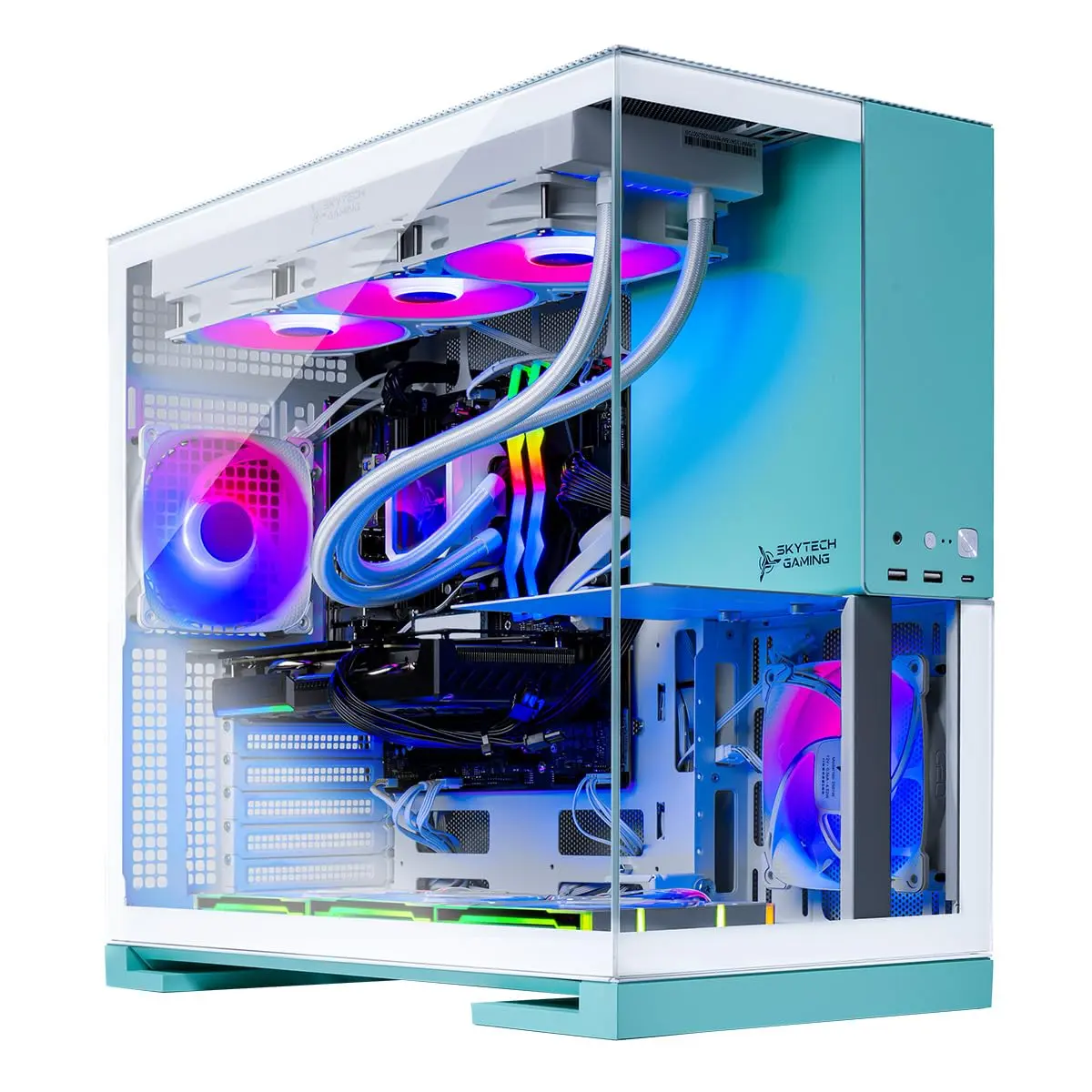
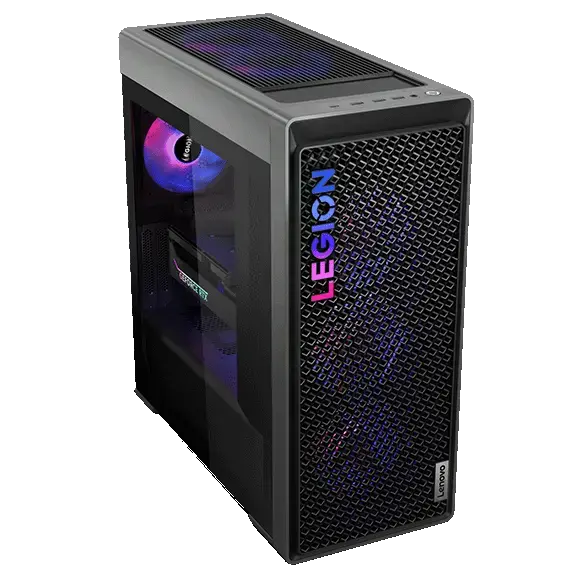
These PCs contain a GPU family listed above. This identifies matching hardware, not measured FPS: also verify CPU, RAM and settings against the official profile.
Matching GPU family
Skytech Aqua · Core Ultra 9 285K / RX 9070 XT
Radeon RX 9070 XT · 16 GB
Catalog reference to compare; not ranked by price or measured performance in this game.
A current entry or mainstream GPU is already far above Epic's minimum. RTX 5050, Arc B570, RTX 5060, RX 9060 XT or Arc B580 can be chosen according to the rest of the game library; measure the CPU limit before spending more.
What does Epic require for the Epic Quality preset?
Epic names RTX 3070, RX 6700 XT or equivalent, 8 GB VRAM or more, Core i7-8700 or Ryzen 7 3700X, 16 GB RAM or more and an NVMe SSD.
Does the official page guarantee 240 FPS?
No. Epic publishes hardware requirements without numeric 144, 240 or 360 FPS outcomes. Those targets need repeatable tests on the exact system and rendering mode.
RELATED GAMES
More game guides
Guides selected by genre, graphics load or GPU class.
With your permission: visitor statistics, retailer clicks and ad measurement, including session recordings. Declining does not block the site.
Services used and privacy
With your permission, GPUStores uses anonymous first-party measurement, Google Analytics, Google Ads, Microsoft Advertising, Microsoft Clarity (heatmaps and session recordings) and the Meta Pixel to measure visits, page reading, retailer clicks and advertising effectiveness. We do not sell personal data.