A racing game can feel poor even when its average frame rate looks acceptable. Forza Motorsport should be judged by repeatable laps, frame-time stability and the rendering mode you intend to keep. Its PC version also separates ray-traced lighting, upscaling and ordinary raster performance—choices that should be fixed before comparing cards.
Guide revised: Official source checked 2026-08-18
BUYING INTERPRETATION
Choose the GPU class by the profile you will actually use
01 · CURRENT BASELINE
Start here for the recommended hardware class
GeForce RTX 5060 Ti 16GB
Compare this group at the exact ray-tracing and upscaling settings you intend to use. It is a current buying interpretation of the official row, not proof of a particular frame rate.
More room for traffic, weather and a faster display
GeForce RTX 5070
Use race footage and frame-time data, not only a clean benchmark average. A useful upgrade should improve the difficult laps that motivated the purchase, not merely raise a headline number.
Choose this group only after deciding on ray tracing, output resolution and refresh target. Include the power-supply change and delivered Canadian price; compatibility with RT does not guarantee the performance you want.
NVIDIA catalog checked 2026-08-21. Absence from the catalog does not prove permanent incompatibility.Check NVIDIA's official catalog ↗
How to read the recommendations
These groups are a research ladder, not three promised presets. Motorsport’s stronger official row makes the entry comparison higher than Horizon 5’s, while ray tracing and race conditions can widen or narrow the useful difference.
Start with benchmark mode, recording resolution, preset, ray-tracing level, DLSS or FSR mode and whether the frame rate is unlocked. Then drive the same circuit with comparable weather, grid size and camera. The benchmark is a controlled reference; the race verifies whether the upgrade solves the experience that matters.
The official Motorsport page identifies real-time ray tracing on track, Ray Traced Global Illumination, DLSS 2, FSR 2.2 and a benchmark mode. Those features make it a different buying problem from the open-world Horizon games even when the same GPU names appear in discussions.
The 130 GB installation also requires an SSD. Check storage and the recommended Core i5-11600K or Ryzen 5 5600X-class CPU before assigning every uneven frame to the graphics card.
Official profiles state up to 130 GB; keep extra room for patches.
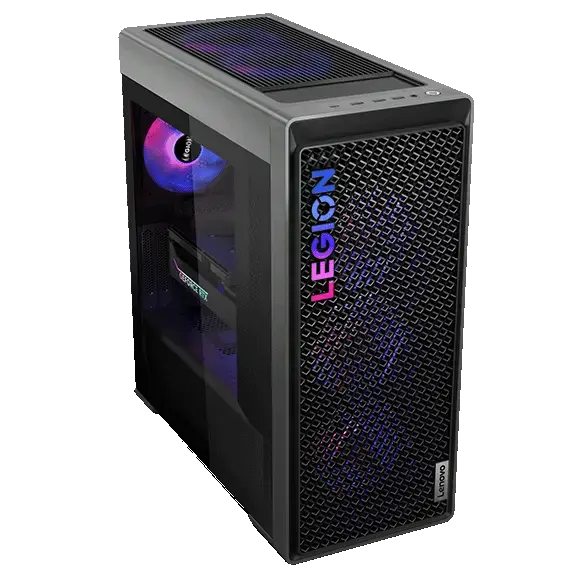
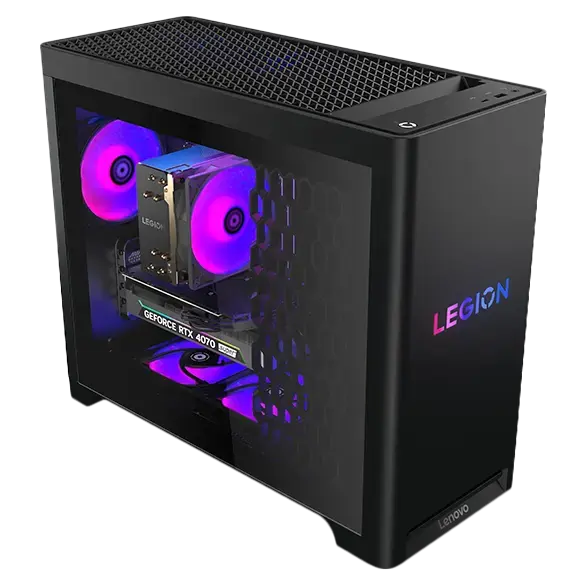
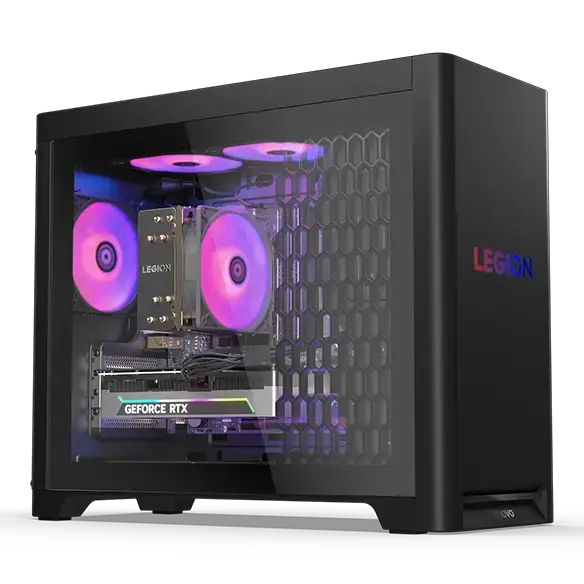
COMPLETE PC + ACCESSORIESWhich complete PC for Forza Motorsport?3 matching references
These PCs contain a GPU family listed above. This identifies matching hardware, not measured FPS: also verify CPU, RAM and settings against the official profile.
Matching GPU family
Lenovo Legion Tower 7i Gen 10 RTX 5070 Ti
GeForce RTX 5070 Ti
Catalog reference to compare; not ranked by price or measured performance in this game.
GPUStores compares publisher requirements with the technical sources linked in this guide. We have not tested these GPUs ourselves. Any third-party result belongs to the dated test and settings identified beside it. Buying advice and calculations are our analysis; they are not publisher requirements or a promise of performance on your PC.
An unspecified value remains unknown. Confirm delivered price and stock with the retailer before buying.
Use the mode you plan to keep. If undecided, test both and compare the visual benefit with the performance cost before choosing a more expensive GPU.
Is the benchmark enough?
It is the best controlled starting point, but confirm it in a representative race. Traffic, weather and CPU load can expose issues a short benchmark does not.
Can I use Forza Horizon benchmarks?
No. Use Motorsport tests with the same rendering mode and race conditions. The shared brand does not make the workloads equivalent.
RELATED GAMES
More game guides
Guides selected by genre, graphics load or GPU class.
With your permission: visitor statistics, retailer clicks and ad measurement, including session recordings. Declining does not block the site.
Services used and privacy
With your permission, GPUStores uses anonymous first-party measurement, Google Analytics, Google Ads, Microsoft Advertising, Microsoft Clarity (heatmaps and session recordings) and the Meta Pixel to measure visits, page reading, retailer clicks and advertising effectiveness. We do not sell personal data.