High settings and the official 60 FPS target
RTX 5060 · RX 9060 XT 8 GB · Arc B580A current buying class mapped conservatively from the official RTX 3060, RX 6600 XT and Arc B580 row. Verify the exact CPU and memory before blaming the GPU.
Call of Duty: Warzone
Warzone rewards a balanced system. The GPU matters as resolution and image quality rise, but a high-refresh competitive target also depends on the processor, memory, storage and the exact match conditions. This guide keeps Activision's published targets separate from GPUStores' current-buying interpretation.

BUYING INTERPRETATION
A current buying class mapped conservatively from the official RTX 3060, RX 6600 XT and Arc B580 row. Verify the exact CPU and memory before blaming the GPU.
Useful when resolution, capture, heavy settings or future updates increase GPU load. At very high frame rates, the processor can still be the limiting part.
This is the conservative current mapping for Activision's combined high-FPS competitive and Ultra 4K row. The row does not promise one result across every map and mode.
NVIDIA lists Call of Duty: Warzone (2022).
NVIDIA catalog checked 2026-08-21. Absence from the catalog does not prove permanent incompatibility.Check NVIDIA's official catalog ↗PRIMARY SOURCE
| Profile | Official target | Official GPU | CPU · RAM | VRAM · storage |
|---|---|---|---|---|
| Minimum | Launch the game; no FPS target published | RX 470 · GTX 970 / 1060 · Arc A580 | Ryzen 5 1400 · Core i5-66008 GB | 3 GB116 GB SSD at launch |
| Recommended | 60 FPS in most situations · all options HighOfficial target label; not a GPUStores benchmark. | RX 6600 XT · RTX 3060 · Arc B580 | Ryzen 5 1600X · Core i7-6700K12 GB | 8 GB116 GB SSD |
| Competitive / Ultra 4K | High FPS for high refresh or high FPS at 4KActivision combines two use cases; it does not publish one exact numeric FPS here. | RX 9070 XT · RTX 4080 / 5070 | Ryzen 5 5600X · Core i7-10700K16 GB | 12 GB116 GB SSD at launch |
At 1080p with reduced or competitive settings, the GPU finishes frames quickly and waits more often on simulation, visibility, networking and draw-call work from the CPU. That is why a faster graphics card does not automatically create a proportional improvement. Activision's competitive row raises both the GPU and CPU requirement; it should be read as a complete-system profile.
If utilization monitoring shows the GPU below full load while one or more CPU threads are saturated, spend first on the platform bottleneck rather than moving from one high-end GPU to another. Background capture, voice software and browser tabs can also alter frame-time consistency. Test the same mode, map and settings before deciding.
Increasing resolution moves more work to the graphics card. Activision asks for 8 GB in the recommended profile and 12 GB in its combined Competitive/Ultra 4K profile. Treat those numbers as requirements for those published profiles, not as a statement that every 8 GB or 12 GB card has equal performance.
For a new 1440p purchase, memory capacity, bandwidth, upscaling support and delivered price should be considered together. For 4K, use the Competitive/Ultra row as the official anchor and compare a 16 GB RTX 5070 Ti, RX 9070 XT and RTX 5080 at the exact model level. Cooling, connector layout and the Canadian return policy can change the best final choice.
WHOLE SYSTEM
Competitive targets are whole-system targets. A slow or saturated CPU can cap high-refresh results before the GPU.
Activision publishes 8 GB minimum, 12 GB recommended and 16 GB for Competitive/Ultra 4K. Leave room for Windows and background tools.
The official rows progress from 3 GB to 8 GB and 12 GB. Capacity alone does not define GPU speed.
Plan for a 116 GB SSD at launch plus update space. TPM 2.0 and Secure Boot are required; DirectX 12 and broadband are part of the official notes.
These PCs contain a GPU family listed above. This identifies matching hardware, not measured FPS: also verify CPU, RAM and settings against the official profile.
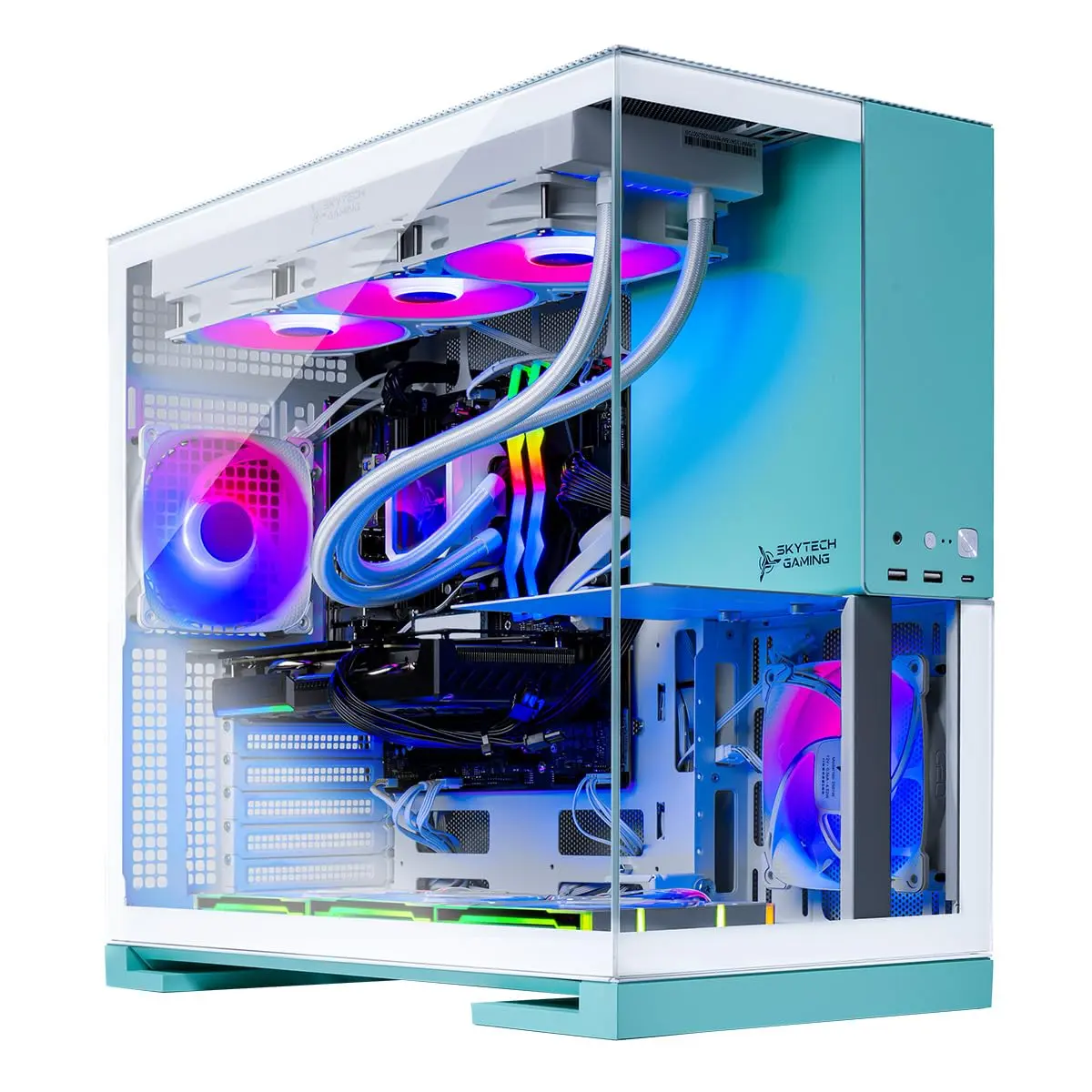
Catalog reference to compare; not ranked by price or measured performance in this game.
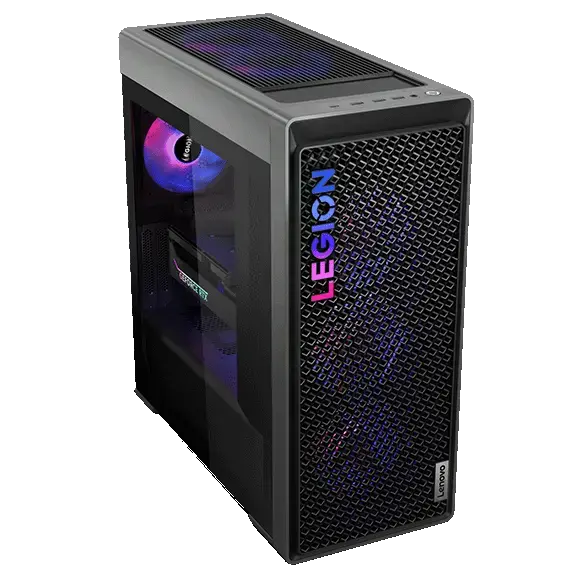
Catalog reference to compare; not ranked by price or measured performance in this game.
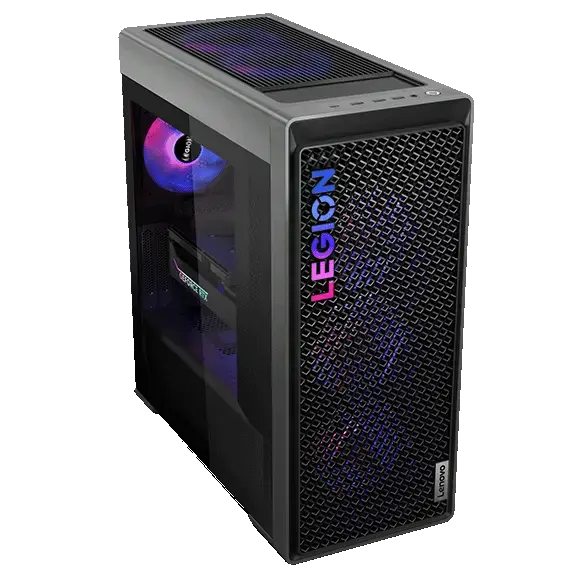
Catalog reference to compare; not ranked by price or measured performance in this game.
METHOD
These buying suggestions are based on published requirements, not GPUStores benchmarks. Game updates and the rest of your PC can change the result.
An unspecified value remains unknown. Confirm delivered price and stock with the retailer before buying.
Our comparison method →Open the official source ↗FAQ
It belongs to GPUStores' current baseline class for Activision's recommended High 60 FPS profile. The result still depends on CPU, RAM, map, mode, settings and updates; this is not a measured universal FPS guarantee.
Activision's published maximum profile asks for 12 GB. A 16 GB card can add buying headroom, but GPU architecture, speed and the exact target still matter.
Measure first. If GPU utilization is consistently high, a faster GPU may help; if the GPU has room while CPU threads saturate, the processor or platform is the stronger first candidate.
RELATED GAMES
Guides selected by genre, graphics load or GPU class.
View all 50 game guides →