BUYING GUIDE · RAM CAPACITY
32GB vs 64GB RAM: How Much Memory Do You Actually Need?
Immediate answer: generally buy 32GB for a modern gaming PC; choose 64GB when your applications, mods, creative projects, VMs or heavy multitasking can genuinely exceed 32GB. If 32GB is not being filled, 64GB does not automatically make games faster.
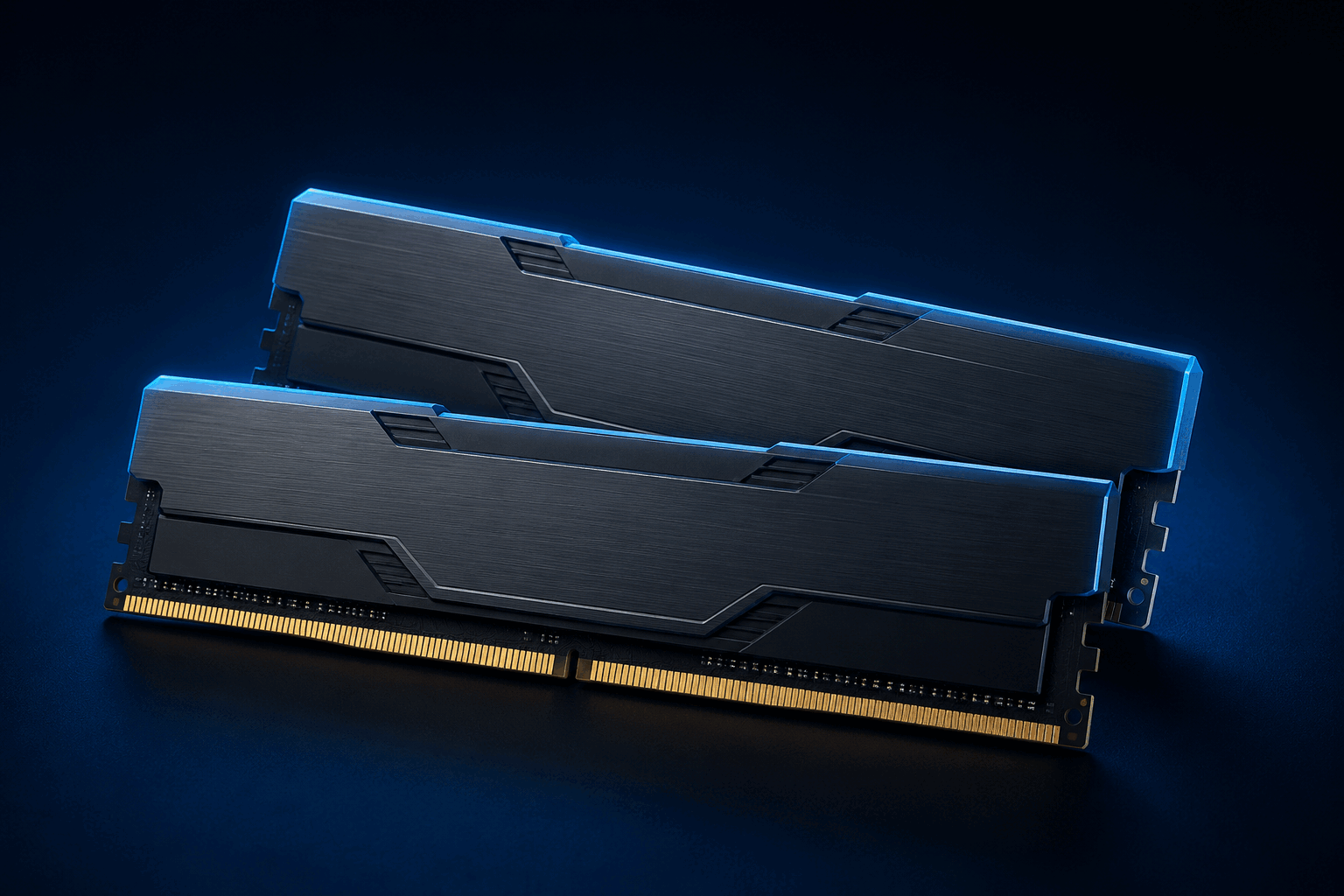
32GB for gaming and general use; 64GB for a measured workload that needs the headroom.
Do not decide from resolution or the word “future-proof” alone. Look at the complete workload, official requirements and whether a later upgrade is practical.
What to buy today
BUY 32GB IF…
Your priority is gaming, study, everyday work, general development or light streaming, and your workloads remain comfortably below the limit.
BUY 64GB IF…
Your creative projects, multiple VMs, builds, datasets, mods or simultaneous applications already create memory pressure, or their documentation calls for that headroom.
UPGRADE LATER IF…
32GB is enough now, the motherboard leaves two slots free and you accept replacing the kit if a separately added set will not run the desired profile.
32GB vs 64GB quick decision table
| Use | 32 GB | 64 GB | Decision test |
|---|---|---|---|
| Modern gaming | Usually sensible | Often unused | Do the game and apps actually approach 32GB? |
| Gaming + Discord + browser | Often enough | For very heavy multitasking | How many tabs and tools stay active? |
| Streaming | Good starting point | Heavy scenes/sources | Are you also editing, encoding or running other work? |
| Heavily modded games | Depends on modpack | Can become useful | Do documentation and measurement show pressure? |
| Editing and creation | Mainstream projects | Heavy projects/caches | Codec, resolution, effects, media and other apps? |
| Development and VMs | General development | Multiple VMs/containers/builds | Host memory plus concurrent guests? |
Capacity, speed, latency and channels are not the same thing
32GB or 64GB: how much data can remain in memory.
MT/s: the memory profile’s transfer rate.
Timings and frequency together shape real delay.
Paths between CPU and RAM; two DIMMs do not automatically mean four channels.
A 64GB kit is therefore not automatically faster than a 32GB kit. Extra capacity helps when it removes a real limit; compare transfer rate, timings and configuration separately.
Gaming, background apps and streaming
Gaming alone
For most new gaming PCs, 32GB is a practical target without paying for capacity that may remain untouched. That does not replace checking the exact title’s official requirements. If the game already fits, 64GB guarantees neither higher average FPS nor better 1% lows.
Discord, browser and background apps
The real load is the sum of the game, Windows, browser, launchers, Discord, capture and utilities. One tab or process does not answer the question: reproduce your complete session and watch whether paging or closing applications becomes necessary.
Streaming
Streaming does not automatically turn a 32GB PC into a 64GB requirement. Scene complexity, browser sources, simultaneous apps, encoding and work performed during the stream all matter. Buy 64GB when that measured complete stack exceeds 32GB headroom.
Mods, 1440p and 4K
Large modpacks, local servers, maps, assets and creation tools can substantially change one game’s demand. Follow the modpack documentation and test a heavy save; do not generalize that result to every game.
Moving from 1440p to 4K mainly raises graphics and VRAM work. It does not mechanically double system RAM. Textures, engine, mods and open applications matter more than resolution alone.
Creation, video editing, development and VMs
The exact project decides
Adobe currently recommends 32GB or more for 4K-and-higher media in Premiere on Windows. That makes 32GB a documented starting point, not proof that every project needs 64GB. Large media, effects, caches, applications and concurrent projects can still justify 64GB.
Add host and guest needs
Microsoft states that a Hyper-V host needs enough memory for the host and every VM running at the same time. IDEs, browsers, containers, builds and local databases add to that total; 64GB becomes rational when the concurrency is real.
DDR5, two DIMMs, four DIMMs and stability
On a mainstream dual-channel PC, 2 × 16GB and 2 × 32GB already populate both channels. Four DIMMs add electrical load to the memory controller, but are not automatically unstable. Stable speed depends on processor, motherboard, BIOS, ranks and kit.
AMD’s AM5 processor specifications show, for specific models, different official speeds for two- and four-DIMM configurations. That proves module count matters—not a universal speed for every CPU. Check the exact processor specification, board manual and QVL.
32GB or 64GB is separate from EXPO or XMP
Capacity describes how much data RAM can hold. EXPO and XMP are overclocking profiles that request a transfer rate, timings and voltage from the BIOS. A 32GB kit can use EXPO or XMP; so can a 64GB kit. Choose capacity from the workload first, then profile and part number from the platform.
AMD EXPO vs Intel XMPCheck profile, BIOS, QVL and cross-platform compatibility after choosing capacity.Open →When 64GB is useful—and when it wastes budget
- Multiple concurrent VMs or large containers
- Editing, 3D, audio or photo work with large projects and caches
- Documented and measured heavily modded games or local server
- Development, data or professional multitasking exceeding 32GB
- Gaming alone that already fits comfortably within 32GB
- Purchase based only on 4K resolution
- Expectation of a universal FPS gain
- Budget diverted from the CPU, GPU or SSD that is actually limiting
Upgrade now or later?
Buy 64GB now when the need already exists, application documentation supports it or replacing memory later would cost professional time. Stay at 32GB when measurements are comfortable and the money improves another component more.
If you plan to add a second kit, accept that the fast profile may need to be reduced. A more predictable route is selling the 2 × 16GB kit and replacing it with one 2 × 32GB kit validated for the platform.
RAM buying checklist
- 1Measure your heaviest workload with the applications you actually run together.
- 2Check official requirements for your games, applications, mods and virtual machines.
- 3Choose DDR4 or DDR5 from the motherboard—those generations are not interchangeable.
- 4Buy the final capacity as one matched kit when the requirement is already known.
- 5Confirm part number, DIMM count, ranks, QVL and required BIOS version.
- 6Separate capacity, MT/s, timings, channels and EXPO/XMP profile in the comparison.
- 7Check module height, cooler clearance and the retailer’s return policy.
- 8After installation, test cold boots, sleep, memory and real workloads.
FAQ
Is 32GB of RAM enough for gaming?
For most modern gaming PCs, 32GB is a sensible starting point. Still check the exact game requirements, your mods and the applications you keep open.
Does 64GB of RAM increase FPS?
Not automatically. If the game and background applications already fit comfortably within 32GB, doubling capacity creates no universal FPS gain. Speed, latency, CPU and GPU performance are separate variables.
Does 4K gaming require 64GB of RAM?
No. Resolution mainly increases GPU and VRAM work. System RAM depends more on the game, assets, mods and simultaneous applications than on pixel count alone.
Do I need 64GB for gaming and streaming?
Not by default. 32GB often handles a game, streaming software and a few background applications. 64GB becomes useful when your real scenes, sources or concurrent work create measurable memory pressure.
Are two RAM sticks always better than four?
No, but two DIMMs generally place less load on a mainstream platform’s memory controller. Four can work correctly at a compatible speed; the result depends on CPU, motherboard, BIOS and kit.
Can I add another 32GB later?
Yes when the motherboard, CPU and slots allow it, but separately packaged kits are not guaranteed at the advertised profile together. If you already know you need 64GB, one matched 2 × 32GB kit is often the simpler path.
Does EXPO or XMP change how much capacity I need?
No. 32GB or 64GB describes capacity; EXPO and XMP describe speed, timing and voltage profiles. Choose capacity first, then a profile supported by the exact platform and kit.
Continue the decision
Official sources
Adobe Premiere · system requirements ↗Microsoft Hyper-V · host memory requirements ↗AMD Ryzen · memory configuration specifications ↗AMD EXPO ↗Intel XMP ↗Content checked and updated August 25, 2026. Exact application requirements, motherboard manual, CPU specification and kit QVL remain authoritative.