PRACTICAL GUIDE · RAM COMPATIBILITY
AMD EXPO vs Intel XMP: Compatibility, Performance & Which to Use
One-sentence answer: prefer EXPO on AMD AM5 and XMP on a compatible Intel platform; a cross-platform profile can work only when the exact motherboard, BIOS, CPU and kit support it.
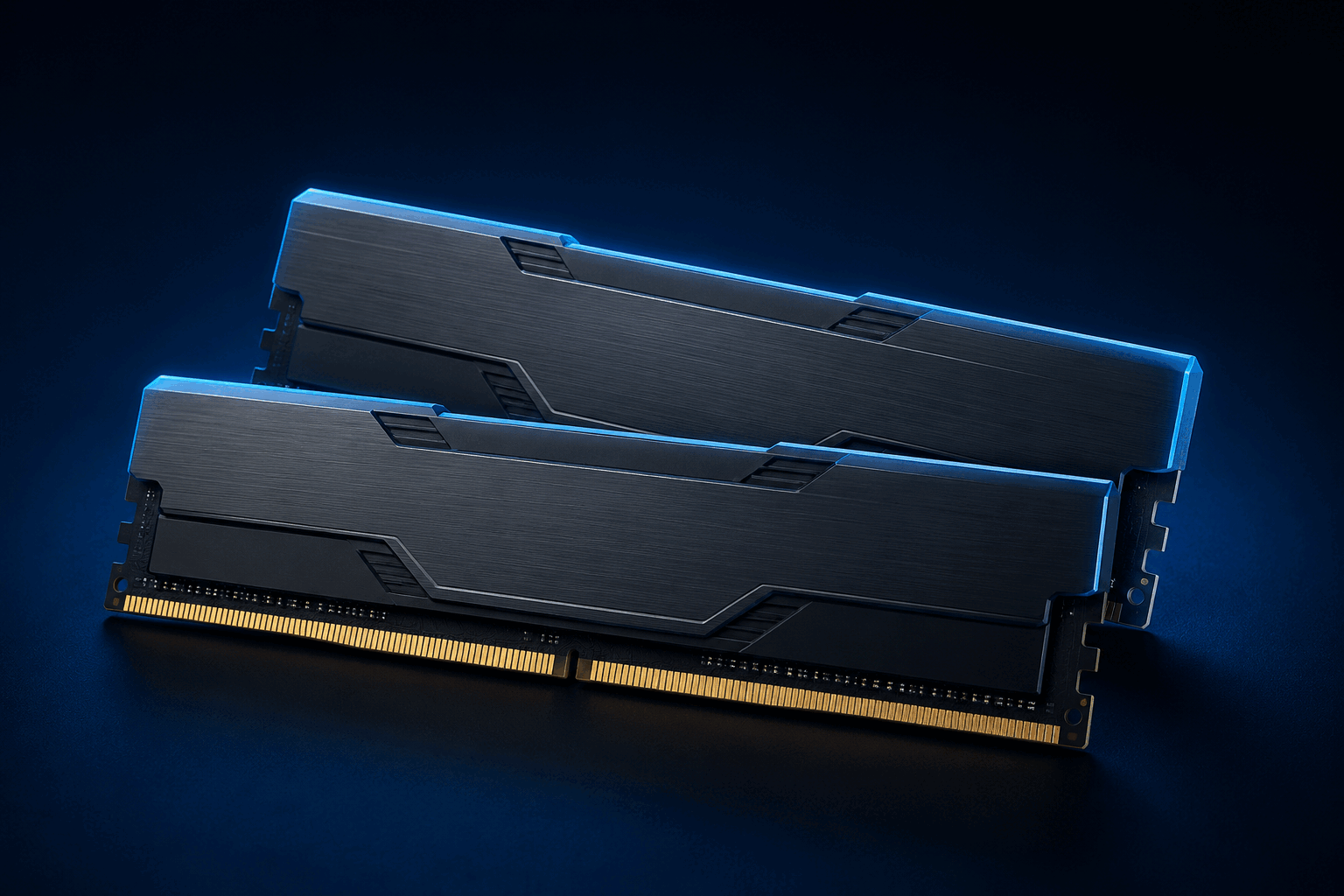
Choose the platform-native profile when it exists, then verify the part number in motherboard documentation and test stability.
XMP and EXPO are overclocking profiles, not universal guarantees. Final speed also depends on the CPU memory controller, BIOS, motherboard routing and DIMM count.
EXPO vs XMP quick comparison
| Point | AMD EXPO | Intel XMP |
|---|---|---|
| Primary platform | AM5 Ryzen · DDR5 | Compatible Intel · DDR4 or DDR5 |
| Profile contents | AMD-optimized rate, timings and voltage | Vendor-tested rate, timings and voltage |
| Cross-platform use | Possible on selected Intel boards | Possible on many AMD boards |
| Best choice | Exact EXPO kit validated for your AM5 board | Exact XMP kit validated for your Intel board |
| Stability guarantee | No—testing required | No—testing required |
What the profile actually stores and changes
The module stores startup SPD data plus one or more overclocking profiles. When you enable EXPO or XMP, the BIOS reads a preset combination of transfer rate, timings and voltage; some profiles also include more secondary parameters. You are therefore buying a part-number-specific combination—not just a frequency.
XMP RAM on AMD and EXPO RAM on Intel
Yes, often—but never automatically
AMD publishes a Ryzen memory list that distinguishes EXPO kits from XMP-compatible kits. Many AM5 boards can therefore load an XMP kit, sometimes under a DOCP label. The exact part number, motherboard, BIOS and achieved stability remain the final proof.
Possible on selected recent boards
ASUS documents DOCP for selected EXPO kits on recent Intel platforms, and GIGABYTE announced EXPO-profile support on selected Intel boards. That capability must not be generalized to every board or BIOS.
What about dual-profile kits?
A kit can store both EXPO and XMP. That is useful if you change platforms, but the family name is not enough: nearly identical kits can have different part numbers and profiles. Confirm both profiles on the exact SKU sheet and start with the one designed for the active platform.
ASUS, MSI, GIGABYTE and ASRock: BIOS labels vary
| Vendor | Official or common label | Important caveat |
|---|---|---|
| ASUS | Ai Overclock Tuner · XMP I · EXPO I · DOCP | The label depends on platform and detected profile. |
| MSI | XMP1 · EXPO1 · A-XMP | Click BIOS X and older firmware do not always use the same term. |
| GIGABYTE | XMP · EXPO | Availability and location depend on board and BIOS version. |
| ASRock | XMP · EXPO | A board specification may list both; the exact UEFI manual determines the path. |
Never transfer a BIOS path from one vendor, generation or model to another. Use the exact board manual and support page.
QVL, memory controller and module count
A QVL confirms that a vendor tested a specific combination of board, BIOS, CPU or CPU family, part number and module configuration. It reduces uncertainty without guaranteeing every future condition. Absence of a part number does not prove incompatibility; it only means that combination is not in the published tested list.
The memory controller is inside the CPU. Its stable limit changes with generation, two versus four DIMMs, capacity, ranks and BIOS. AMD processor pages, for example, publish different official memory speeds by module configuration, so a motherboard’s overclocking headline does not replace the CPU specification.
JEDEC fallback, memory training and stability
With no profile enabled—or after BIOS recovery—memory normally uses a JEDEC setting supported by the platform. It may be lower than the number printed on the box, which helps the system boot. With DDR5, the first boot after a change can take longer during memory training and may include several restarts.
What to expect in games
Faster or better-tuned memory can help latency, 1% lows and selected CPU-limited games. It guarantees no FPS percentage. The result depends on processor, game engine, GPU, resolution, timings and starting JEDEC profile; when the GPU is already limiting performance, the difference may be minimal.
Exact-kit buying checklist
- 1Full kit part number—not only the product-family name
- 2DDR4 or DDR5 generation required by the motherboard
- 3Total capacity and configuration, such as 2 × 16 GB
- 4Transfer rate in MT/s, primary timings and profile voltage
- 5Profiles actually stored: EXPO, XMP or both
- 6Motherboard QVL and memory-vendor compatibility list
- 7CPU memory limits, module count and rank configuration
- 8BIOS version required for this CPU and kit
- 9Module height and CPU-cooler clearance
- 10Return policy if rated-profile stability cannot be achieved
Do not combine two separately packaged kits to create a four-DIMM set, even when the marketing name looks identical. One matched kit at the final capacity provides a better validation baseline.
EXPO/XMP troubleshooting
No boot
Allow DDR5 training to finish. If nothing changes, follow the manual’s Clear CMOS procedure and restart at JEDEC defaults.
Repeated reboot loops
Disable the profile, update the BIOS and confirm that modules occupy the recommended slots, commonly A2/B2.
Memory errors or blue screens
Treat the profile as unstable. Return to defaults, then try a slower or less aggressive profile if one is provided.
Speed remains low
Confirm that the profile was saved, the correct profile was selected and the utility is not showing the real clock in MHz instead of MT/s.
Two modules work but four do not
Four DIMMs load the memory controller more heavily. A lower speed or one matched kit at the final capacity may be required.
FAQ
What is the difference between AMD EXPO and Intel XMP?
They are two memory-overclocking profile formats stored on the kit. EXPO primarily targets AMD AM5 DDR5 platforms; XMP targets compatible Intel platforms and covers both DDR4 and DDR5.
Can I use XMP RAM on AMD?
Often yes when the AMD motherboard lists the kit or XMP support, sometimes through a DOCP-labelled option. It is not guaranteed for every part number, CPU, BIOS, speed or module count.
Can I use EXPO RAM on Intel?
Sometimes. Some recent Intel boards can read an EXPO profile or expose it under another label, but you must confirm support in the exact board specification, manual and QVL.
Is a dual-profile EXPO and XMP kit better?
It provides more platform flexibility but does not guarantee rated speed everywhere. Confirm that the exact part number really stores both profiles and use the platform-native profile when it is available.
Does absence from the QVL mean the kit is incompatible?
No. A QVL is a list of tested combinations, not a complete list of every kit that can work. A listing is useful evidence; an absence simply leaves more uncertainty.
Does enabling EXPO or XMP always increase FPS?
No. The result depends on the game, CPU, GPU, starting JEDEC speed, timings and the system’s actual bottleneck. It may be small or zero in a GPU-limited workload.
Why can the first DDR5 boot take a long time?
The motherboard may train memory, test settings and restart more than once. Let it finish; if the loop persists, return to JEDEC defaults and follow the manual’s Clear CMOS procedure.
Continue the decision without mixing intents
Official sources
AMD EXPO ↗AMD Ryzen Memory Compatibility List ↗Intel XMP ↗ASUS · XMP, EXPO and DOCP BIOS guidance ↗MSI · XMP and EXPO BIOS guidance ↗GIGABYTE · EXPO and XMP platform support ↗ASRock · board-level XMP and EXPO specification example ↗Content updated August 25, 2026. The exact model manual and QVL remain the final check.