NVIDIA PAIR: Connect Multiple PCs for Local AI
PAIR gives AI applications one endpoint, discovers compatible machines on your network and sends each request to an appropriate system. It expands concurrent serving capacity, not the VRAM of an individual GPU.
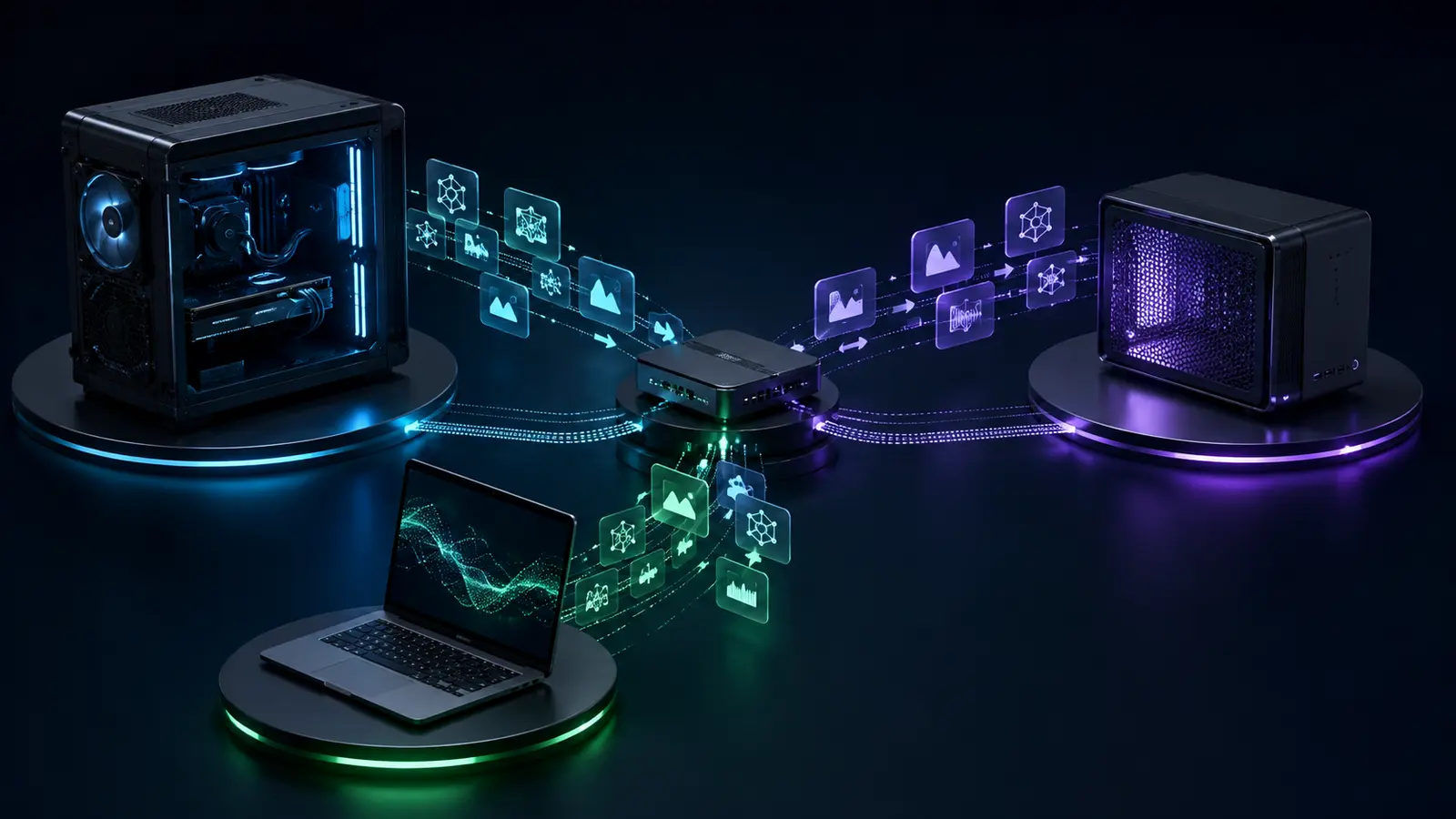
Quick answer: NVIDIA PAIR can make an existing group of PCs more useful for multiple users, agents or simultaneous tasks. Each machine still operates independently. A model must still fit the memory available on the device serving its request.
PAIR in one decision table
| Situation | PAIR fit | Limit | Hardware implication |
|---|---|---|---|
| Several compatible PCs already available | Strong for routing requests | Network and software setup required | Try existing hardware before buying |
| Concurrent agents or users | Core use case | Tasks are served by separate nodes | Add a node only if queue pressure justifies it |
| One large model exceeds one card’s VRAM | Not a pooled-VRAM solution | PAIR does not create a virtual GPU | Prefer a node with enough memory |
| Full purchase only to try PAIR | Uncertain value without measured workload | Beta with limited launch software | Do not build before testing the workflow |
How the routing works
The goal is to simplify access to several inference engines and use otherwise idle machines. NVIDIA says prompts, files and agent context remain on the local network. That means they can travel between your local devices; it does not mean they always remain on the PC that originated the request.
PAIR is neither AI SLI nor one large virtual GPU.
NVIDIA explicitly says the devices remain separate and handle parallel tasks. In practice, PAIR mainly improves throughput across multiple requests. It does not automatically load a 30 GB model by adding together three 12 GB cards.
Officially validated hardware and software
| Item | Published configuration | What it means |
|---|---|---|
| RTX GPUs | GeForce RTX 20 Series or newer | Compatibility does not guarantee a particular model fits in VRAM |
| NVIDIA system | DGX Spark / GB10 | Can participate as a node with other devices |
| Mac | M4 chip or newer | A Mac can be a node alongside RTX PCs |
| Operating systems | Windows · Linux · macOS | Separate downloads by platform and architecture |
| Launch inference runtimes | Ollama · LM Studio | The beta list can change |
| System memory and storage | 8 GB RAM or more; 20 GB disk recommended | These are PAIR requirements, not per-model memory needs |
NVIDIA says internet access is not required for local operation, but it is still needed to download models and software.
Who should actually consider PAIR?
You already own several compatible machines, use Ollama or LM Studio, and regularly queue concurrent requests. Test the beta on the existing network.
You have one variable workload. Measure model size, VRAM use, latency and queue depth before adding a node.
You expect several smaller cards to merge for one large model. PAIR does not offer that behavior in the current documentation.
PAIR first adds value to hardware you already own.
Install the beta, test the workload and observe whether requests queue. If a node stays saturated, then choose hardware by the model that must fit in its memory, target throughput, power and total cost—not simply because PAIR exists.
Plan a local AI setup
FAQ
What is NVIDIA PAIR?
NVIDIA PAIR is a beta local AI inference router. An application uses one endpoint, then PAIR discovers compatible devices on the local network and distributes requests across them.
Does NVIDIA PAIR combine VRAM from multiple GPUs?
No. NVIDIA says devices remain separate systems that handle tasks in parallel. PAIR does not create one virtual GPU or add their VRAM into a single pool.
Which devices support NVIDIA PAIR?
NVIDIA’s published validated configurations include GeForce RTX 20 Series or newer, DGX Spark or GB10 systems, and M4 or newer Macs. The official list covers Windows, Linux and macOS.
Which local AI software works at launch?
The beta supports Ollama and LM Studio at launch. Check the official page before installing because that list can change.
Should I buy another GPU to use PAIR?
Not necessarily. PAIR is most useful when you already own multiple compatible systems and run concurrent requests. It does not turn a card that is too small for a model into combined memory.
Official sources and method
NVIDIA — PAIR overview, downloads and validated configurations (official) ↗NVIDIA — PAIR FAQ and multi-device limits (official) ↗NVIDIA Developer — PAIR inference-routing architecture (official) ↗NVIDIA Blog — local AI announcement and availability (official) ↗First-party sources rechecked: September 4, 2026.
Method: devices, platforms, inference runtimes and limits come from NVIDIA pages. The model-capacity implication is a practical inference from the separate-node architecture and is presented as such. No GPUStores throughput or benchmark is invented.