BUYING GUIDE · CANADA
External SSD vs NVMe Enclosure: Buy Complete or Build Your Own?
A portable SSD is ready-made storage. An empty enclosure is a way to connect a separate SSD. The better purchase depends on the drive you already own, the computer’s port and the size of the files you actually move.
The choice for your situation
Choose a complete portable SSD for a straightforward purchase. Consider a 10Gb/s enclosure when you already own a compatible NVMe drive. Pay extra for USB4 when the host supports it and frequent large transfers make the extra bandwidth useful. Compare equal usable capacities and the full assembled cost.
What you are actually buying
| Exact example | Storage included | Interface | Main check |
|---|---|---|---|
| Samsung T7 Shield, black 2TB | 2 TB | USB 3.2 Gen 2 · 10Gb/s | Complete portable SSD; check host speed |
| ASUS ROG Strix Arion, black | None: add an SSD | USB 3.2 Gen 2 · 10Gb/s | NVMe only; ASUS lists up to 2 TB and excludes Crucial P5 |
| OWC Express 1M2, empty | None: add an SSD | USB4 · 40Gb/s | NVMe 2230/2242/2280; not the 80G version |
A specification-based comparison, without lab testing. Recommendations below are our analysis of published characteristics.
Compare the full cost at equal capacity
For a new build, add enclosure + compatible SSD + any required cable + shipping. Compare that total with a complete external SSD of the same capacity. An enclosure’s price should never be compared directly with a complete drive’s price: the missing storage can reverse the result.
If you already own the SSD, the new cash outlay may be mainly the enclosure. Still check the drive’s condition, capacity and compatibility. If the enclosure plus a replacement SSD costs almost as much as a complete drive, consider whether choosing each component is useful enough to justify assembly and separate support.
The slowest part sets the useful speed
Check the computer port, cable, enclosure and SSD as a system. A 40Gb/s enclosure connected to a slower USB port cannot deliver its full interface bandwidth. Likewise, an internal SSD’s advertised PCIe speed does not become the speed of a 10Gb/s USB enclosure.
Gb/s and GB/s are different units: dividing bits by eight gives a theoretical byte rate, before protocol overhead. It is not a promised file-copy result. Small files, the source drive and sustained workloads can matter more than a peak sequential number. Compare independent tests matching your workload when transfer time is the reason to upgrade.
Check NVMe, physical size and cooling before ordering
M.2 describes a form factor; it is not enough to prove compatibility. Check the exact SSD model, NVMe versus SATA, supported length, capacity and the enclosure’s exclusions. In particular, do not assume that a large capacity drive works just because it physically fits.
Follow the manufacturer’s thermal-pad and assembly instructions. Before reusing a drive, copy important files elsewhere and identify the correct disk before any formatting. After assembly, verify that the computer sees the expected capacity and can read back a test copy before entrusting the drive with the only copy of a project.
Decide whether this is working storage or a backup
Moving files to an external drive and deleting the originals does not create a second copy. Decide what protects the files if the portable drive is lost, damaged or accidentally erased. Keep another copy of irreplaceable work separately; a rugged housing cannot replace that.
For an archive that is accessed occasionally, capacity and backup routine may deserve more of the budget than peak transfer speed. For frequent large project transfers, connection speed and sustained performance deserve closer attention. Buy for the repeated task, not the most impressive number on the box.
Exact models and Canadian offers
Newegg prices come from refreshed offers. A missing offer does not confirm an out-of-stock product. Check seller, shipping, tax and returns before buying.
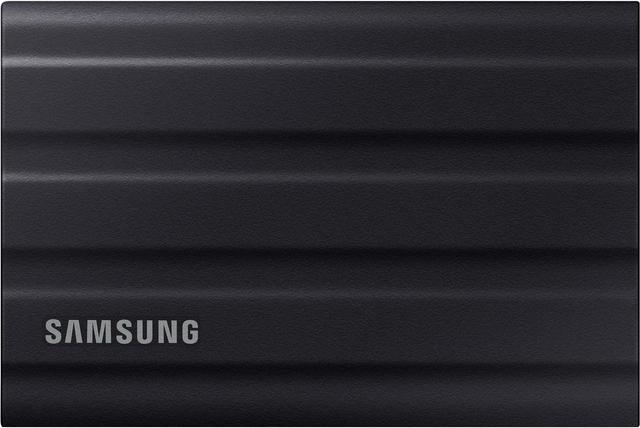
Complete portable storage
Samsung T7 Shield 2TB — Black
A ready-made 2 TB option for moving files without choosing and installing a separate drive.
Check: Black MU-PE2T0S/AM and the required capacity. IP65 resistance does not replace a backup.
Exact model specifications

Affiliate links. We may earn a commission from qualifying purchases.
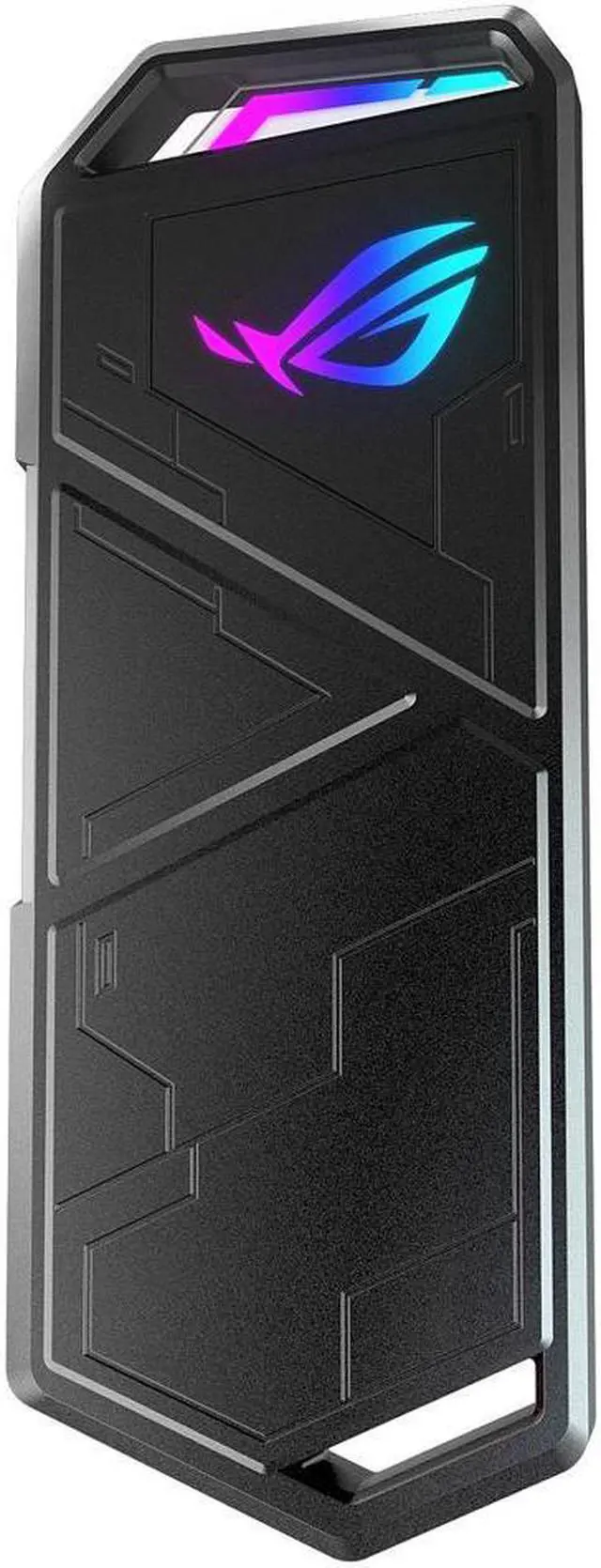
Reuse a compatible NVMe
ASUS ROG Strix Arion — Black
Consider the empty 10Gb/s enclosure when a suitable spare drive is already available.
Check: SSD purchased separately; check ASUS capacity and drive exclusions. Not M.2 SATA.
Exact model specificationsAffiliate links. We may earn a commission from qualifying purchases.
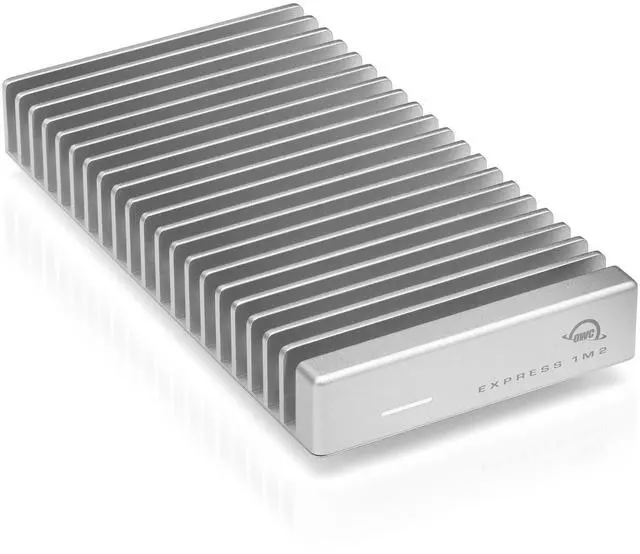
USB4 host and large transfers
OWC Express 1M2 USB4 Enclosure — Empty
Consider this when choosing the drive separately and using a faster host are deliberate priorities.
Check: OWCUS4EXP1M2 is the empty 40Gb/s model. Add an SSD and verify the host connection; do not confuse it with Express 1M2 80G.
Exact model specificationsAffiliate links. We may earn a commission from qualifying purchases.
Questions before buying
Does an NVMe enclosure include storage?
Not when sold empty. The Arion and Express 1M2 configurations compared here need a separate compatible SSD. Check the exact bundle before comparing prices.
Will USB4 make every file transfer four times faster?
No. Interface bandwidth is a ceiling. The host, cable, drives, file sizes and workload determine the result; these guides do not claim measured transfer performance.
Is building an external SSD always cheaper?
No. Compare enclosure plus SSD at equal capacity, including required cables and delivery. Reusing a drive can change the calculation, but buying every component new may not save money.
Sources and method
Manufacturer sources checked September 5, 2026. Specifications apply to the named versions; check current computer and product documentation before ordering. Products are not ranked by commission, and we do not claim to have measured their performance.