32 or 64 GB: buy for the busiest session, not the idle desktop
Open the game or project you actually use, plus the browser, voice chat and background tools you normally keep. Watch memory use through the heaviest scene or export. Capacity is useful when it prevents paging; unused capacity does not make a frame render faster.
Observed workload
Purchase decision
What to record
Gaming with room left in 32 GB
Keep 32 GB; compare the GPU or CPU bottleneck first
Peak committed memory and frame-time spikes
Editing, VMs or several large applications reach the limit
Consider one matched 2 × 32 GB kit
Project size, simultaneous VMs, swap activity
A local model spills out of GPU memory
System RAM may enable offload; it does not replace GPU bandwidth
GPU/CPU split and tokens per second
A small calculation makes CL meaningful
CAS delay in nanoseconds is approximately 2000 × CL ÷ MT/s. DDR5-6000 CL30 gives 10 ns; DDR5-6000 CL36 gives 12 ns; DDR4-3200 CL16 also gives 10 ns. These are calculated command delays, not total application latency or proof that the two generations perform alike. Capacity, subtimings and the memory controller still matter.
Two kits are not one four-module kit
Do not assume a second identical-looking kit will retain the advertised profile. Buy the final capacity together, check the motherboard QVL for that module count and keep the original stable settings before enabling EXPO or XMP. If the faster profile is unstable, diagnose it before trusting a long render or an AI job.
With your permission: visitor statistics, retailer clicks and ad measurement, including session recordings. Declining does not block the site.
Services used and privacy
With your permission, GPUStores uses anonymous first-party measurement, Google Analytics, Google Ads, Microsoft Advertising, Microsoft Clarity (heatmaps and session recordings) and the Meta Pixel to measure visits, page reading, retailer clicks and advertising effectiveness. We do not sell personal data.
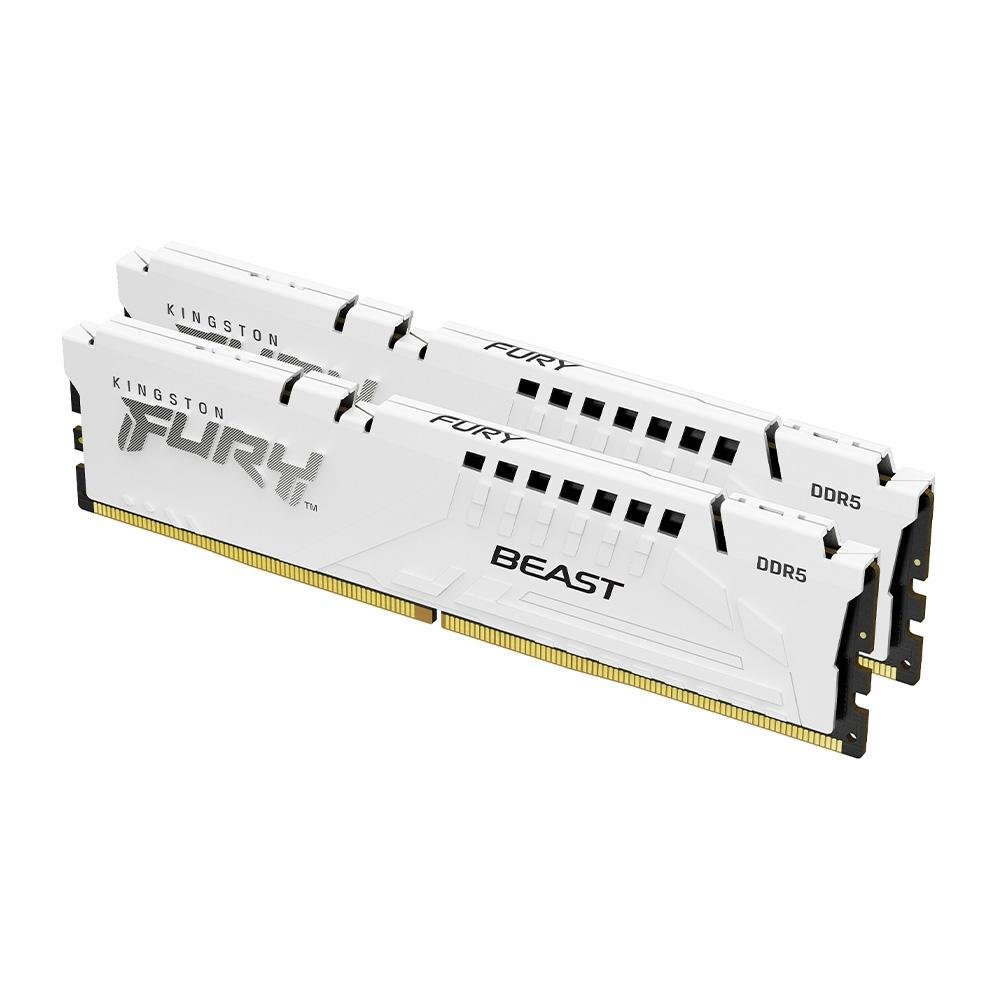 DDR4 · 32 GB
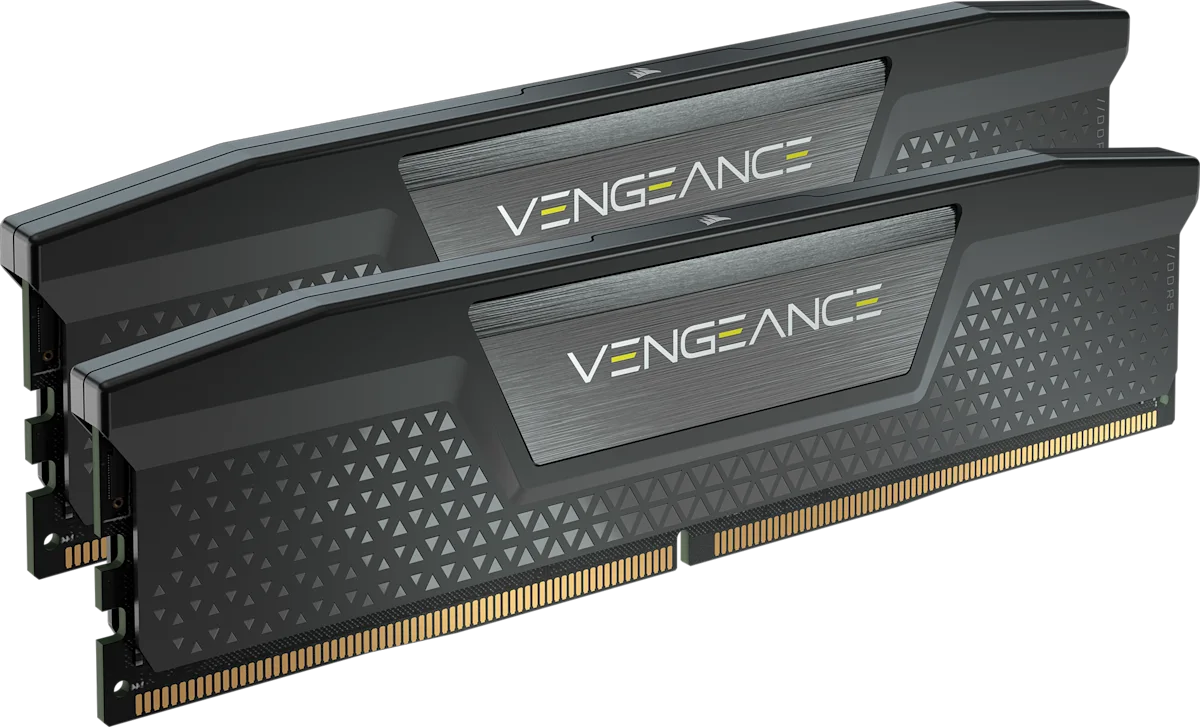 DDR5 · INTEL XMP
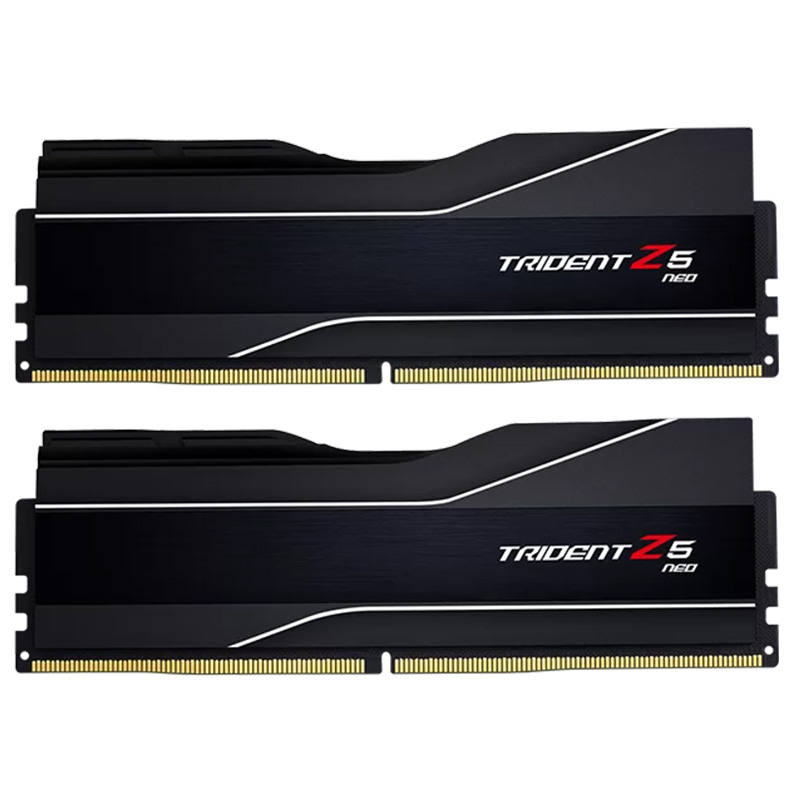 DDR5 · AMD EXPO