GPUSTORES · BACK-TO-SCHOOL GUIDE 2026

10 back-to-school laptops.
The right one for your workload.

From a web-first Chromebook to RTX laptops for engineering and gaming: every recommendation explains what it can actually do, its limits and the budget to target in Canada.

Web only500–700 $General studies650–1 000 $Mobility / creative1 200–1 600 $Occasional gaming900–1 500 $3D / engineering1 800 $ et +
1Choose the workloadWeb, school, creative or gaming
2Check the limitsRAM, software, weight and battery
3Compare the exact modelAmazon.ca + Newegg
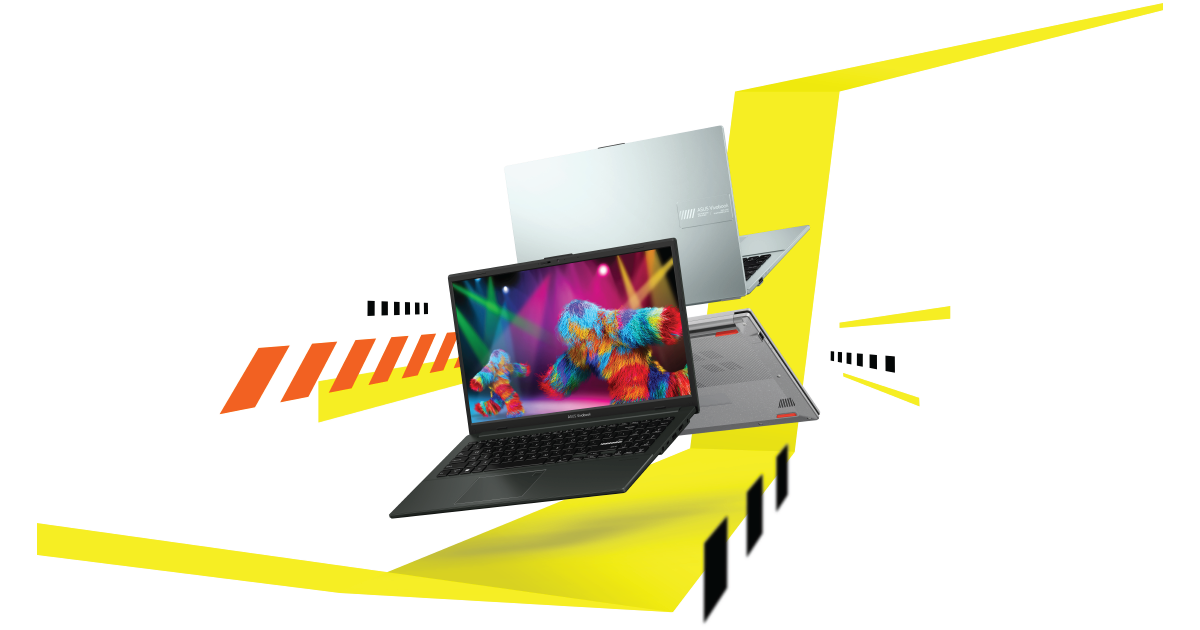
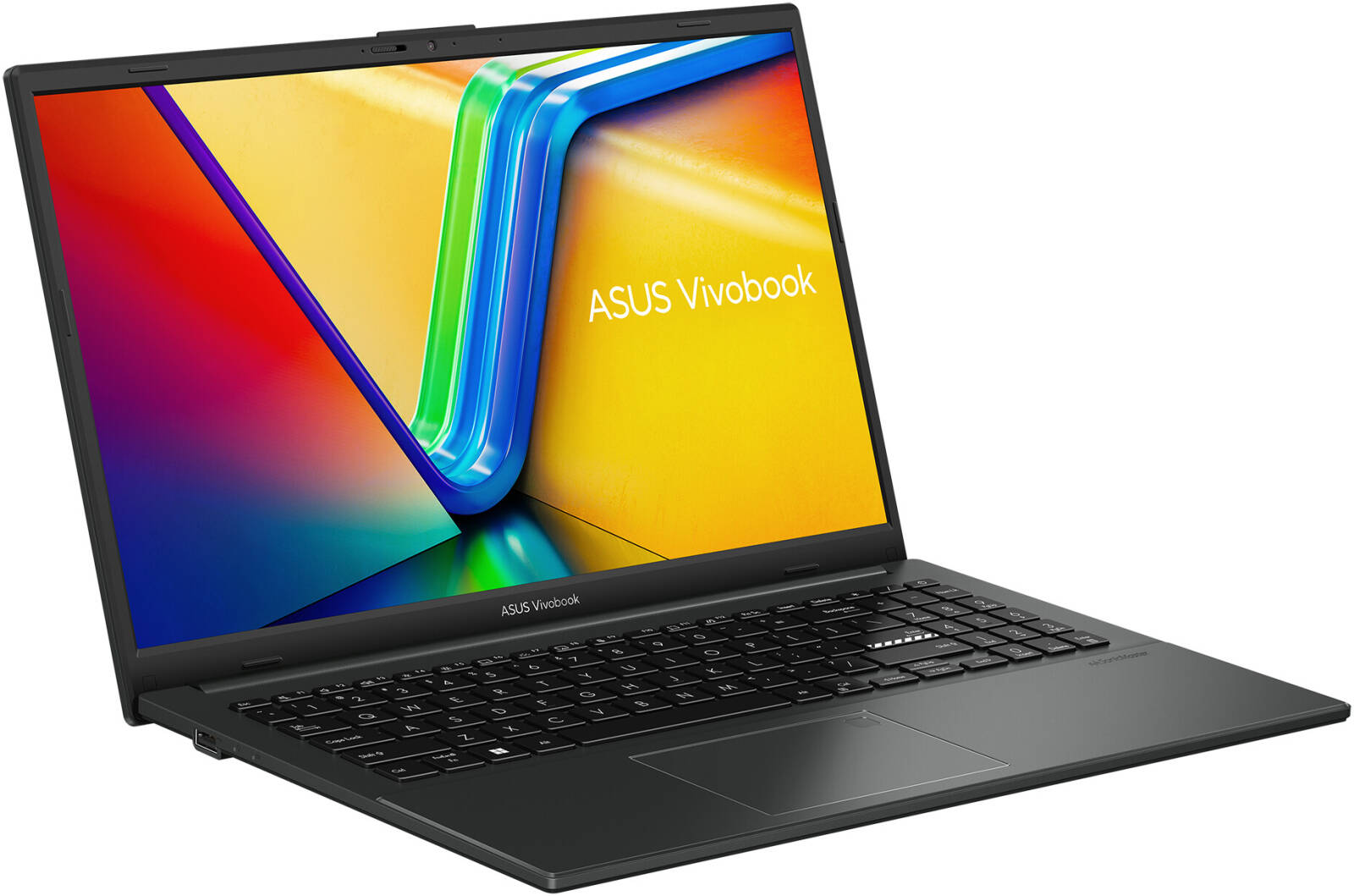
#1ASUS Vivobook Go 15 E1504GA-AS31-CA

Web, Google Docs and online classes

ASUS Vivobook Go 15

E1504GA-AS31-CA
TARGET BUDGET500–650 $ CA

The simple choice for notes, email, browsing and video without paying for performance you will not use.

What it can do

Light Office work, Teams/Zoom, 1080p streaming and reasonable multitasking. Not built for modern games, heavy video editing or 3D.

Tech specsSpecifications and limits
CPUIntel Core i3-N305 · 8 cœursGPUIntel UHD intégréeRAM8 Go DDR4STORAGESSD 512 GoDISPLAY15,6 po · 1920 × 1080BATTERYJournée légère selon l'usageWEIGHT≈ 1,63 kgPORTSUSB-C · 2× USB-A · HDMI · audio
+ Strengths✓ 512GB SSD✓ Full HD display✓ Reasonable entry price
− Know before buying• Only 8GB RAM• Windows S mode may need to be disabled

#2ASUS Chromebook Plus CX34 CX3402CBA-DS32-CBFamily photo · verify the exact SKU

Browser-first studies

ASUS Chromebook Plus CX34

CX3402CBA-DS32-CB
TARGET BUDGET500–700 $ CA

Excellent when school revolves around Google Classroom, Docs and web apps. Fast, secure and simple, but ChromeOS is not Windows.

What it can do

Heavy browsing, video calls, Google productivity and compatible Android apps. Check mandatory course software before buying.

Tech specsSpecifications and limits
CPUIntel Core i3-1215UGPUIntel intégréeRAM8 GoSTORAGE128 Go UFSDISPLAY14 po · Full HDBATTERYAutonomie typique d’une journéeWEIGHT≈ 1,44 kgPORTS2× USB-C · 2× USB-A · HDMI · audio
+ Strengths✓ Simple and responsive✓ Good battery life✓ Automatic updates
− Know before buying• Not for Windows software• Limited local storage
#3ASUS Vivobook Go 15 E1504FA-DS52-CA

Best-value general student laptop

ASUS Vivobook Go 15

E1504FA-DS52-CA
TARGET BUDGET650–850 $ CA

The best Windows starting point here: 16GB of memory and 1TB of storage provide far more headroom than entry-level laptops.

What it can do

School projects, many browser tabs, beginner coding, Office, video and light photo work. Very light gaming only.

Tech specsSpecifications and limits
CPUAMD Ryzen 5 7520U · 4 cœurs / 8 filsGPURadeon 610M intégréeRAM16 Go LPDDR5STORAGESSD 1 ToDISPLAY15,6 po · 1920 × 1080BATTERYBonne en usage scolaire légerWEIGHT≈ 1,63 kgPORTSUSB-C · 2× USB-A · HDMI · audio
+ Strengths✓ 16GB RAM✓ 1TB SSD✓ Wi-Fi 6E
− Know before buying• Soldered RAM• Modest integrated graphics
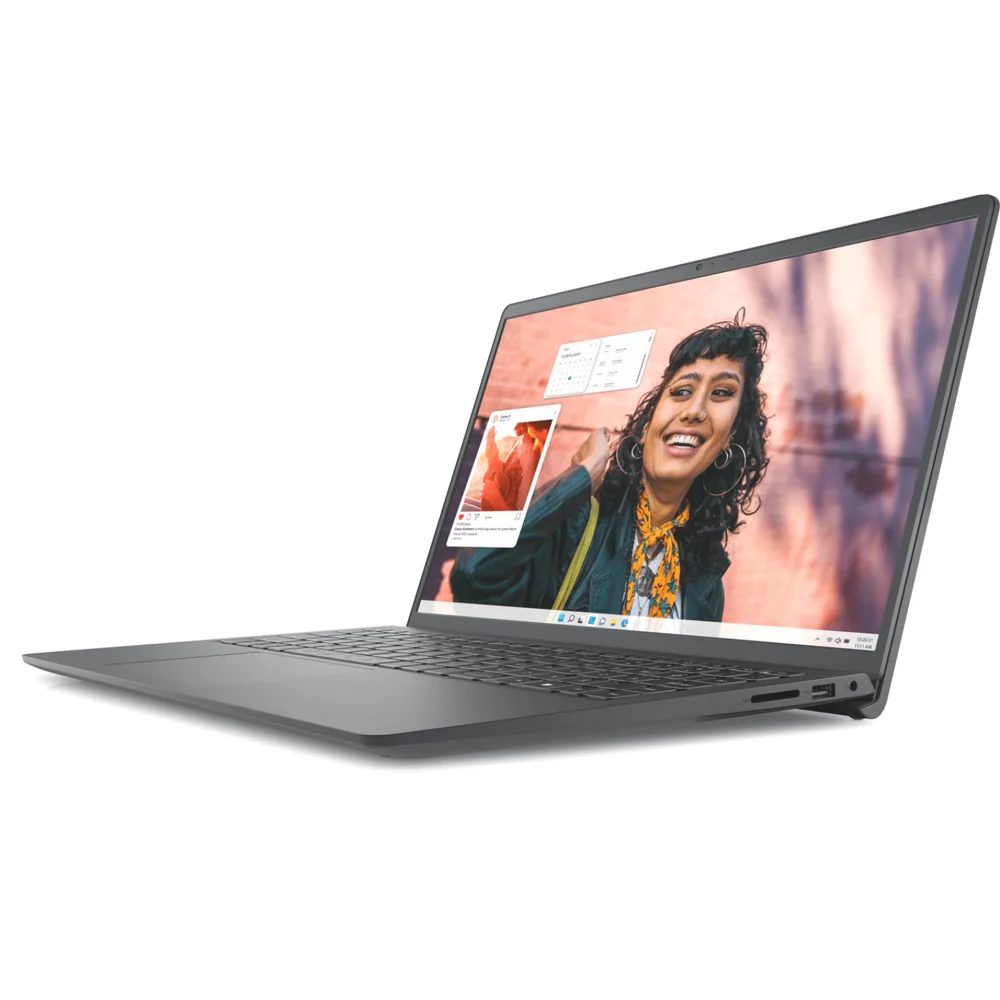
#4Dell Inspiron 15 3530 i3530-5936SLV-PUS · SilverFamily photo · verify the exact SKU

The traditional Windows all-rounder

Dell Inspiron 15 3530

i3530-5936SLV-PUS · Silver
TARGET BUDGET750–950 $ CA

A balanced 15-inch option for students who want a number pad, a smoother screen and enough memory for several open apps.

What it can do

Advanced Office work, programming, research with many tabs, light editing and undemanding games at reduced settings.

Tech specsSpecifications and limits
CPUIntel Core i5-1334U · 10 cœursGPUIntel Iris Xe intégréeRAM16 Go DDR4STORAGESSD 512 GoDISPLAY15,6 po · FHD · jusqu’à 120 HzBATTERYVariable selon luminositéWEIGHT≈ 1,65 kgPORTSUSB-C · USB-A · HDMI · audio · lecteur SD
+ Strengths✓ Up to 120Hz display✓ 16GB RAM✓ Number pad
− Know before buying• Functional, not premium construction• Not a gaming laptop
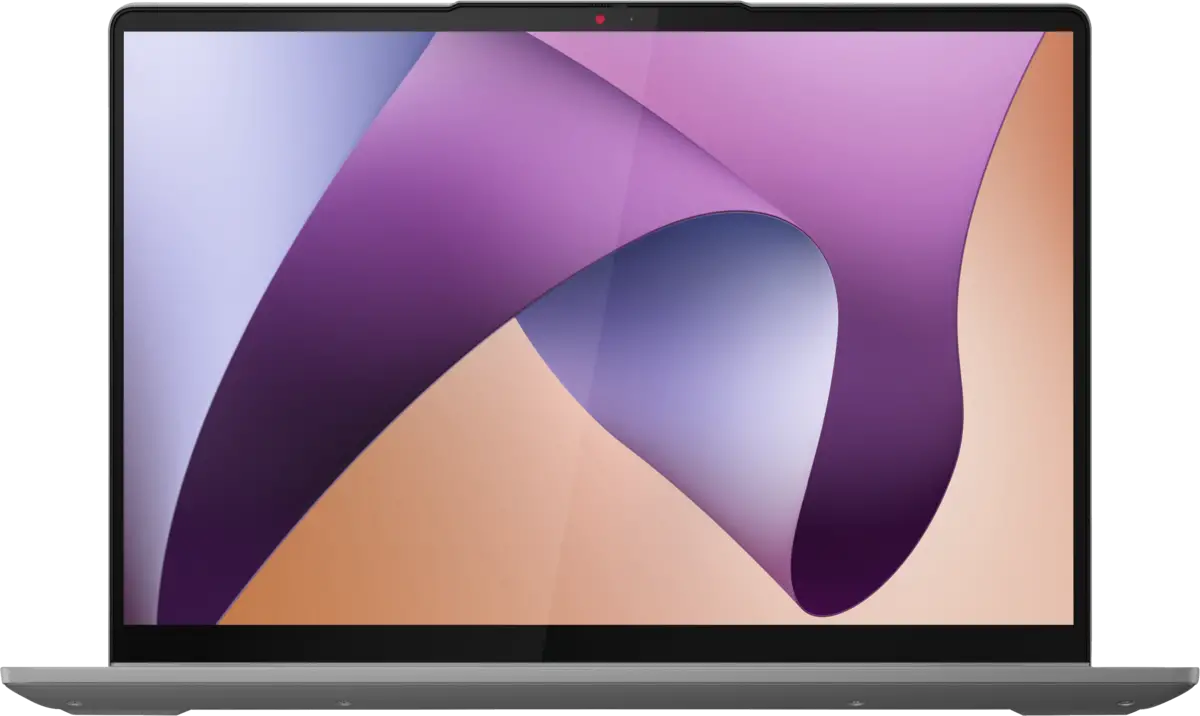
#5Lenovo IdeaPad Flex 5 14 82XX005LCF · 14ABR8 · EN/FR keyboardFamily photo · verify the exact SKU

Touch notes and 2-in-1 flexibility

Lenovo IdeaPad Flex 5 14

82XX005LCF · 14ABR8 · EN/FR keyboard
TARGET BUDGET750–1 000 $ CA

The convertible format works well for handwritten notes, presentations and tablet-mode reading. Exact display and pen bundles vary by seller.

What it can do

General studies, programming, light editing, video calls and entertainment. Integrated graphics are not meant for demanding games.

Tech specsSpecifications and limits
CPUAMD Ryzen 5 7530U · 6 cœurs / 12 filsGPURadeon intégréeRAM16 Go LPDDR4x soudéeSTORAGESSD 512 GoDISPLAY14 po · WUXGA tactile · 360°BATTERYBonne en bureautiqueWEIGHT≈ 1,55 kgPORTSUSB-C PD/DP · 2× USB-A · HDMI · SD · audio
+ Strengths✓ 16:10 touch display✓ 360° hinge✓ Capable all-round CPU
− Know before buying• Non-upgradeable RAM• Pen not always included
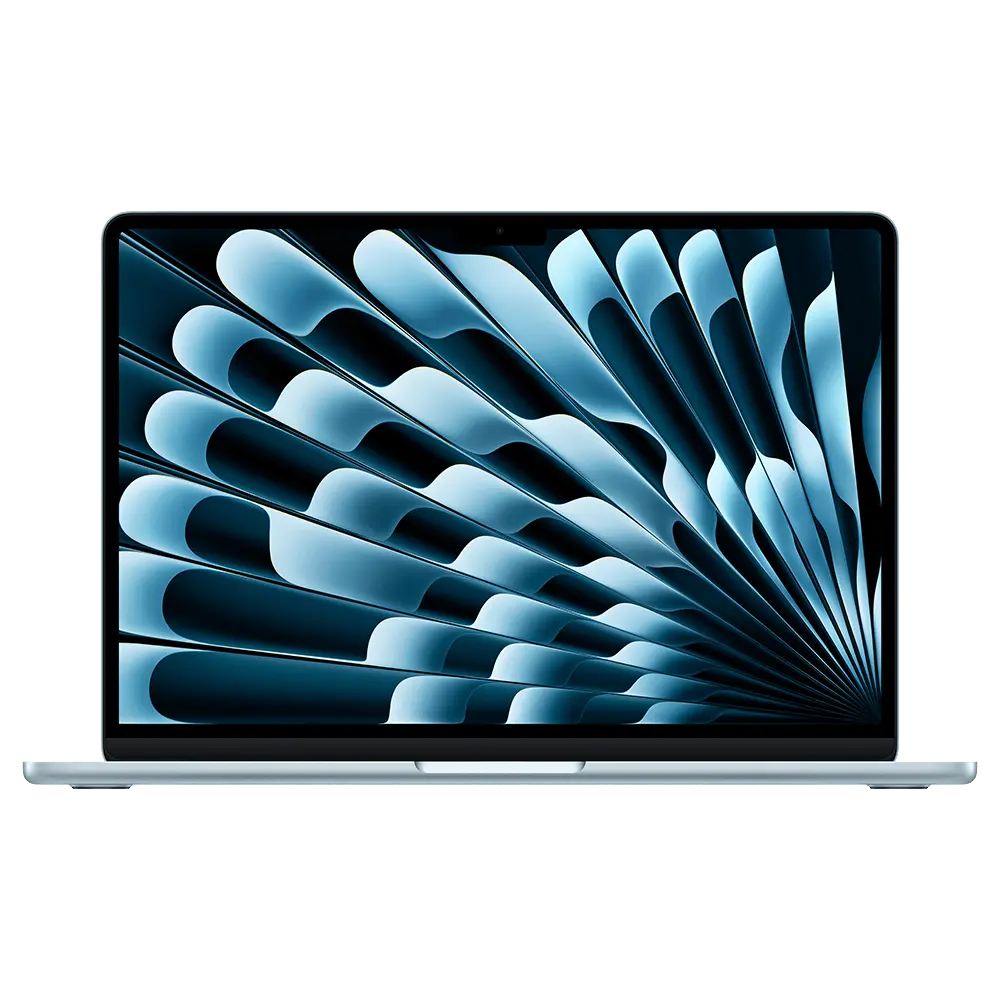
#6Apple MacBook Air 13 MW123LL/A · M4 · Midnight · English keyboardFamily photo · verify the exact SKU

Mobility, battery life and quiet creative work

Apple MacBook Air 13

MW123LL/A · M4 · Midnight · English keyboard
TARGET BUDGET1 250–1 500 $ CA

The best mobility pick: light, silent and long-lasting. Excellent for most studies unless your program requires Windows or an NVIDIA GPU.

What it can do

Heavy productivity, programming, photo, video editing and music. Gaming is limited by macOS title support.

Tech specsSpecifications and limits
CPUApple M4 · CPU 10 cœursGPUGPU Apple 8 cœurs (base)RAM16 Go unifiéeSTORAGESSD 256 GoDISPLAY13,6 po · 2560 × 1664BATTERYJusqu’à 18 h vidéo / 15 h WebWEIGHT≈ 1,24 kgPORTS2× Thunderbolt 4 · MagSafe · audio
+ Strengths✓ Very light✓ Excellent battery life✓ Silent fanless design
− Know before buying• Limited 256GB SSD• No native Windows apps/games
#7ASUS Zenbook 14 OLED UX3405MA-BS71T-CBFamily photo · verify the exact SKU

Creative work, premium display and daily carry

ASUS Zenbook 14 OLED

UX3405MA-BS71T-CB
TARGET BUDGET1 200–1 600 $ CA

A strong premium Windows balance for creative and computing students: accurate OLED display, low weight, AI acceleration and useful ports.

What it can do

Programming, photo, moderate editing, graphic work and light gaming with integrated Intel Arc graphics.

Tech specsSpecifications and limits
CPUIntel Core Ultra 7 155H · NPUGPUIntel Arc intégréeRAM16 Go LPDDR5X soudéeSTORAGESSD 1 ToDISPLAY14 po · 3K OLED · 120 HzBATTERY75 Wh · usage journéeWEIGHT≈ 1,20–1,28 kgPORTS2× Thunderbolt 4 · USB-A · HDMI 2.1 · audio
+ Strengths✓ Excellent OLED display✓ Lightweight✓ Two Thunderbolt 4 ports
− Know before buying• Glossy display• Soldered RAM
#8Acer Nitro V 15 ANV15-51-55QN

Best-budget occasional gaming

Acer Nitro V 15

ANV15-51-55QN
TARGET BUDGET900–1 200 $ CA

The first true gaming laptop here. The RTX 3050 enables 1080p gaming, with the expected trade-offs in weight, fan noise and battery life.

What it can do

High-refresh esports, AAA games at tuned 1080p settings, CAD and entry-level CUDA acceleration.

Tech specsSpecifications and limits
CPUIntel Core i5-13420HGPUGeForce RTX 3050 · 6 Go · 65 WRAM16 Go DDR5STORAGESSD 512 GoDISPLAY15,6 po · FHD · 144 HzBATTERYJusqu’à 8 h Web en test constructeurWEIGHT≈ 2,11 kgPORTSUSB-C · 3× USB-A · HDMI · Ethernet · audio
+ Strengths✓ Dedicated RTX GPU✓ 144Hz display✓ DDR5 memory
− Know before buying• Heavier and louder• RTX 3050 has limited AAA headroom
#9MSI Thin 15 B13VE-1697CA

1080p gaming and NVIDIA-accelerated software

MSI Thin 15

B13VE-1697CA
TARGET BUDGET1 150–1 500 $ CA

The RTX 4050 adds DLSS 3 and a better video engine than the RTX 3050. This thin chassis uses a 45W GPU, slower than some thicker RTX 4050 laptops.

What it can do

1080p gaming, Blender/CUDA, video editing and technical software. Suits students who occasionally carry their gaming PC.

Tech specsSpecifications and limits
CPUIntel Core i5-13420HGPUGeForce RTX 4050 · 6 Go · 45 WRAM16 Go DDR4STORAGESSD 512 GoDISPLAY15,6 po · FHD · 144 HzBATTERY52,4 Wh · plutôt sur chargeurWEIGHT≈ 1,86 kgPORTSUSB-C · 3× USB-A · HDMI · Ethernet · audio
+ Strengths✓ RTX 4050 and DLSS 3✓ Reasonable gaming weight✓ Full port selection
− Know before buying• 45W GPU limit• Average display and battery
#10ASUS TUF Gaming A15 FA507XI-EH94

Engineering, 3D and serious gaming

ASUS TUF Gaming A15

FA507XI-EH94
TARGET BUDGET1 800–2 300 $ CA

The most powerful option in this top 10. It targets 3D, architecture, engineering and creative students who also game and accept a heavier machine.

What it can do

AAA gaming at 1080p/1440p, 3D rendering, local AI, CAD, heavy editing and NVIDIA GPU compute.

Tech specsSpecifications and limits
CPUAMD Ryzen 9 7940HSGPUGeForce RTX 4070 · 8 GoRAM16 Go DDR5STORAGESSD 1 ToDISPLAY15,6 po · FHD · 144 Hz · 100% sRGBBATTERY90 Wh · autonomie réduite en chargeWEIGHT≈ 2,20 kgPORTSUSB4 · USB-C · 2× USB-A · HDMI · Ethernet · audio
+ Strengths✓ RTX 4070✓ 1TB SSD✓ 100% sRGB display
− Know before buying• Expensive and heavy• Bulky power adapter

THE ADVICE THAT PREVENTS REGRET

For Windows in 2026, target 16GB when the budget allows.

8GB remains acceptable for a budget web machine. For several years of study, programming, creative work or many browser tabs, 16GB provides much more breathing room. For 3D and AI software, also choose a dedicated NVIDIA GPU.

Share