Build a port-and-lane plan before choosing B650 or B850
An AM5 socket is the beginning of the compatibility check. The same board can expose different storage or expansion limits with a different CPU. Write down the devices you will install together; a connector count alone misses shared resources.
Your configuration
Read this part of the manual
Reject the board if…
GPU plus two NVMe drives
PCIe/M.2 lane-sharing table for the selected CPU
Populating an M.2 slot removes an expansion connection you need
A Ryzen CPU newer than the board’s launch
CPU support list and minimum BIOS; update method without a CPU
You cannot confirm an installed BIOS or a workable update method
A dock or fast external SSD
Actual USB protocol and speed, not connector shape
The required protocol is absent; USB-C alone is insufficient
What B850 tells you—and what it leaves open
AMD’s chipset table specifies a PCIe 5.0 NVMe link for B850, while its listed graphics configuration is PCIe 4.0. Do not advertise every B850 board as having PCIe 5.0 graphics. USB4 is optional here. A specific B650 board can still be a better purchase when its ports meet the build and the price difference pays for useful storage; the chipset name alone cannot settle that.
A real lane-sharing example: MSI MAG X870 TOMAHAWK WIFI
MSI documents two trade-offs: installing an SSD in M2_2 shares bandwidth with the rear USB4 ports; forcing M2_2 to x4 in BIOS disables those USB4 ports. Occupying M2_3 reduces PCI_E3 to x2; forcing PCI_E3 to x4 disables M2_3. These rules belong to this board, not to every X870 model.
For a workstation using a fast USB4 enclosure and a capture card, plan the slots before ordering a third SSD. Write the intended device beside each connector in the manual. A full-length expansion slot does not promise sixteen electrical lanes, and changing the processor can change the available links too.
M2_1: CPU Gen5 ×4; M2_2 and M2_3: chipset Gen4 ×4. PCIE2: Gen4 ×4. M2_2 accepts 2230/2242/2260/2280; the other SSD sockets specify 2280.
A short SSD can change the correct socket even when its electrical interface fits. Devices behind the chipset also share its upstream connection; their advertised link rates are not a combined throughput guarantee.
Two M.2 sockets: Gen5 ×4 with Ryzen 7000/9000; Gen4 with Ryzen 8000, subject to the exact CPU. Two SATA ports and one expansion slot.
For a compact PC, count the capture or network card as well as the GPU. This Mini-ITX layout leaves no second expansion slot for it. Check the CPU-specific footnotes before buying an APU for a future discrete-GPU build.
BIOS support: check the processor row, not just AM5 or LGA1851
Before ordering, copy the processor’s full name and the board’s exact suffix into the manufacturer’s CPU-support list. Record the minimum BIOS for that pairing, then ask the seller which version is installed. A current download does not prove that warehouse stock has it. If those versions differ, establish whether the exact board can update without an already-supported CPU, or have the seller update it. Do not flash a neighbouring model’s firmware.
These are published connector specifications checked September 19, 2026. They are not a claim that every BIOS/CPU pairing was boot-tested or that all connectors can sustain their peak rates simultaneously.
EXACT AM5 B850 AND INTEL B860 BOARDS
Compare socket, form factor and expansion before price
These sheets tie the exact model to its connectivity and PCIe/M.2 limits. Always check the manufacturer's CPU-support list and BIOS.
A more expensive motherboard does not automatically add FPS. Its premium is justified by suitable power delivery, useful firmware, connectivity, expansion, networking or a required form factor.
With your permission: visitor statistics, retailer clicks and ad measurement, including session recordings. Declining does not block the site.
Services used and privacy
With your permission, GPUStores uses anonymous first-party measurement, Google Analytics, Google Ads, Microsoft Advertising, Microsoft Clarity (heatmaps and session recordings) and the Meta Pixel to measure visits, page reading, retailer clicks and advertising effectiveness. We do not sell personal data.
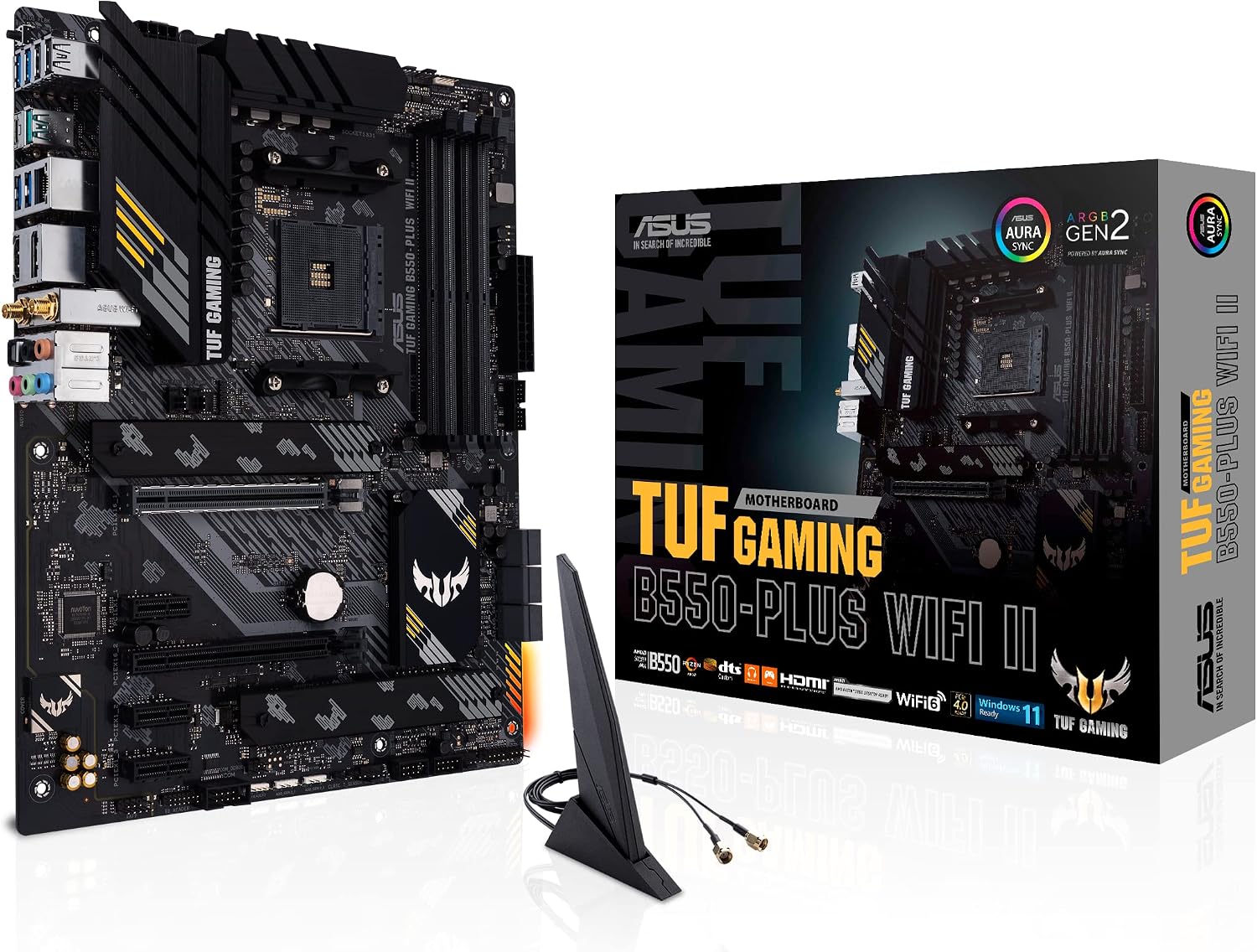 AM4 · DDR4
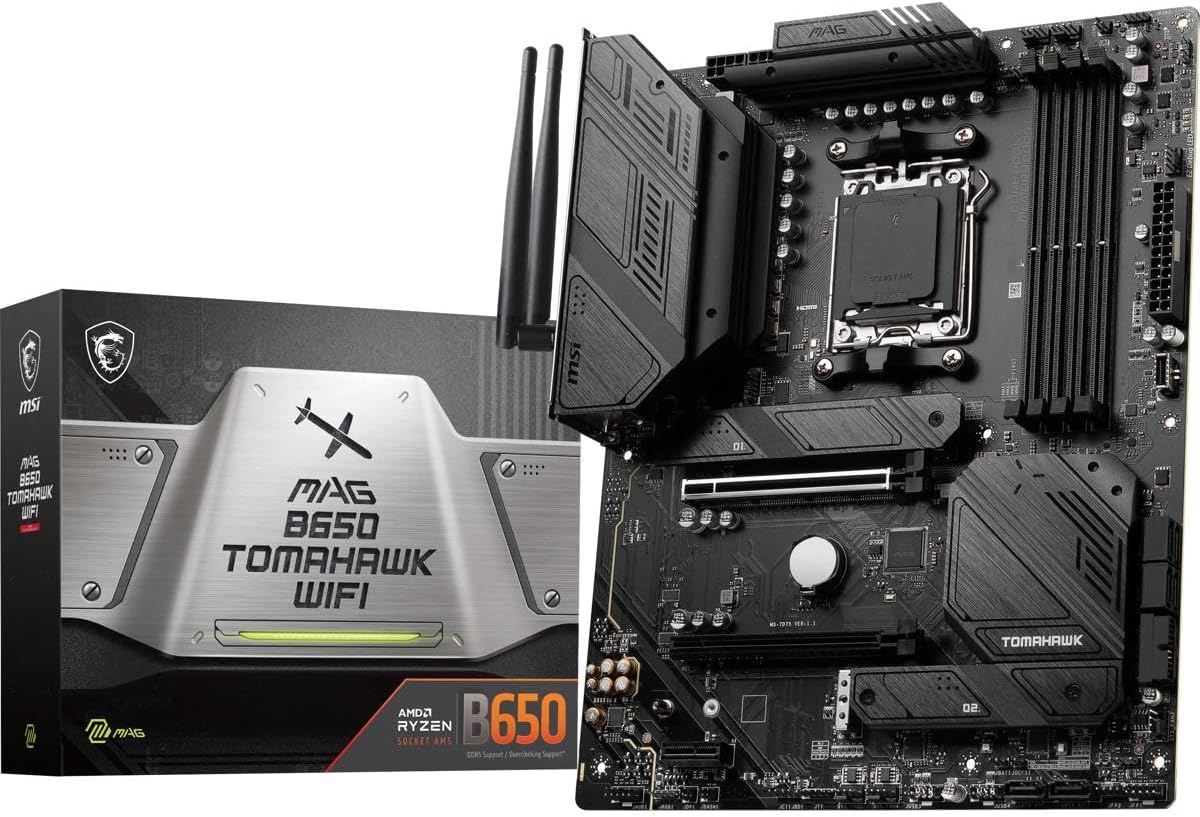 AM5 · VALUE
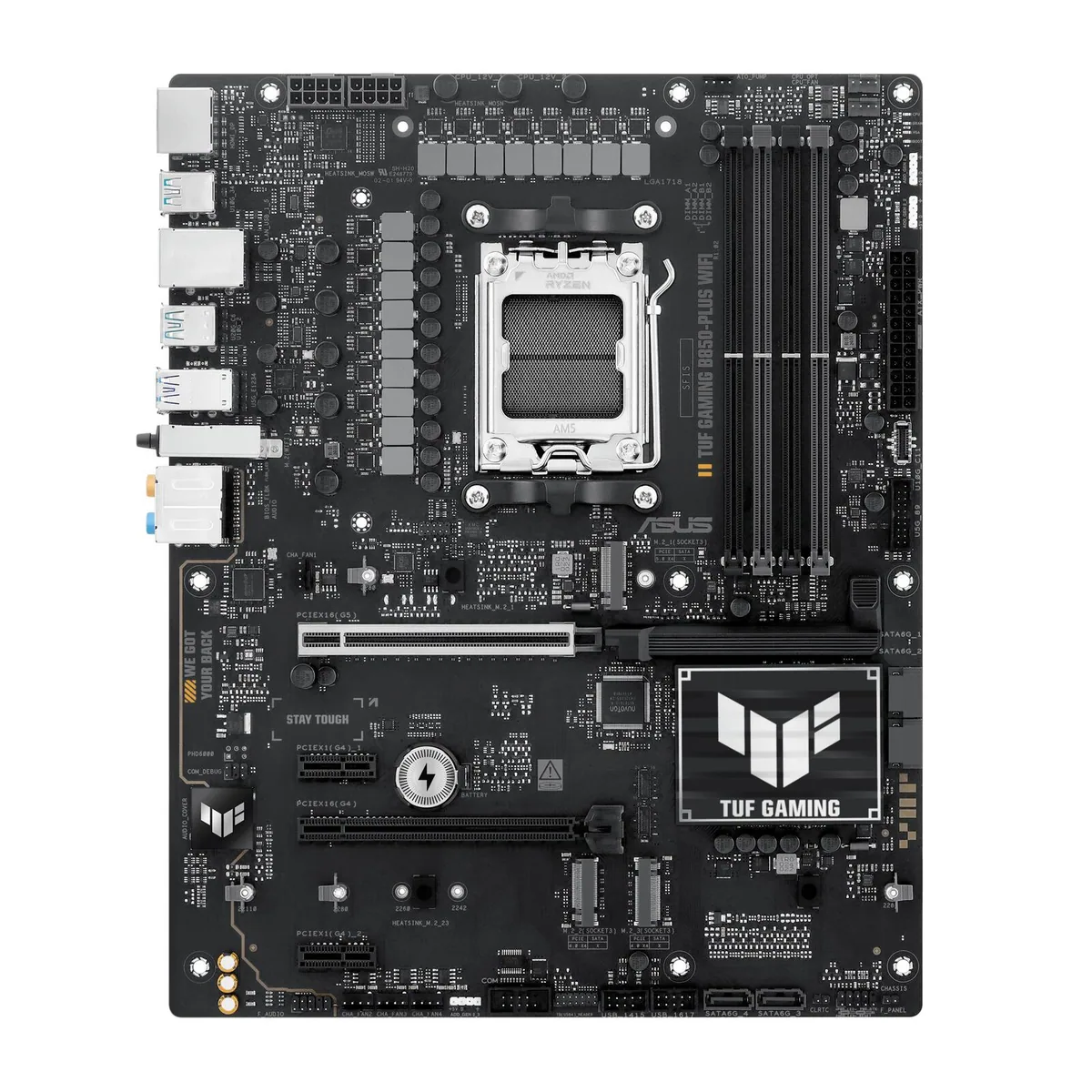 AM5 · CURRENT
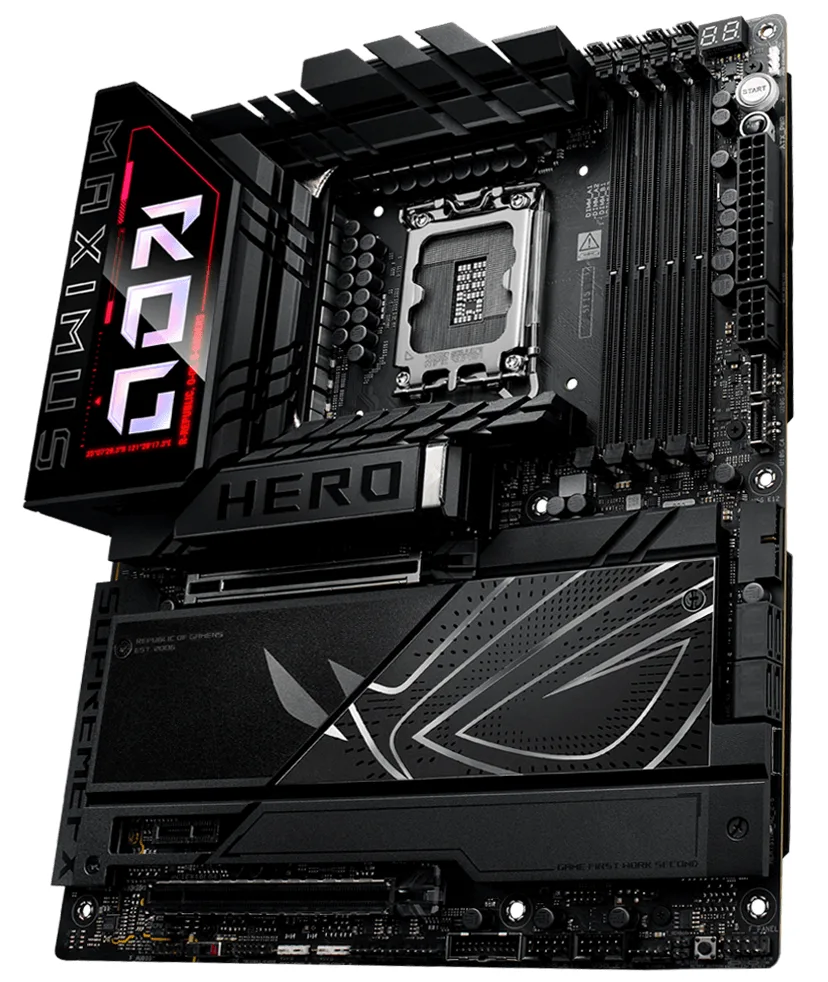 INTEL · LGA1851